Scaling Open House Processes for Teams: A Guide

Table of Contents
- Why Scaling Open House Processes Matters for Real Estate Teams
- Define Your Open House Workflow and Team Structure
- Implement Digital Open House Sign-In Tools Across Your Team
- Set Up Automated Lead Routing for Teams
- Create a Real Estate Team Operations Manual for Open Houses
- Use Open House Feedback for Sellers to Demonstrate Value
- Maintain Operational Excellence as Your Team Grows
- Common Mistakes When Scaling Open House Operations
Last Updated: August 24, 2026
Why Scaling Open House Processes Matters for Real Estate Teams
Every weekend, real estate teams hold multiple open houses across different properties. Without a standardized system, visitor data gets scattered across paper sign-in sheets, business cards, and hastily scribbled notes. By the time an agent follows up, contact information is incomplete, phone numbers are fake, and the opportunity is cold (peer-reviewed research).
Scaling open house processes requires defining clear roles, implementing digital sign-in verification, automating lead routing, and documenting procedures so every agent follows the same playbook.
Define Your Open House Workflow and Team Structure
Before implementing any tool, map out what you're doing today and where friction points exist.
Map Current Bottlenecks
Document the current state: How are visitors being captured? How long between sign-in and CRM entry? Who owns follow-up responsibility? How do sellers find out about turnout and buyer interest?
The most common bottleneck for scaling is inconsistency. One agent uses a clipboard, another uses their phone, a third asks for business cards. By the time data reaches your CRM, half the phone numbers are wrong or incomplete.
Assign Clear Roles and Responsibilities
Scaling requires clarity. Define who does what at every stage.
Host agent: Conducts the open house, greets visitors, verifies their identity through the check-in system, and gathers feedback.
Lead coordinator (for teams): Ensures leads reach the CRM within 24 hours and are routed to the correct agent for follow-up.
Compliance owner: Ensures all open house data is captured consistently and complies with privacy expectations, including monitoring for invalid phone numbers and opt-out requests.
Reporting lead (for brokerages): Pulls seller reports, analyzes open house performance across the team, and identifies trends in buyer behavior.
When roles are unclear, accountability disappears. Assign roles explicitly and document them in your operations manual.
Implement Digital Open House Sign-In Tools Across Your Team
Paper sign-in sheets are slow, error-prone, and impossible to scale. Fake names, invalid phone numbers, and incomplete data are the norm. Digital sign-in tools solve this by putting verification at the point of entry.
Move Beyond Paper Sign-In Sheets
Paper sign-in sheets require manual data entry into your CRM (time-consuming and error-prone), capture unverified information (fake phone numbers are common), and don't provide real-time alerts to agents.
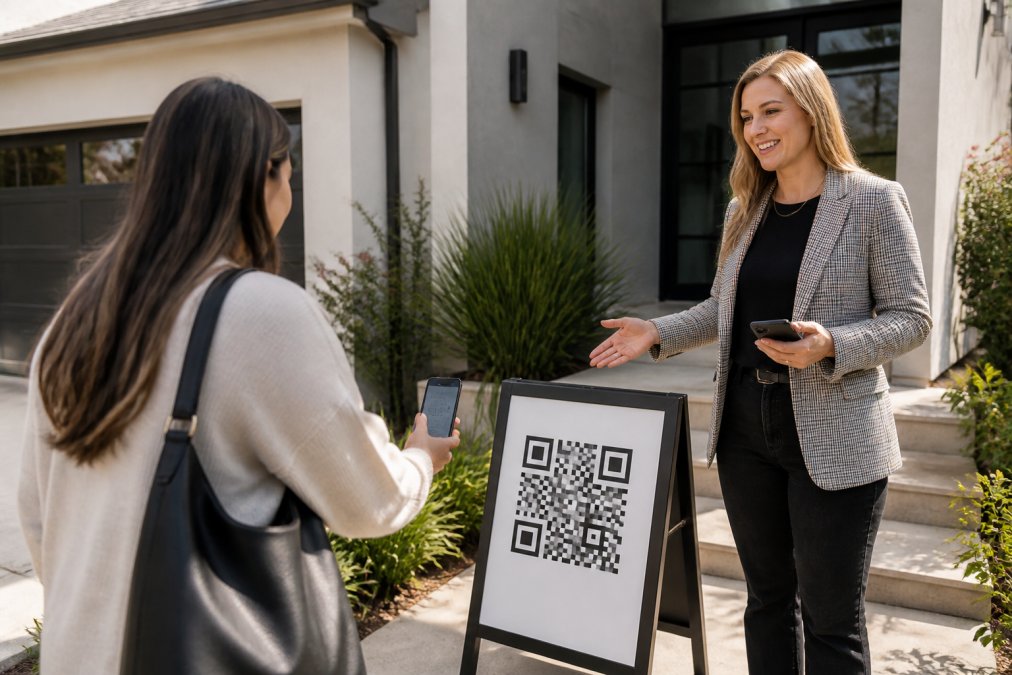
Digital sign-in eliminates these friction points. Visitors scan a QR code at the door on their own phone, fill out a short form with their name, email, phone number, and buying timeline, and instantly receive two codewords: one by text message and one by email. They tell a codeword to the host agent at the door to verify their identity. The agent gets an instant text and email alert with the visitor's verified details.
This single step transforms your open house workflow. Leads are verified in real time. Data is automatically formatted and ready for your CRM. Sellers get proof of actual turnout.
Verify Visitor Data at the Door
When a visitor scans the QR code and submits their form, they immediately receive two codewords: one via text message and one via email. The text codeword is primary; the email codeword serves as backup if text delivery is delayed.
The visitor tells their codeword to the host agent at the door. The agent confirms the codeword matches what was sent. This proves the phone number and email address the visitor entered are real and belong to them. No fake names. No burner numbers. No undeliverable emails.
The agent also receives an instant alert with the visitor's complete information: name, phone, email, buying timeline, and any custom questions. For teams managing multiple properties, this real-time verification system ensures consistency. Every visitor is verified the same way. Every lead reaches the CRM in the same verified state.
Set Up Automated Lead Routing for Teams
Once leads are verified and captured, they need to reach the right person in your CRM immediately. Manual routing creates delays and errors. Automated routing ensures every lead is in the system and assigned before the agent even leaves the property.
Connect Your Sign-In System to Your CRM
ohACCESS delivers every sign-in into your CRM automatically through a formatted lead email sent to your CRM's lead-intake address. Your CRM parses the email and populates the fields automatically. This works with Follow Up Boss, BoldTrail/kvCORE, Lofty, Sierra Interactive, Real Geeks, CINC, Top Producer, Wise Agent, LionDesk, and other systems.
For teams using platforms not on that list, ohACCESS also integrates via Zapier webhook, which connects to thousands of apps. Team leads can also forward every member's leads to a shared team CRM for centralized visibility.
Leads arrive in your CRM automatically, with no manual data entry. The moment a visitor submits their form at the open house, their information is already in your system, ready for follow-up.
Establish Lead Assignment Rules
For solo agents, lead assignment is simple. For teams, you need clear rules to prevent leads from going to the wrong person.
Define assignment rules based on property location, buying timeline, lead source, and agent availability. Document these rules in your operations manual so every agent understands the logic. When lead assignment is unclear, agents argue about who owns which lead, and some leads fall through the cracks.
Create a Real Estate Team Operations Manual for Open Houses
Scaling requires documentation. Without a written operations manual, each agent reinvents the process. Procedures drift. Quality suffers. New hires take weeks to get up to speed.
Document Standard Operating Procedures
Your operations manual should cover every step of the open house process from setup to follow-up.
Before the open house: When does the QR code get printed and posted? Who confirms the sign-in tool is working? What custom questions does the agent want to ask visitors?
During the open house: Where is the QR code posted? What does the agent say to visitors without a smartphone? How does the agent verify the codeword?
After the open house: When does the agent pull the seller report? When does the agent follow up with each visitor? How are follow-up tasks assigned in the CRM?
Build Consistency Across Multiple Properties
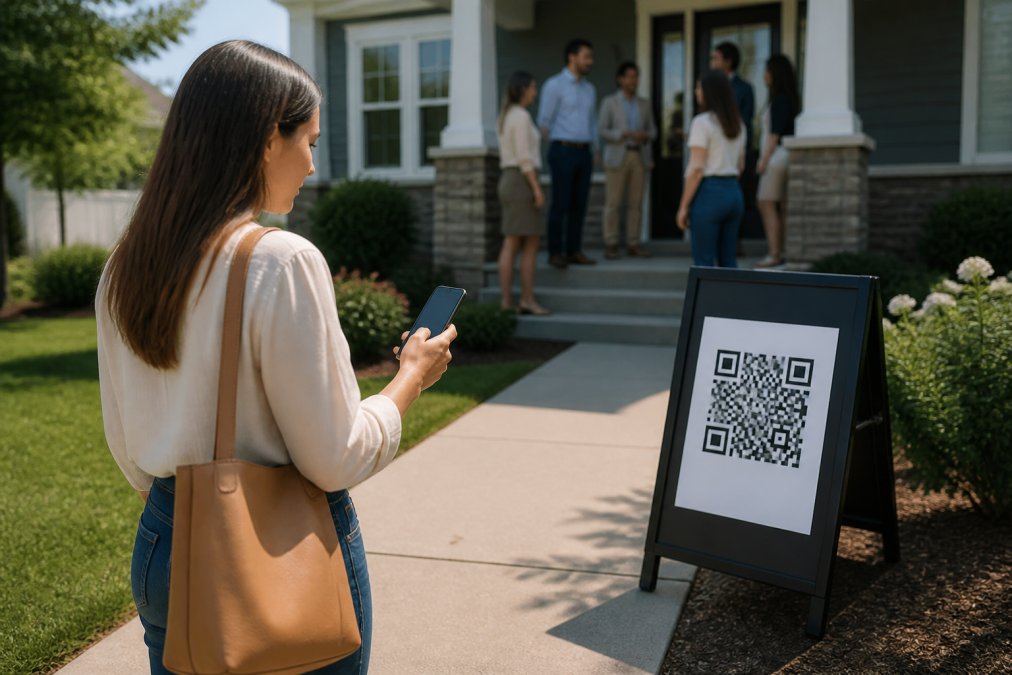
When your team holds open houses across multiple properties, consistency is what separates professional operations from chaos (realtor.org). Every property should follow the same sign-in process. Every agent should use the same follow-up timeline. Every seller should receive the same report format.
Consistency also makes it easier to identify problems. If one property captures 20 visitors but another captures 3, you can investigate whether the difference is real or procedural. Document your procedures in a shared document that every agent can access. Update it quarterly based on what you learn.
Use Open House Feedback for Sellers to Demonstrate Value
Sellers want to know: How many people showed up? Were they serious buyers? What did they think of the price? Paper sign-in sheets don't answer these questions. Digital sign-in tools do.
Generate Aggregate Seller Reports
After each open house, generate a seller report showing aggregate data: total visitor count, how many visitors plan to buy within 6 months, the breakdown of buying timelines, the average 1-10 visitor rating, and the price verdict (Too High / Reasonable / Too Low). Include aggregated answers to any custom questions you asked.
This report demonstrates value to your seller. It proves you held a professional, organized open house. It shows buyer interest in real numbers. It reveals what buyers think about the asking price.
Critically, the report contains NO visitor names, phone numbers, emails, or arrival times. Visitors consented to the agent having their information, not the seller. This privacy design protects visitor privacy while giving sellers the insight they need.
Share Turnout Metrics and Buyer Interest Data
Turnout metrics matter to sellers because they indicate market demand. A property that attracts 15 visitors in one weekend is in a different market position than one that attracts 3.
Include these metrics in your seller report: registered visitor count, buying timeline breakdown, conversion funnel, and buyer verdict (average 1-10 rating and price sentiment).
When you share these metrics with sellers, you're providing proof of your marketing effectiveness. For teams managing multiple properties, aggregating these metrics across all open houses reveals trends that inform your team's marketing strategy.
Maintain Operational Excellence as Your Team Grows
Scaling open house processes isn't a one-time project. It's an ongoing system that requires monitoring, feedback, and continuous improvement.
Monitor Performance Metrics and KPIs
Track these key metrics to ensure your scaled process is working:
- Verification rate: What percentage of open house visitors complete the sign-in process?
- Data quality: What percentage of verified leads have valid phone numbers and email addresses?
- CRM adoption rate: What percentage of verified leads reach your CRM within 24 hours?
- Follow-up speed: How many hours between sign-in and first agent contact?
- Lead-to-showing conversion: What percentage of open house leads result in a follow-up showing?
- Lead-to-close rate: What percentage of open house leads close within 6 months?
Monitor these metrics weekly for the first month, then monthly thereafter. When a metric dips, investigate why and adjust your process.
Establish Feedback Loops and Continuous Improvement
Gather feedback from two sources: your agents and your visitors.
Agent feedback: After each open house, ask the host agent what went well, what was confusing, and what would make the process easier.
Visitor feedback: Include a post-open-house survey in the automatic thank-you email sent to visitors. Ask simple questions: Did the sign-in process work smoothly? Would you recommend this agent to a friend?
Quarterly, review all feedback and identify patterns. If three agents mention the same friction point, fix it. If 20% of visitors report a problem, address it before the next open house.
Common Mistakes When Scaling Open House Operations
Mistake 1: Implementing too many tools at once. Roll out one tool at a time. Pilot it with one agent, gather feedback, refine, then expand.
Mistake 2: Not documenting the process. Write down every step, every decision rule, and every timeline. Make it accessible to all agents. Update it quarterly.
Mistake 3: Failing to verify data quality. Use a sign-in tool that verifies phone numbers and emails at the point of entry. Monitor data quality metrics weekly.
Mistake 4: Delaying CRM entry. Automate lead routing so verified leads reach your CRM instantly, before the agent even leaves the property.
Mistake 5: Not sharing seller reports. Generate a seller report within 24 hours of each open house and share it proactively.
Mistake 6: Ignoring feedback from agents and visitors. Collect feedback monthly from agents and quarterly from visitors. Make adjustments based on patterns.
Mistake 7: Scaling without clear roles. Assign specific roles and document their responsibilities in your operations manual.
Scaling open house processes for teams requires three things: a standardized digital workflow, clear documentation, and continuous monitoring. Start by mapping your current bottlenecks and assigning clear roles. Implement a digital sign-in tool that verifies visitor data in real time and routes leads to your CRM automatically. Document your procedures so every agent follows the same playbook. Monitor key metrics weekly and gather feedback from agents and visitors to identify friction points. Adjust quarterly based on what you learn.
The result is a scalable system that captures verified leads, eliminates fake contact information, saves agents time on data entry, and gives sellers proof of your marketing effectiveness. Teams that get this right don't just handle more open houses, they handle them better. Every lead is verified. Every agent follows the same process. Every seller gets a professional report. That consistency is what separates teams that scale from teams that plateau.
Frequently Asked Questions
Q: What are the key benefits of standardizing open house processes for real estate teams?
A: Standardized open house processes reduce errors, ensure every agent follows the same lead-capture workflow, and create consistent data for your CRM. When every team member uses the same sign-in method and verification process, you eliminate gaps in lead quality, speed up follow-up, and make it easier to track performance across multiple properties and agents. Consistency also builds trust with sellers, who see reliable turnout reports and buyer-interest data every time.
Q: How can digital open house sign-in tools help teams capture verified leads?
A: Digital open house sign-in tools replace paper sheets with QR-code-based registration. Visitors scan the QR code, fill out a short form on their own phone (name, email, phone, buying timeline), and instantly receive two codewords, one by text and one by email. They tell a codeword to the host agent at the door, which proves their phone and email are real. This eliminates fake names and invalid contact information, giving your team clean, verified leads ready for immediate follow-up.
Q: What should a real estate team operations manual include for open house management?
A: A real estate team operations manual for open houses should document: step-by-step sign-in procedures, agent responsibilities before and during the event, how to handle visitors without smartphones, escalation paths for questions or concerns, CRM data-entry standards, seller-report timelines, and follow-up protocols. Include templates for custom questions you'll ask visitors, guidelines for visitor feedback (rating the home and price verdict), and checklists to ensure no property or visitor falls through the cracks as your team scales.
Q: How do you maintain lead data consistency across multiple open houses?
A: Use automated lead routing to send every sign-in directly into your team CRM. When visitors register, their data is delivered automatically, no manual entry, no transcription errors. Establish a single sign-in tool and process that all team members use, define clear field mappings in your CRM, and run weekly audits to spot missing or duplicate records. Create feedback loops where agents report data issues so you can refine your sign-in form or CRM setup over time.
Q: What metrics should teams track to measure open house performance?
A: Track registered-visitor count, scan-to-registration conversion (how many people scan the QR code versus actually sign in), buyer-timeline breakdown (how many plan to buy within 6 months, 6-12 months, etc.), average visitor rating of the home (1-10 scale), price verdict distribution (Too High / Reasonable / Too Low), and follow-up conversion (how many leads turn into showings or offers). These metrics help you spot which open houses draw qualified buyers, which agents are strongest at follow-up, and where your process needs adjustment.
Q: Can a team operations manual work for brokers managing multiple agents across offices?
A: Yes. A team operations manual scales across multiple offices when you centralize your sign-in tool and CRM. Use a platform that supports team and brokerage dashboards where you can manage all agents' open houses, share branded QR codes and sign templates, and pull unified reports on turnout and lead quality. A shared manual ensures every agent, whether in one office or ten, follows the same lead-capture and follow-up workflow, making it easier to maintain consistency and track performance across your entire organization.
Q: How quickly can you share open house results with sellers?
A: With automated reporting, you can share results the same day or the next morning. After an open house, the system generates an aggregate seller report showing registered-visitor count, buying-timeline breakdown, average home rating, price verdict, and answers to any custom questions. The report protects visitor privacy by showing only aggregate data, no names, contact info, or arrival times. You can send this one-tap report to the seller within hours, demonstrating turnout and buyer interest immediately.
Q: What happens if a visitor doesn't have a smartphone or won't scan a QR code?
A: For visitors without a smartphone or who prefer not to scan, have a printed backup sign-in sheet available and manually enter their information into your digital system afterward. Better yet, position the QR code prominently and train your agents to proactively explain the process, most visitors will scan once they understand it takes 30 seconds and they'll get instant confirmation. For team scaling, document this backup procedure in your operations manual so all agents handle exceptions consistently.
This article was written using GrandRanker
Frequently asked questions
Q: What are the key benefits of standardizing open house processes for real estate teams?
A: Standardized open house processes reduce errors, ensure every agent follows the same lead-capture workflow, and create consistent data for your CRM. When every team member uses the same sign-in method and verification process, you eliminate gaps in lead quality, speed up follow-up, and make it easier to track performance across multiple properties and agents. Consistency also builds trust with sellers, who see reliable turnout reports and buyer-interest data every time.
Q: How can digital open house sign-in tools help teams capture verified leads?
A: Digital open house sign-in tools replace paper sheets with QR-code-based registration. Visitors scan the QR code, fill out a short form on their own phone (name, email, phone, buying timeline), and instantly receive two codewords—one by text and one by email. They tell a codeword to the host agent at the door, which proves their phone and email are real. This eliminates fake names and invalid contact information, giving your team clean, verified leads ready for immediate follow-up.
Q: What should a real estate team operations manual include for open house management?
A: A real estate team operations manual for open houses should document: step-by-step sign-in procedures, agent responsibilities before and during the event, how to handle visitors without smartphones, escalation paths for questions or concerns, CRM data-entry standards, seller-report timelines, and follow-up protocols. Include templates for custom questions you'll ask visitors, guidelines for visitor feedback (rating the home and price verdict), and checklists to ensure no property or visitor falls through the cracks as your team scales.
Q: How do you maintain lead data consistency across multiple open houses?
A: Use automated lead routing to send every sign-in directly into your team CRM. When visitors register, their data is delivered automatically—no manual entry, no transcription errors. Establish a single sign-in tool and process that all team members use, define clear field mappings in your CRM, and run weekly audits to spot missing or duplicate records. Create feedback loops where agents report data issues so you can refine your sign-in form or CRM setup over time.
Q: What metrics should teams track to measure open house performance?
A: Track registered-visitor count, scan-to-registration conversion (how many people scan the QR code versus actually sign in), buyer-timeline breakdown (how many plan to buy within 6 months, 6–12 months, etc.), average visitor rating of the home (1–10 scale), price verdict distribution (Too High / Reasonable / Too Low), and follow-up conversion (how many leads turn into showings or offers). These metrics help you spot which open houses draw qualified buyers, which agents are strongest at follow-up, and where your process needs adjustment.
Q: Can a team operations manual work for brokers managing multiple agents across offices?
A: Yes. A team operations manual scales across multiple offices when you centralize your sign-in tool and CRM. Use a platform that supports team and brokerage dashboards where you can manage all agents' open houses, share branded QR codes and sign templates, and pull unified reports on turnout and lead quality. A shared manual ensures every agent—whether in one office or ten—follows the same lead-capture and follow-up workflow, making it easier to maintain consistency and track performance across your entire organization.
Q: How quickly can you share open house results with sellers?
A: With automated reporting, you can share results the same day or the next morning. After an open house, the system generates an aggregate seller report showing registered-visitor count, buying-timeline breakdown, average home rating, price verdict, and answers to any custom questions. The report protects visitor privacy by showing only aggregate data—no names, contact info, or arrival times. You can send this one-tap report to the seller within hours, demonstrating turnout and buyer interest immediately.
Q: What happens if a visitor doesn't have a smartphone or won't scan a QR code?
A: For visitors without a smartphone or who prefer not to scan, have a printed backup sign-in sheet available and manually enter their information into your digital system afterward. Better yet, position the QR code prominently and train your agents to proactively explain the process—most visitors will scan once they understand it takes 30 seconds and they'll get instant confirmation. For team scaling, document this backup procedure in your operations manual so all agents handle exceptions consistently.
Keep reading
Start free with 25 verified check-ins. No credit card required.
Start Free