Agent Resources
Everything you need to run a great open house
Free templates, guides, and tools to help you get the most out of ohACCESS at every open house.
🏡 How ohACCESS works
From the paper sign-in sheet you know too well to clean, verified leads. Here's the whole story.

The problem you already know
Paper sign-in sheets are messy, unreadable, and frankly a liability. Illegible names. Phone numbers off by one digit. No email verification. And when the open house is over, you're left deciphering chicken scratch. There's a better way.
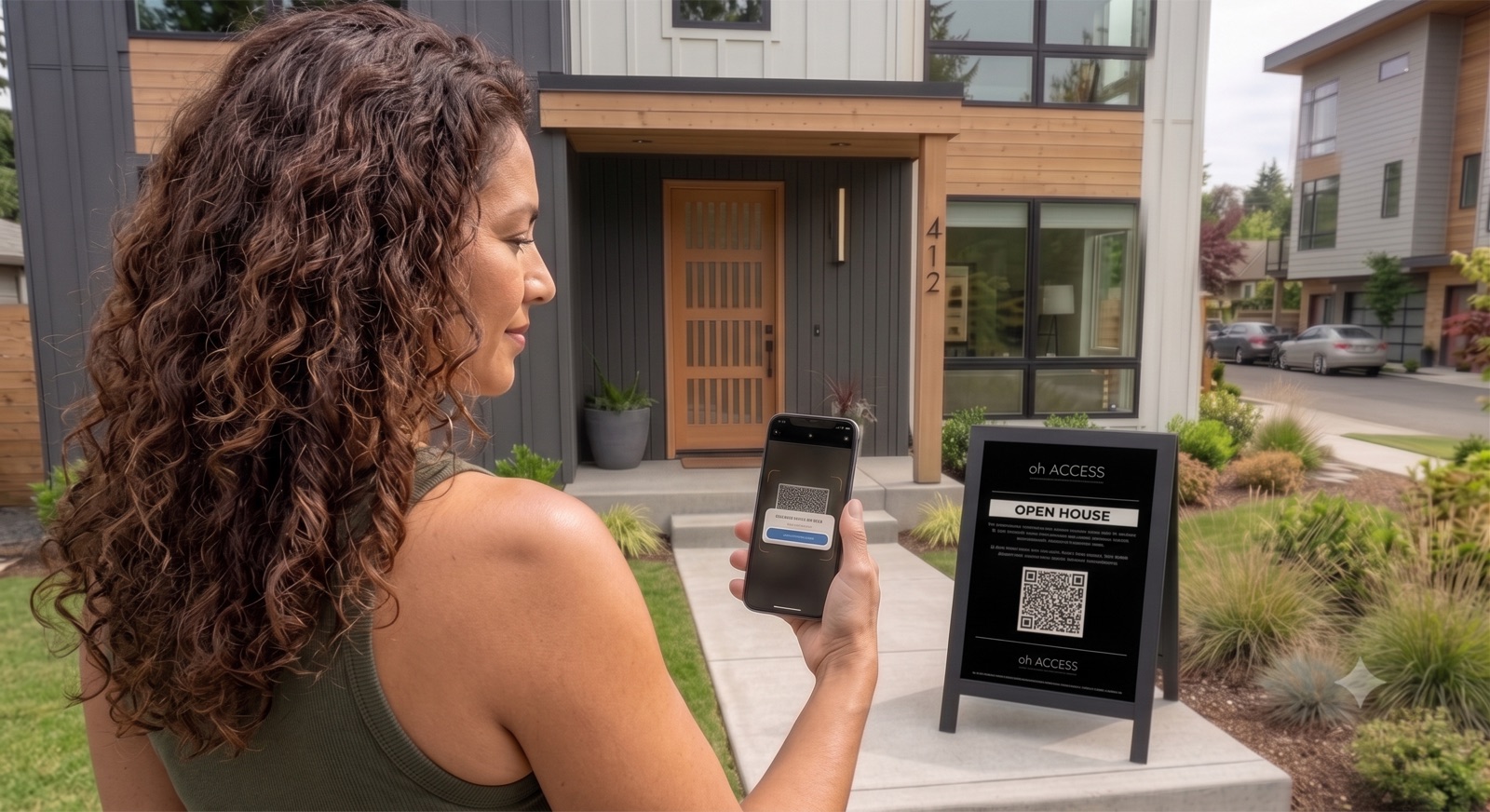
Verified check-in, right on their phone
ohACCESS replaces your paper sheet with a QR-code digital check-in. Visitors scan the sign outside before they enter and complete a quick, verified registration: name, email, phone, and buying timeline, all clean, accurate, and captured instantly. A unique codeword is texted to their phone on the spot, and you get a text with their details. They share the codeword with you at the door. Bad phone or email = no codeword = no entry.
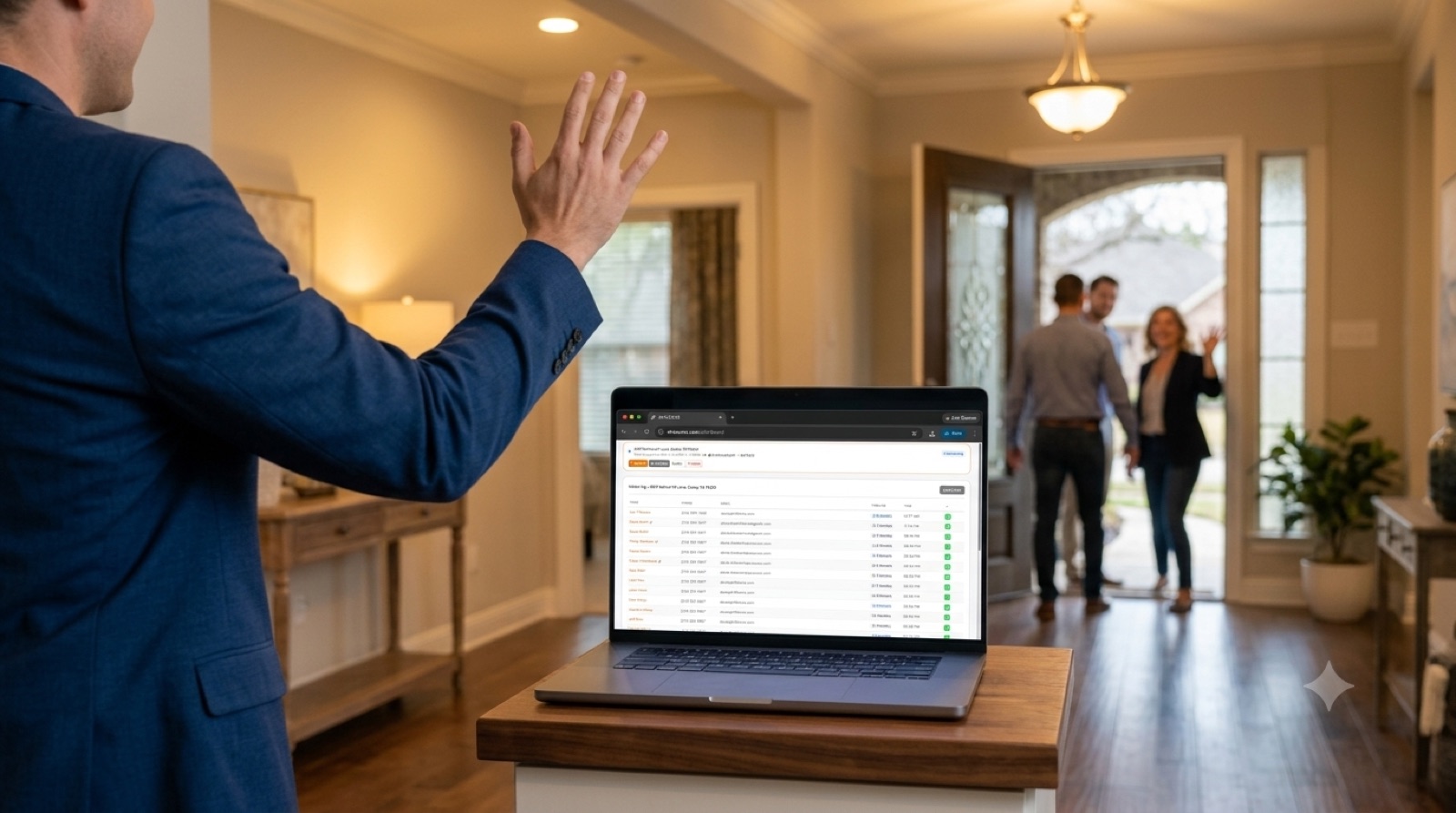
Your leads, organized in real time
While you're greeting buyers and doing what you do best, ohACCESS is quietly building your contact list. Every visitor is timestamped and organized in a clean dashboard. And it gets better. ohACCESS connects to your existing CRM, so leads flow straight in. No data entry. No copy-paste.
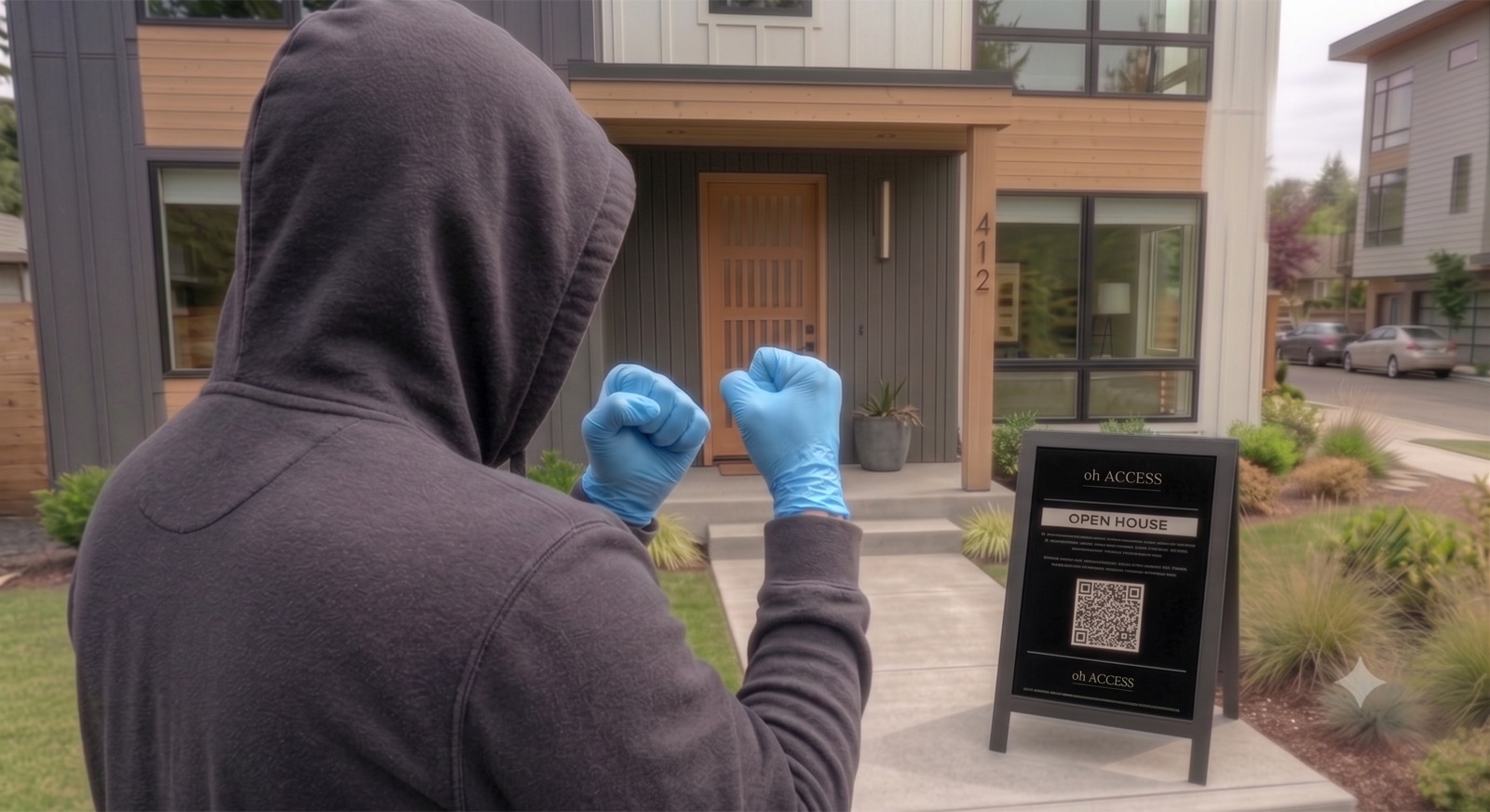
Deterrence and accountability, built in
Open houses invite strangers into someone's home. That's the reality. ohACCESS creates a verified digital record of every person who enters. It is a simple but powerful gate that tells every visitor upfront this is a verified environment. Bad actors like the path of least resistance, and the codeword system is often enough to make them walk away entirely. It protects you, your seller, and the property, with zero extra effort on your part.
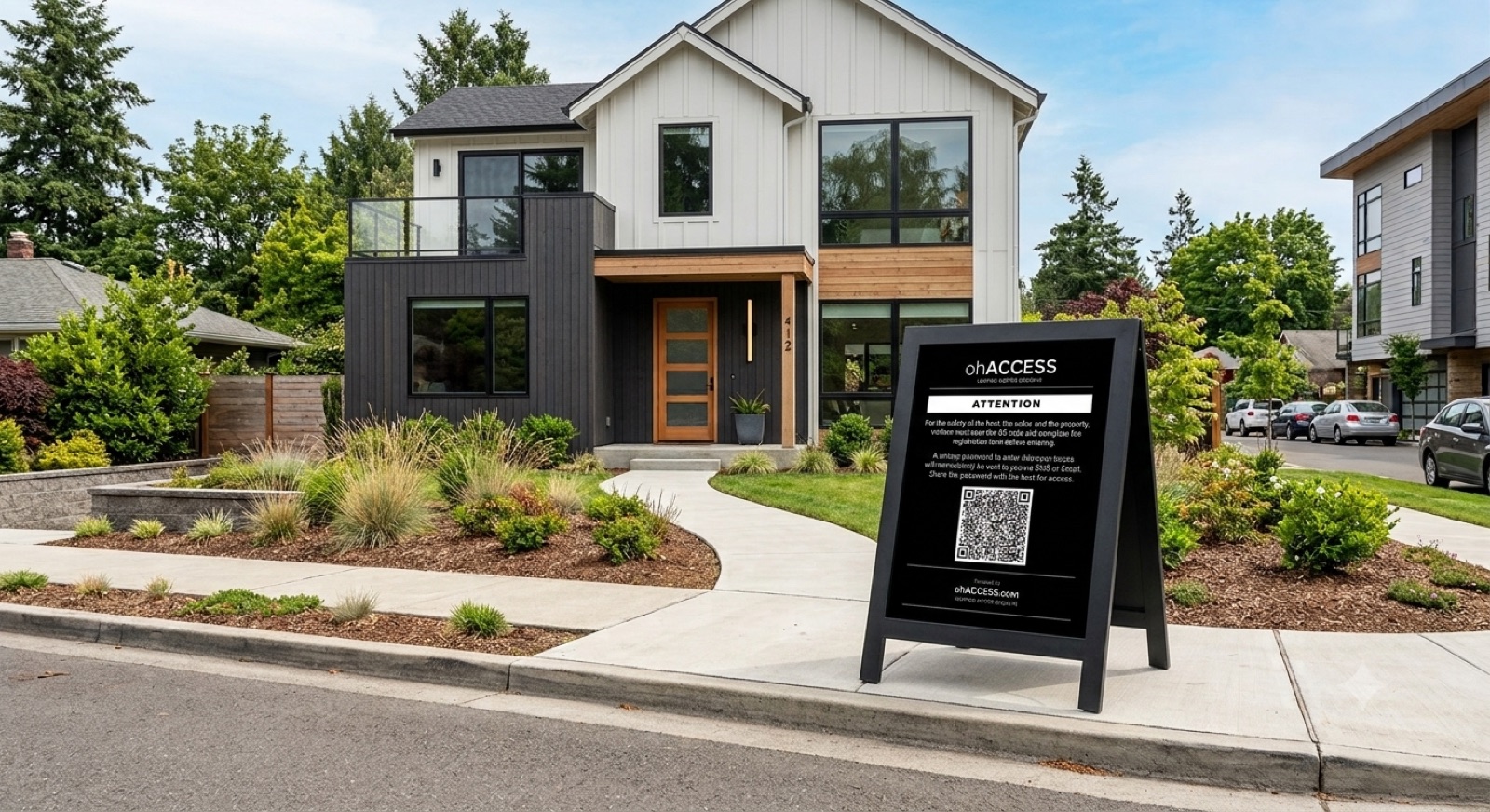
Getting started is simple
✅ Create a free account (about 2 minutes)
✅ Set up your open house and print your branded QR sign (built in)
✅ Your visitors check in digitally before entering
✅ You leave with clean, verified lead data, no deciphering required
✅ Set up your open house and print your branded QR sign (built in)
✅ Your visitors check in digitally before entering
✅ You leave with clean, verified lead data, no deciphering required
📋 How to set up your open house
Follow these steps for a smooth, verified open house every time.
1
Create your open house in the dashboard
Enter the property address, date, hours, and listing URL. Create or auto-generate a codeword.
2
Print your QR sign once
Click "My QR code" on your dashboard, then "Print branded sign" for a ready-to-print sign in your branding. It always points to your next open house, so print it once, laminate it, and reuse it every time. Or download the PNG and add it to the Canva template or your own custom sign. (Each open house card also has its own "QR Code" button if you want a sign for that one open house only.) Print enough copies for each entry.
3
Set up your welcome sign
Use a pedestal sign holder, easel, or A-frame poster and display the QR code with instructions prominently before the entrance.
4
Greet visitors at the door
Ask visitors for their codeword as they arrive. Only visitors who registered with real contact info will have received the code.
5
Review your visitor log
After the open house, check your dashboard for the full verified visitor log. Export to CSV and import into your CRM.
🏈 Game-Day Planner
Pick your state and a day to see every game your buyers might be watching, hour by hour, before you choose your open house time.
Free for every agent, no login needed
NFL, college football, MLB, NBA, NHL, golf, racing and more on one calendar, shaded by how busy the usual open house hours are. Each day shows the sweet spot, the Big one to plan around, TV channels, and sunrise and sunset.
🪧 Welcome Sign Templates
Print-ready welcome signs to display at your open house entrance. Visitors scan the QR code to register and receive their codeword.
🪧 Open house essentials
Our favorite sign stands and displays for showing your QR welcome sign on the approach to the entrance, placed where visitors can't miss it, and guiding them in from the street.
🪧
A-Frame Sidewalk Sign
Double-sided sidewalk sign to guide visitors from the street to your door. Slide in a poster with your QR code.
View on Amazon →🏷️
Pedestal Sign Holder
Weighted floor stand for an 8.5×11" sign. Ideal for your QR welcome sign right at the entrance. Adjustable height, portrait or landscape.
View on Amazon →🖼️
Poster Easel Stand
Lightweight, collapsible tripod easel. A simple, budget-friendly way to prop up a foam-board welcome sign indoors, and ideal in condominium or apartment situations.
View on Amazon →As an Amazon Associate, ohACCESS earns from qualifying purchases. These are affiliate links. They cost you nothing extra and help support ohACCESS.
💡 Pro tips
Get the most out of ohACCESS at every open house.
🪧
Use a pedestal, easel, or A-frame sign
Prominently display the QR code with instructions on a pedestal sign holder, easel, or A-frame poster well before the entrance.
🔗
Add your listing URL
Include a link to the full listing so visitors can review details before and after the open house.
🏷️
Choose a memorable codeword
Pick a codeword related to the property, like ACREAGE or LAKEHOUSE. Easier for visitors to remember.
👤
Add your landing page URL
Add your bio page, website, or Instagram in Settings so every visitor email includes a link to your profile.
🔔
Watch for agent alerts
You receive an instant SMS when a visitor registers, so you know who's coming before they reach the door. Tap the link in the alert to verify the visitor and save private notes.
📊
Export after every open house
Export your visitor log to CSV immediately after and import into your CRM while leads are fresh. Better yet, connect your CRM under Settings → "Send leads to your CRM" and every sign-in flows there automatically.
Ready to run your next open house?
Create your open house and generate your QR code in under 3 minutes.
Go to dashboard →