Qualify Home Buyers with Digital Verification
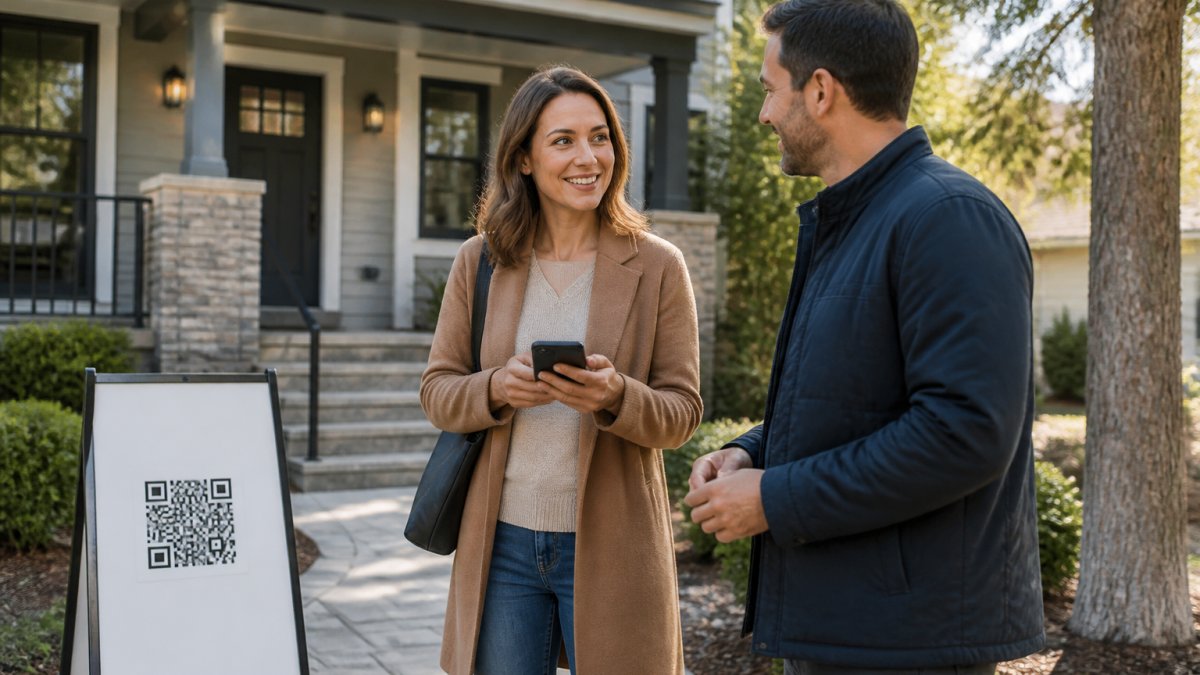
Table of Contents
- Why Digital Verification Matters for Qualifying Home Buyers
- How the Digital Verification Process Works at Open Houses
- Designing Your Open House Sign-In Form
- Real Estate Lead Qualification Questions to Ask
- Building Your Buyer Lead Qualification Checklist
- How to Follow Up with Open House Leads
- Integrating Verified Leads into Your CRM
- Generating Seller Reports and Demonstrating Open House Impact
- Frequently Asked Questions
Last Updated: October 12, 2026
Why Digital Verification Matters for Qualifying Home Buyers
Qualifying home buyers with digital verification home buyers starts with accurate information.
Digital verification home buyers through tools like ohACCESS changes the equation. Instead of trusting what someone scribbles on a form, you get verified contact information the moment they walk through the door.
This eliminates the guesswork: you know which leads are legitimate, you know their buying timeline, and you can follow up immediately knowing the contact information will reach them.
How the Digital Verification Process Works at Open Houses
The Visitor Registration Flow
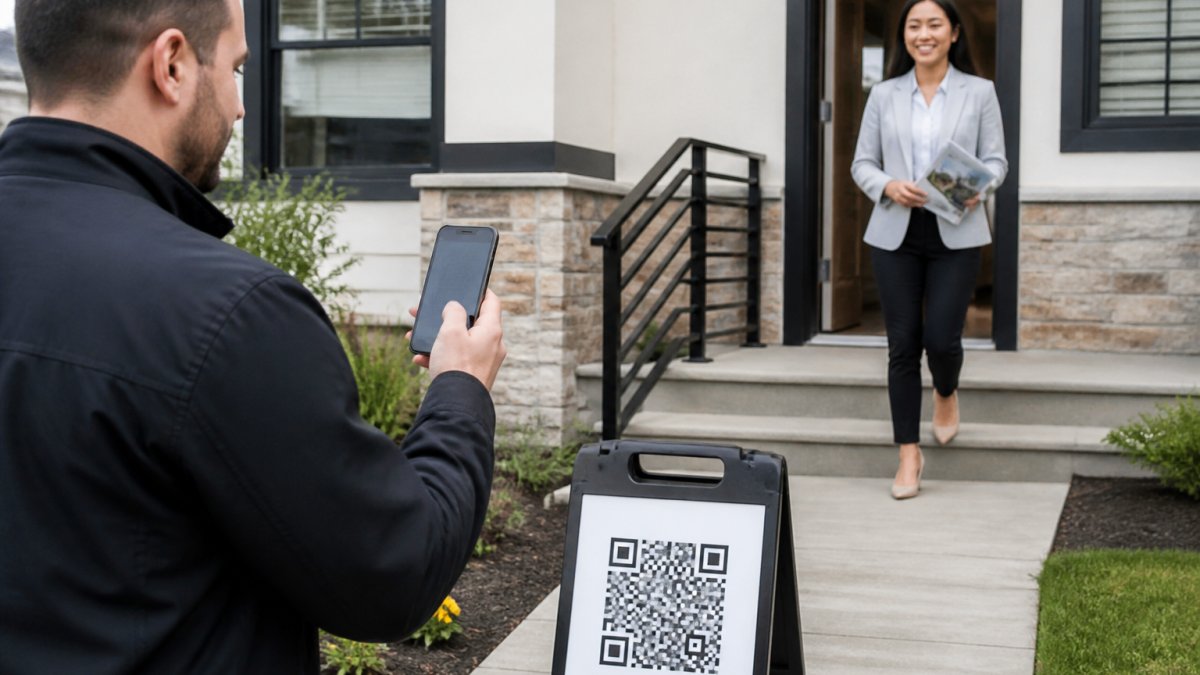
A visitor sees a QR code on an a-frame sign or pedestal outside the door, scans it with their phone, and the form appears instantly, no app download, no account.
The moment they submit, ohACCESS sends two codewords, one by text message and one by email. For international numbers, the text arrives via WhatsApp. The text codeword is primary; the email codeword is the backup if the text is delayed.
Instant Agent Alerts and Verified Logs
Every sign-in triggers a real-time text and email notification with their name, phone, email, and buying timeline, no manual data entry. All visitor data flows into a verified log showing registration details, check-in time, whether you verified them at the door, private notes, and flags for VoIP numbers, bounced emails, or undeliverable texts. Export the full list as a CSV anytime.
Designing Your Open House Sign-In Form
Your form is the first impression a buyer has of your digital process, so keep it simple. The core fields, name, email, phone, buying timeline, are non-negotiable.
The form auto-populates for returning visitors, who can update or confirm their pre-filled info. Make sure your QR code is visible and easy to scan, print it large on your a-frame sign and test the scan yourself before the open house starts.
Real Estate Lead Qualification Questions to Ask
Qualifying home buyers means asking the right questions at the right time. Your sign-in form captures buying timeline; After Tour feedback digs deeper, asking visitors to rate the home 1-10, give a price verdict (Too High, Reasonable, or Too Low), and answer one additional custom question. A buyer who rates the home 8/10 and says "Reasonable" is a different prospect than one who rates it 5/10 and says "Too High." Keep it to two or three questions max.
| Question Type | Purpose | Best Timing |
|---|---|---|
| Buying timeline | Identify urgency | Sign-in form |
| Home rating | Gauge interest level | After tour |
| Price verdict | Understand objections | After tour |
| Custom question | Segment for follow-up | Sign-in or after tour |
Building Your Buyer Lead Qualification Checklist
A qualification checklist keeps your follow-up focused. It has two layers: what you capture at the door, and what a buyer will need to produce to get financed. Most agents stop at the first layer; the agents who win repeat business handle both.
Layer 1: The Open House Qualification Checklist
Start with these criteria:
- Valid phone number and email verified at the door
- Buying timeline is 0-6 months
- Home rating is 7/10 or higher
- Price verdict is "Reasonable" or "Too Low"
- Pre-approved or actively looking for financing
- Fits the property profile (family home, investment, etc.)
Visitors who check all boxes get A-list follow-up: a call within 24 hours, a personalized email with property details, and an invitation to a second showing. Those who check most boxes get B-list follow-up: an email within 48 hours and periodic market updates. Those with incomplete information or mismatched timelines get C-list follow-up: a thank-you email and a reminder to follow up in 30 days.
Layer 2: The Documents a Buyer Will Need to Verify
When a buyer applies for a mortgage, the lender verifies identity, income, assets, employment, and credit. Knowing this list lets you ask smarter questions at the door.
Identity and eligibility
- Government-issued photo ID (driver's license, state ID, or passport)
- Social Security number for a credit pull
- Proof of lawful residency status where applicable
Income
- Most recent pay stubs (typically the last 30 days)
- W-2 forms for the past two years
- Federal tax returns for the past two years, including all schedules
- For self-employed buyers: profit-and-loss statements, business bank statements, and a year-to-date balance sheet
Assets
- Bank statements for the past two to three months, all pages
- Investment and retirement account statements
- Gift letters for down payment funds from a family member
Employment
- Employer name, address, and contact information
- Verbal or written verification of employment by the lender
Housing history
- Rental history and landlord contact information
- Explanation letters for any gaps in employment or residence
A buyer who can produce this list quickly is a genuinely qualified prospect. A buyer who cannot isn't disqualified, they need a referral to a lender who can walk them through it.
Handling Nontraditional and Hard-to-Verify Income
Not every buyer fits the W-2 mold. Self-employed, gig, seasonal, and commission-heavy buyers often need extra documentation, and credit-invisible buyers may need alternative credit references such as rent, utility, or phone payment history. Route these buyers to a lender early: the lender can pre-qualify them with bank-statement loan programs, and you avoid spending weeks on a buyer who was never going to close on a conventional timeline.
Fair Lending, Accessibility, and Human Review
Automated verification is a screening tool, not a decision-maker. Fair lending rules prohibit discrimination based on race, color, religion, sex, national origin, familial status, disability, age, or marital status, and they apply to how you prioritize leads just as much as to how a lender underwrites. Two guardrails: never let a tool make the call alone, if a flag or low rating pushes a buyer to your C-list, a human should review the file first, and offer an accessible alternative, such as a paper backup and a phone number, for buyers who can't complete a phone-based form.
How to Follow Up with Open House Leads
Timing is everything: your first follow-up should happen within 24 hours. For A-list leads, call and reference something specific from their tour ("You mentioned you loved the kitchen layout"), ask one qualifying question, and invite them to a second showing. For B-list leads, send a personalized email with photos, the listing link, and a neighborhood market update. For C-list leads, send a thank-you email and set a reminder to follow up in 30 days. Your CRM can automate some of this, but the first touch should come from you.
Integrating Verified Leads into Your CRM
Every lead from ohACCESS flows into your CRM automatically, no manual entry.
The Three Delivery Mechanisms
ohACCESS delivers leads through exactly three paths:
- Formatted lead email. ohACCESS sends a structured email to your CRM's lead-intake address. The email is labeled so the CRM parses it into fields automatically. This is verified working with Follow Up Boss, and agents pick their CRM from a dropdown that includes BoldTrail/kvCORE, Lofty, Sierra Interactive, Real Geeks, CINC, Top Producer, Wise Agent, LionDesk, and Other.
- Zapier webhook. If your CRM isn't on the standard list, connect ohACCESS to thousands of apps through Zapier. Set it up once and every sign-in flows through.
- Team CRM forwarding. A team lead can copy every member's leads to a shared team CRM. This keeps everyone aligned and prevents duplicate follow-ups.
What ohACCESS does not do is sync directly with your CRM through a native API. There is no two-way sync, no field mapping, automatic tagging, or lead scoring. The lead arrives as a formatted record; your CRM and your own workflow handle the rest.
How to Compare Verification Tools
If you're evaluating digital verification options, use a consistent framework, whether you're looking at a sign-in tool, an identity-verification service, or a document-verification platform.
| Evaluation Category | What to Ask |
|---|---|
| Data sources | Does it verify phone and email against authoritative sources, or just format what the user typed? |
| Integrations | How does it deliver data into your CRM, formatted email, webhook, or manual export? |
| Accuracy and flags | Does it flag VoIP numbers, bounced emails, undeliverable texts, and opt-outs? |
| Turnaround time | Is verification instant, or does it require a manual review step? |
| Accessibility | Is the visitor form available in multiple languages? Is there a non-smartphone alternative? |
| Privacy and retention | What data is stored, for how long, and who can see it? |
| Cost model | Is pricing flat or per-seat? Does it change with volume? |
Run every candidate through the same table. A tool that scores well on integrations but poorly on privacy or accessibility isn't a good fit for a consumer-facing transaction.
Privacy, Consent, and Data Retention
- Consent. Visitors should know what they're sharing and who will see it. In ohACCESS, visitors consent to the agent having their information, not the seller. That's why the Seller Report shows aggregate data only, with no names, phone numbers, emails, or arrival times.
- Retention. ohACCESS automatically purges data after three years. There is no configurable retention policy or automated right-to-be-forgotten workflow, so handle deletion requests manually through your own process.
- Security. ohACCESS uses attorney-reviewed Terms and Privacy Policy, and every sign-in carries a forensic trail (IP, device, phone carrier and line type) that supports fraud investigation.
Once Leads Are in Your CRM
Segment them by buying timeline and home rating. Build automated follow-up sequences for each segment. Your CRM handles the drip campaigns, ohACCESS does not include built-in drip campaigns or automated follow-up sequences. You focus on closing deals.
Generating Seller Reports and Demonstrating Open House Impact
The report is privacy-safe: aggregate data only, with no visitor names, phone numbers, emails, or arrival times. Visitors consented to you having their information, not the seller.
Qualifying home buyers with digital verification tools transforms your open house process from a guessing game into a data-driven system.
Start with a free trial of ohACCESS, the first 25 visitor registrations are free, all features included, no credit card required. See how verified digital check-in eliminates fake leads and speeds up your follow-up workflow. Learn more about ohACCESS at www.ohaccess.com
Frequently Asked Questions
What information should an open house sign-in form collect from visitors?
An effective open house sign-in form captures name, email, phone number, and buying timeline (0-3 months, 3-6 months, 6-12 months, or 12+ months). Many agents add one custom question to qualify leads further, such as price range, neighborhood preference, or whether the buyer is a first-time homebuyer. This data helps you identify serious prospects and tailor follow-up conversations. Digital forms also support multiple languages, making it easier to serve diverse buyer pools.
How can real estate agents verify open house leads are legitimate?
Digital verification tools confirm that the phone number and email a visitor provides are real and belong to them. When a visitor scans a QR code and completes the registration form on their own phone, they receive two codewords, one by text message and one by email, proving both contact methods are active and valid. The visitor shares a codeword with the host agent at the door, creating a verification record. This eliminates fake names, invalid contact information, and no-show leads before they enter your pipeline.
How fast can you get an open house report to send to the homeowner?
Digital verification systems generate reports automatically. Agents can share a one-tap seller report page with the homeowner same-day or the next morning. The report shows aggregate data: total visitor count, how many plan to buy within 6 months, the buying-timeline breakdown, a scan-to-registration funnel, average visitor ratings, and price sentiment. This privacy-safe design shares market feedback without exposing individual visitor names, contact information, or arrival times.
Do digital verification tools work for buyers without smartphones?
Most open house visitors have smartphones and can scan the QR code independently. If a visitor doesn't have a smartphone or prefers not to scan, the agent can open the same registration form in a browser on any device and help them complete it. The verification flow remains the same: the visitor receives two codewords and shares one with the agent at the door. This flexibility ensures you don't miss leads from older buyers or those uncomfortable with QR codes.
Frequently asked questions
What information should an open house sign-in form collect from visitors?
An effective open house sign-in form captures name, email, phone number, and buying timeline (0–3 months, 3–6 months, 6–12 months, or 12+ months). Many agents add one custom question to qualify leads further—such as price range, neighborhood preference, or whether the buyer is a first-time homebuyer. This data helps you identify serious prospects and tailor follow-up conversations. Digital forms also support multiple languages, making it easier to serve diverse buyer pools.
How can real estate agents verify open house leads are legitimate?
Digital verification tools confirm that the phone number and email a visitor provides are real and belong to them. When a visitor scans a QR code and completes the registration form on their own phone, they receive two codewords—one by text message and one by email—proving both contact methods are active and valid. The visitor shares a codeword with the host agent at the door, creating a verification record. This eliminates fake names, invalid contact information, and no-show leads before they enter your pipeline.
How fast can you get an open house report to send to the homeowner?
Digital verification systems generate reports automatically. Agents can share a one-tap seller report page with the homeowner same-day or the next morning. The report shows aggregate data: total visitor count, how many plan to buy within 6 months, the buying-timeline breakdown, a scan-to-registration funnel, average visitor ratings, and price sentiment. This privacy-safe design shares market feedback without exposing individual visitor names, contact information, or arrival times.
Do digital verification tools work for buyers without smartphones?
Most open house visitors have smartphones and can scan the QR code independently. If a visitor doesn't have a smartphone or prefers not to scan, the agent can open the same registration form in a browser on any device and help them complete it. The verification flow remains the same: the visitor receives two codewords and shares one with the agent at the door. This flexibility ensures you don't miss leads from older buyers or those uncomfortable with QR codes.
Keep reading
Start free with 25 verified check-ins. No credit card required.
Start Free