How to Streamline Open House Check-In: Step-by-Step
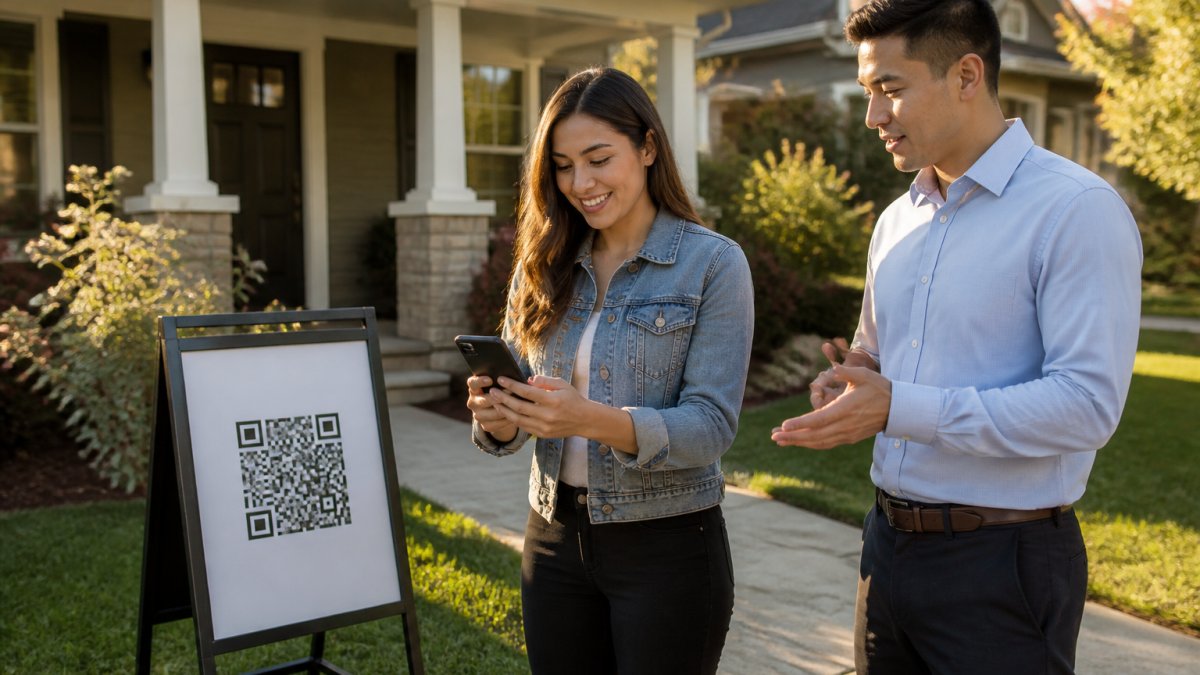
Table of Contents
- Why Open House Check-In Matters for Lead Quality
- Replace Your Open House Sign-In Sheet with Digital Registration
- Set Up Open House QR Code Sign-In Before Your Event
- Answer Open House Sign-In Questions Visitors Ask
- Execute the Check-In Workflow at Your Open House
- Manage Open House Visitor Follow-Up and Lead Delivery
- Avoid Common Check-In Mistakes
- Frequently Asked Questions
Last Updated: October 8, 2026
Why Open House Check-In Matters for Lead Quality
Your open house check-in process is costing you qualified leads if you're still using paper sign-in sheets. Paper forms capture fake names, invalid phone numbers, and email addresses that bounce.
The real problem isn't that visitors lie intentionally. It's that paper creates friction. A visitor scribbles their name in a rush, guesses at their email, or leaves the phone field blank entirely. You end up with incomplete data you can't act on.
This is where verified digital check-in changes the game. Instead of hoping a visitor's contact information is real, you get proof. At ohACCESS, we've built a system that replaces the paper open house sign-in sheet with a simplified digital process.
Replace Your Open House Sign-In Sheet with Digital Registration
Paper vs. Digital: The Lead Quality Problem
Paper sign-in sheets feel simple, but they hide a costly problem. Visitors write fast and messy. Phone numbers get transposed. Email addresses are misspelled. Some guests skip fields entirely because they're uncomfortable sharing information on a public sheet.
The result? Your follow-up emails bounce. Your calls reach wrong numbers. You spend hours chasing leads that were never real in the first place.
Digital registration solves this by shifting the burden to the visitor. They fill out their own information on their own phone. They see exactly what they typed. And they receive immediate confirmation, a text and email with their codewords, which proves the contact details work. No guessing. No wasted follow-up time.
How Verified Digital Check-In Works
Here's the exact flow:
- Visitor scans the QR code at your open house entrance (printed on a branded sign or a-frame stand)
- They fill a short form on their phone: name, email, phone, buying timeline (0-3 months, 3-6 months, 6-12 months, or 12+ months), plus any custom question you add
- They instantly get two codewords, one by text, one by email, immediately after submitting
- They tell a codeword to you at the door to enter the property. The text codeword is primary; the email codeword is backup if the text is slow
- You get an instant alert by text and email with their full details the moment they sign in
The visitor never enters a code into any app or screen. They simply speak or show the codeword to you. This keeps the process frictionless while proving their contact information is genuine.
Set Up Open House QR Code Sign-In Before Your Event
Choose Your Check-In Location
Your check-in location sets the tone for the entire open house experience. Choose a spot that's visible, welcoming, and hard to miss.
The best location is just outside your front door or in the entry foyer. Visitors should see the QR code sign immediately when they arrive. If it's hidden or tucked away, people won't find it.
Make sure the area has decent cell signal. Most visitors use their own phone's cellular data, not your Wi-Fi, so a strong network connection at the entry point matters.
Keep the check-in area uncluttered. Don't position the QR code sign next to other signage or distractions. A clean, simple setup says "scan here" without any confusion.
Print and Position Your QR Code Sign
Your QR code sign should be professional and branded. Most digital check-in systems, including ohACCESS, provide print-ready signs you can customize with your brokerage logo and branding.
Print the sign on sturdy material, not flimsy paper that bends or tears. A-frame stands with laminated signs hold up through multiple open houses. Pedestal stands work too if they're stable and won't tip over.
Position the sign at a 45-degree angle if you're using a stand. This makes it easier for visitors to scan without holding their phone at an awkward angle.
Bring backup signs in case one gets damaged or blown over. A windy day can wreck your setup fast.
Customize Your Registration Form
Your registration form should collect the information you actually need. Most agents ask for:
- Name
- Phone number
- Buying timeline (0-3 months, 3-6 months, 6-12 months, 12+ months)
- One custom question (optional)
Keep the form short. The fewer fields, the faster visitors complete it. A form that takes 30 seconds gets filled out. A form that takes 2 minutes gets abandoned.
Your custom question should serve a real purpose. Good custom questions include:
- "Are you working with an agent?" (yes/no)
- "What's your top priority in a home?" (multiple choice)
- "When do you plan to make an offer?" (timeline)
Avoid questions that are too personal or feel invasive. Visitors are more likely to answer straightforward questions about their buying plans than demographic questions.
The registration form is available in 16 languages. If your market includes international buyers or non-English speakers, this matters. Visitors can switch languages mid-form if needed.
Answer Open House Sign-In Questions Visitors Ask
What happens to my contact information after I sign in?
Your information goes directly to the agent. The agent uses it to follow up with you about the property.
Do I need to download an app?
No app required.
What if I don't have a smartphone?
If you don't have a smartphone, ask the agent. They can help you complete the registration. You won't be turned away.
Why do I need to give my phone number and email?
The agent needs to reach you to follow up about the property.
Can I sign in multiple times if I visit again?
Yes. If you've visited before, your information is remembered for a year.
Execute the Check-In Workflow at Your Open House
Welcome Visitors and Direct Them to Scan
Greet every visitor as they arrive. A warm welcome sets the tone and gives you a chance to point them to the QR code sign.
Say something simple: "Welcome! Please scan the QR code to check in. It just takes a few seconds."
Most visitors will scan immediately. Some will ask questions. Be ready to explain:
- "You'll fill out a quick form on your phone"
- "You'll get a codeword by text and email right away"
- "Just tell me the codeword when you're ready to go inside"
Keep the tone friendly and casual. This isn't a security checkpoint, it's a way to capture their information so you can follow up.
Verify the Codeword at the Door
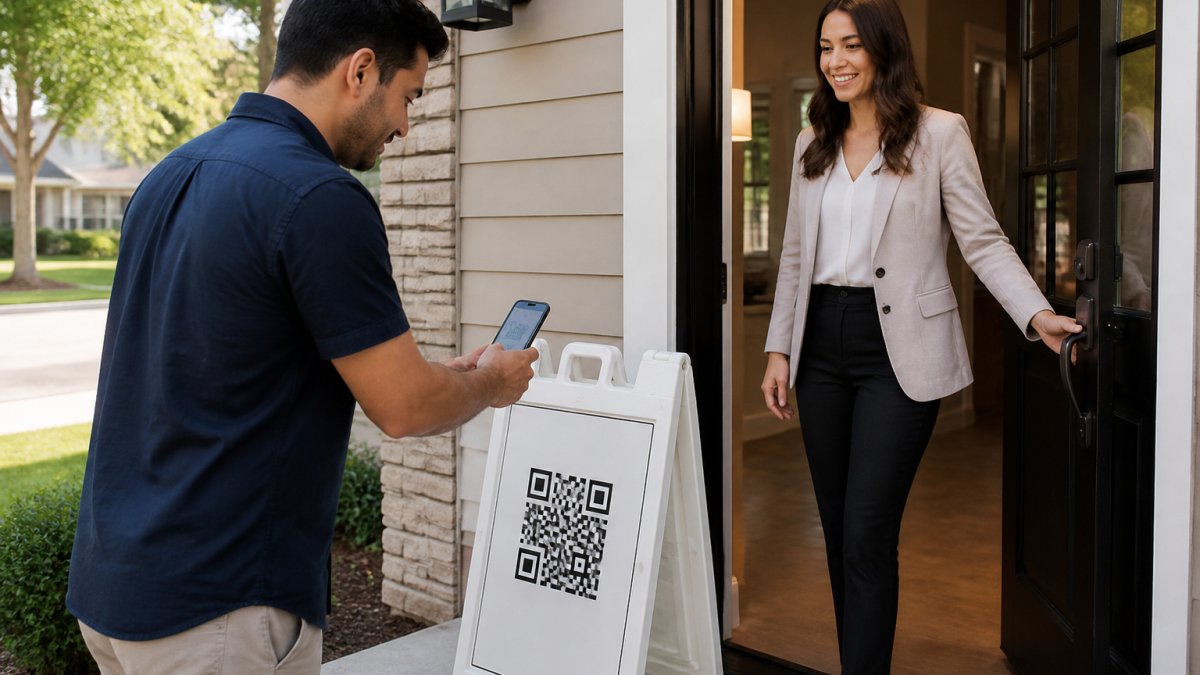
Once a visitor has scanned and filled out the form, they'll receive two codewords, one by text, one by email. They'll tell you one of these codewords before entering.
The text codeword is primary. It arrives instantly. If a visitor hasn't received it within a few seconds, ask them to check their email for the backup codeword.
You don't need to enter the codeword into any system. You just listen to it or see it on their phone screen. This is your proof that their contact information is real.
Keep a simple tally of how many visitors sign in. This helps you report back to the seller later.
Handling Visitors Without Smartphones
Some visitors won't have a smartphone. This is rare, but it happens. Don't turn them away.
Ask for their name, email, and phone number. Write it down or type it into your phone. You'll manually add them to your follow-up list later. They won't receive codewords, but you'll still have their information.
Manage Open House Visitor Follow-Up and Lead Delivery
Automatic Lead Integration into Your CRM
Every visitor who signs in gets delivered to your CRM automatically. You don't manually enter data or re-type information.
Here's how it works:
- ohACCESS sends a formatted email to your CRM's lead-intake address
- Your CRM parses the email and creates a new lead record automatically
- The visitor's name, email, phone, and buying timeline populate the correct fields
- The lead is ready for follow-up immediately
This works with Follow Up Boss, kvCORE, Lofty, Sierra Interactive, Real Geeks, CINC, Top Producer, Wise Agent, LionDesk, and other major systems. If your CRM isn't on the list, you can use Zapier to connect ohACCESS to thousands of other tools.
The benefit is clear: no manual data entry, no transcription errors, no lost leads stuck in an email inbox.
Generate a Same-Day Report for Your Seller
After your open house, you can share a one-tap Seller Report with the home seller. This shows them real data about buyer interest.
The report includes:
- Total registered visitors
- How many plan to buy within 6 months
- Buying timeline breakdown (0-3 months, 3-6 months, 6-12 months, 12+ months)
- Scan-to-registration funnel (how many scanned vs. how many completed the form)
- Average visitor rating of the home (1-10 scale)
- Price verdict (Too High, Reasonable, Too Low)
- Aggregated answers to your custom questions
The report deliberately excludes visitor names, phone numbers, emails, and arrival times. Visitors consented to share their information with you, not the seller. This privacy design protects buyer confidentiality while still giving the seller confidence that qualified buyers showed up.
You can generate and send this report the same day as your open house. Same-day reporting builds trust and keeps the seller engaged.
Avoid Common Check-In Mistakes
Placing the QR code sign in the wrong location. If the sign is hidden or hard to find, visitors won't scan it.
Using a QR code that's too small. A tiny code is hard to scan.
Forgetting to test your QR code before the open house. Always test the code with your phone before the event.
Collecting too much information on the registration form. Every extra field you ask for reduces completion rates.
Not having a backup for visitors without smartphones. Plan ahead.
Ignoring the codeword verification step. The codeword is your proof that the contact information is real.
Failing to follow up within 24 hours. Leads go cold fast.
Frequently Asked Questions
What information should I collect on my open house sign-in form?
Collect the visitor's name, email, phone number, and buying timeline (0-3 months, 3-6 months, 6-12 months, or 12+ months). You can add one custom question tailored to your property or market. This data goes directly into your CRM, giving you qualified leads to follow up with immediately after the showing.
How do I use a QR code for open house check-in?
Print a branded QR code on a sign and place it at your property's entrance. Visitors scan the code on their own phone, fill out your registration form, and instantly receive two codewords, one by text and one by email. They share a codeword with you at the door to enter, proving their contact information is real. You get an instant alert for every sign-in.
What if a visitor doesn't have a smartphone or doesn't want to scan a QR code?
Have a backup process ready. Most visitors will scan the QR code if you explain it takes 10 seconds and they'll get instant confirmation.
How quickly can I follow up with open house visitors?
Digital check-in delivers leads instantly. Visitors are added to your CRM automatically as soon as they complete registration, so you can follow up the same day or even during the open house. You can also generate an aggregate report for your seller the morning after the event, showing visitor count, buying timelines, and interest level without sharing individual visitor contact details.
Open house check-in doesn't have to be a guessing game. Verified digital registration eliminates fake contact information, saves you hours of wasted follow-up, and gives you proof of buyer interest to share with your sellers. Start with a free trial of ohACCESS, your first 25 visitor sign-ins are completely free, with no credit card required. Get started at www.ohaccess.com and streamline your open house check-in process today.
Frequently asked questions
What information should I collect on my open house sign-in form?
Collect the visitor's name, email, phone number, and buying timeline (0-3 months, 3-6 months, 6-12 months, or 12+ months). You can add one custom question tailored to your property or market. This data goes directly into your CRM, giving you qualified leads to follow up with immediately after the showing.
How do I use a QR code for open house check-in?
Print a branded QR code on a sign and place it at your property's entrance. Visitors scan the code on their own phone, fill out your registration form, and instantly receive two codewords—one by text and one by email. They share a codeword with you at the door to enter, proving their contact information is real. You get an instant alert for every sign-in.
What if a visitor doesn't have a smartphone or doesn't want to scan a QR code?
Have a backup process ready. Most visitors will scan the QR code if you explain it takes 10 seconds and they'll get instant confirmation.
How quickly can I follow up with open house visitors?
Digital check-in delivers leads instantly. Visitors are added to your CRM automatically as soon as they complete registration, so you can follow up the same day or even during the open house. You can also generate an aggregate report for your seller the morning after the event, showing visitor count, buying timelines, and interest level without sharing individual visitor contact details.
Keep reading
Start free with 25 verified check-ins. No credit card required.
Start Free