Integrating Open House Sign-Ins With Your CRM
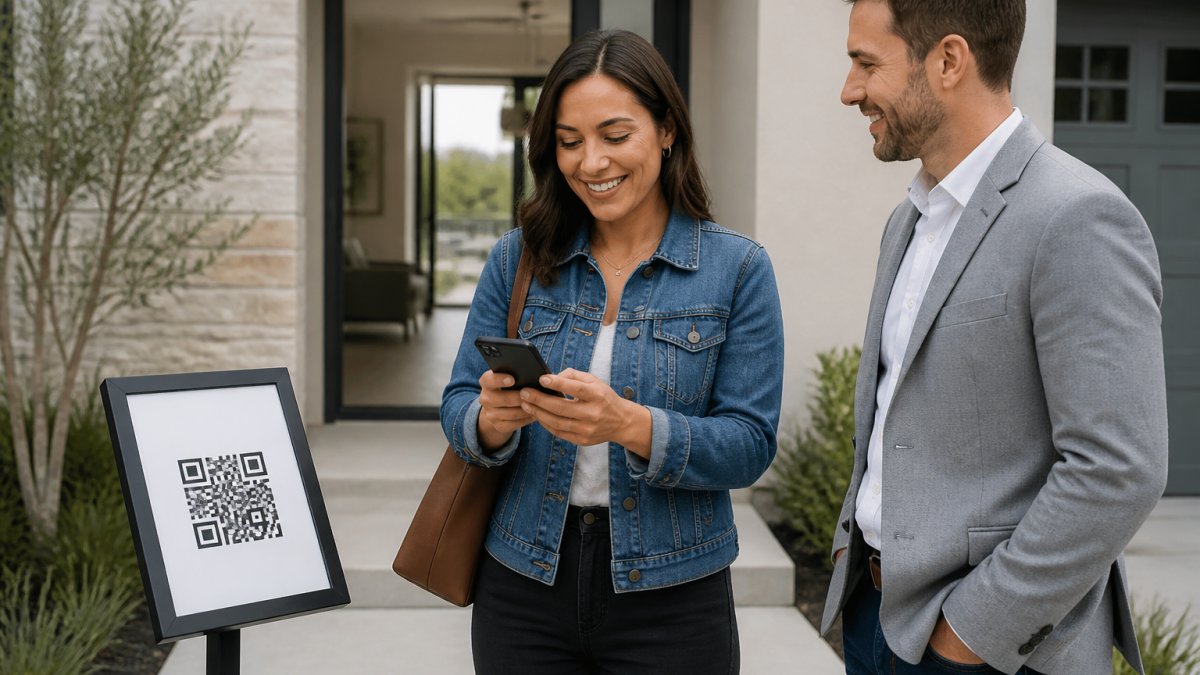
Table of Contents
- Why Integrating Open House Sign-Ins With Your CRM Matters
- How Verified Digital Check-In Works
- Setting Up Automated Lead Delivery to Your CRM
- Real Estate Lead Management Best Practices
- Open House Follow-Up Email Templates
- Handling Edge Cases and Non-Smartphone Visitors
- Generating Seller Reports From Verified Open House Data
- Frequently Asked Questions
Last Updated: October 3, 2026
Why Integrating Open House Sign-Ins With Your CRM Matters
Paper sign-in sheets are dying. They're slow, unreliable, and packed with fake names and bad phone numbers. At ohACCESS, we help real estate agents replace those sheets with verified digital check-in that feeds directly into your CRM. Integrating open house sign-ins crm eliminates hours of manual data entry and instantly gets you qualified leads you can actually contact.
The problem most agents face is simple: visitors scribble illegible names, typos happen, and bad actors leave fake contact info on purpose. By the time you try to follow up, you've wasted time chasing dead numbers. Verified digital check-in solves this.
This guide covers exactly how to set up integrating open house sign-ins crm, from the QR code at your door to the lead hitting your system in seconds.
How Verified Digital Check-In Works
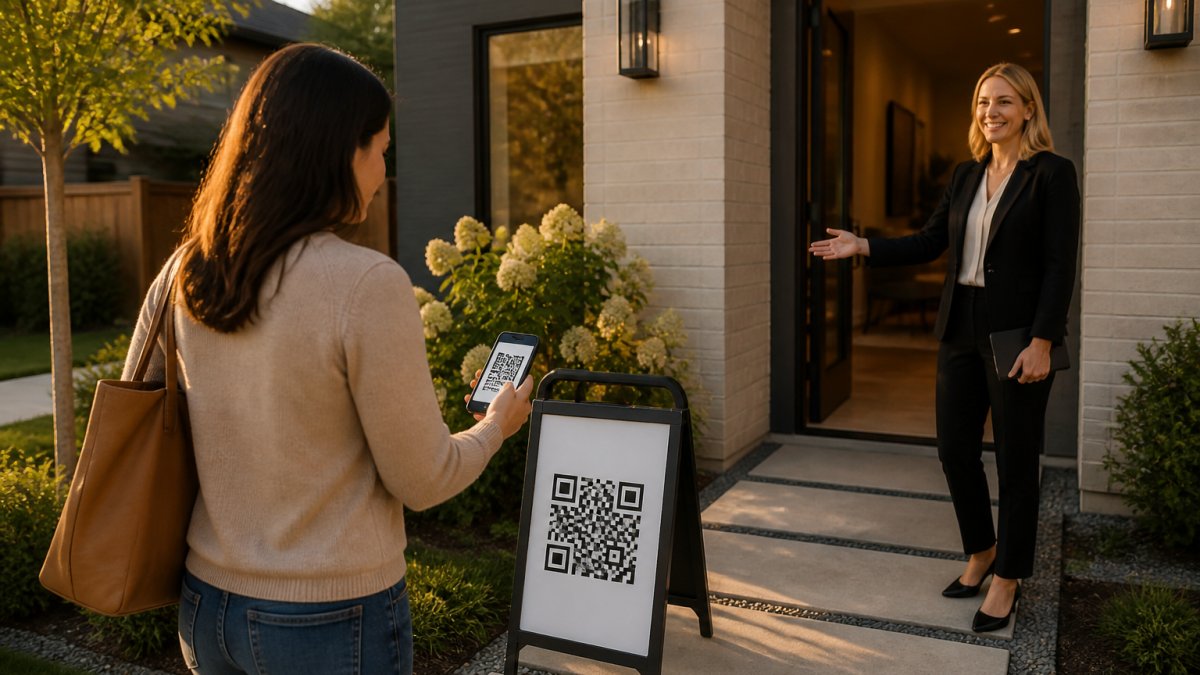
Verified digital check-in starts at your front door. A visitor scans a QR code on an a-frame sign or a printed pedestal sign outside the home.
The moment they submit the form, they instantly receive two codewords: one by text message and one by email. Both arrive immediately. If a visitor has a non-US or Canada phone number, the text codeword comes via WhatsApp instead. This dual-channel delivery ensures the visitor gets verified access no matter their location.
The visitor then tells a codeword to the host agent at the door to enter the property. The text codeword is primary; the email codeword is the backup if the text arrives slowly. The agent gets an instant text and email alert with the visitor's details the moment they register.
The QR Code and Registration Flow
The QR code is the entry point for everything. You print it on a sign and place it outside your open house. Visitors scan it with their phone camera, no app required, no download needed.
The registration form appears on their phone. They fill in:
- Name
- Email address
- Phone number
- Buying timeline (0-3 / 3-6 / 6-12 / 12+ months)
- One custom question (optional, you set this per open house)
Returning visitors are remembered for a year. Their information pre-fills, so they just confirm and go. This speeds up the check-in process for repeat visitors.
Instant Codeword Delivery and Verification
The codeword system is what makes verified check-in work. It proves the phone and email the visitor entered are actually theirs.
The moment a visitor submits their registration form, ohACCESS sends two codewords:
- One by text message (primary)
- One by email (backup)
Both arrive instantly. The visitor shares a codeword with you at the door. You verify it matches what you see in your system. The visitor never types a codeword into any app or screen, they just tell you the code.
Codewords are set per open house by you. You get an auto-generate button to create new codewords for each event. They don't expire on a timer and aren't unique per visitor. They're simple security that proves phone and email ownership without friction.
Setting Up Automated Lead Delivery to Your CRM
Integrating open house sign-ins with your CRM is where the real time savings happen. Every visitor who registers automatically flows into your system. No manual export. No data re-entry. No copy-paste errors.
ohACCESS delivers leads into your CRM automatically through three methods. Pick the one that fits your workflow.
Formatted Lead Email Method
The simplest method is formatted lead email. Every sign-in gets sent as a formatted email to your CRM's lead-intake address. Your CRM parses the email automatically and populates fields in your database.
This method works with these CRM platforms:
- Follow Up Boss
- BoldTrail/kvCORE
- Lofty
- Sierra Interactive
- Real Geeks
- CINC
- Top Producer
- Wise Agent
- LionDesk
- Other (if your CRM accepts formatted lead emails)
You don't need to configure anything on ohACCESS's side. Just tell us your CRM's lead-intake email address. Every visitor who registers gets sent there automatically as a formatted message. Your CRM reads the structure and fills in name, phone, email, and buying timeline into the right fields.
The advantage is speed. Leads arrive instantly. The disadvantage is that your CRM has to support formatted email intake, and some platforms don't parse all fields perfectly.
Zapier for Real Estate Agents
Zapier connects thousands of apps. If your CRM isn't on the formatted email list, Zapier is your backup.
When a visitor registers on ohACCESS, you can send that data to Zapier via webhook. Zapier then sends it to your CRM. This works with nearly any CRM platform that Zapier supports, Salesforce, HubSpot, Pipedrive, and hundreds of others.
The setup takes a few minutes:
- Create a free Zapier account
- Connect ohACCESS as the trigger (when a visitor registers)
- Connect your CRM as the action (create a new lead)
- Map the fields (name to name, phone to phone, etc.)
- Turn on the Zap
Zapier is flexible and reliable. The trade-off is an extra step.
Team CRM Forwarding for Multi-Agent Brokerages
If you manage multiple agents, team CRM forwarding is built for you. A team lead can set up a shared team CRM and automatically copy every member's leads there.
This works if your brokerage uses a shared CRM system. Each agent's registrations flow into their own pipeline, and a team administrator can forward all leads to a master database. This gives you visibility across all agents and open houses.
| Integration Method | Best For | Setup Time | Real-Time |
|---|---|---|---|
| Formatted Lead Email | CRM with email intake support | 2 minutes | Yes |
| Zapier | Any CRM on Zapier | 5-10 minutes | Yes |
| Team CRM Forwarding | Multi-agent brokerages | 10-15 minutes | Yes |
Real Estate Lead Management Best Practices
Once leads land in your CRM, the work shifts to follow-up and lead nurturing. A verified open house visitor is a hot lead, they were interested enough to show up. But interest fades fast.
Follow up within 24 hours. A same-day text or call is better. Visitors who get contacted quickly are far more likely to schedule a showing or answer questions about the property.
Segment your leads by buying timeline. A buyer planning to purchase in 0-3 months needs different messaging than someone 12+ months out. Use the timeline data from their registration to customize your follow-up.
Add custom questions to your registration form. Ask about their must-haves, their budget range, or whether they're first-time buyers. These answers help you personalize your pitch and qualify leads faster.
Track which open houses generate the most qualified leads. Some properties attract serious buyers; others attract lookers. Use this data to adjust your marketing and hosting strategy.
Open House Follow-Up Email Templates
Email is your most reliable follow-up channel. Texts are fast, but emails give you space to share information and build credibility.
Here's a framework for your first follow-up email, sent within 24 hours of the open house:
Subject: Thanks for visiting [Property Address], Here's what's next
Hi [Visitor Name],
Thanks for stopping by [Property Address] on [Date]. We loved meeting you and showing you the home.
Based on what you told us, you're looking to buy in [their timeline]. Here's what I think matters for you:
[1-2 sentences about the property's features that match their stated needs]
A few next steps:
- If you'd like to schedule a private showing, let me know your availability.
- I'm attaching the full listing details and comparable sales in the area.
- Questions about the property or the neighborhood? Reply to this email.
Looking forward to connecting soon.
[Your name] [Your phone] [Your brokerage]
For follow-ups to leads who are 6+ months out, shift to education and relationship-building:
Subject: [Property Address], Market update for buyers in [their timeline]
Hi [Visitor Name],
I've been tracking the market for buyers like you who are planning to purchase in [their timeline]. Thought you'd find this useful.
[1-2 sentences about market conditions, inventory, or interest rates relevant to their timeline]
I'll send you monthly updates on new listings that match your profile. If anything catches your eye before then, just let me know.
Talk soon.
[Your name]
Handling Edge Cases and Non-Smartphone Visitors
Not every visitor has a smartphone or wants to scan a QR code. Some are older buyers, some are uncomfortable with technology, and some just prefer paper.
For visitors without a smartphone, you have options:
Use your agent QR code. Each agent gets a permanent reusable QR code. You can display it on your phone or tablet. A visitor can scan it from your screen instead of an a-frame sign. This works well for one-on-one conversations.
Explain the benefit. Many visitors who hesitate about scanning will scan once you explain they get instant codewords and don't need an app.
Offer WhatsApp as an alternative. If a visitor is uncomfortable with text messaging, WhatsApp is familiar to many international buyers. ohACCESS sends codewords via WhatsApp for non-US/Canada phone numbers, so it's already built in.
The reality is that most visitors will scan. Smartphone adoption is high, and the process is frictionless. The edge cases are rare, but having a backup plan keeps you from losing leads.
Generating Seller Reports From Verified Open House Data
One of the biggest advantages of verified digital check-in is the seller report. Homeowners want proof that their property attracted real interest. Paper sign-in sheets don't give you that. Digital check-in does.
After your open house, you can generate a one-tap seller report and share it with the homeowner. The report shows aggregate data only, no visitor names, phone numbers, or arrival times.
The report includes:
- Total registered visitors
- How many plan to buy within 6 months
- Buying timeline breakdown (0-3, 3-6, 6-12, 12+ months)
- Scan-to-registration funnel (how many scanned the QR code vs. actually registered)
- Average 1-10 home rating from visitors
- Price verdict (Too High / Reasonable / Too Low)
- Aggregated answers to your custom questions
This data tells a story. A property with 12 visitors, 8 planning to buy within 6 months, and an average rating of 8/10 is a strong signal.
Use this report to manage seller expectations. If the open house was packed but the price verdict was "Too High," you have concrete evidence to support a price adjustment conversation.
Integrating open house sign-ins with your CRM removes friction from lead capture.
Frequently Asked Questions
How do I automatically send open house leads to my CRM?
Verified digital check-in systems deliver every visitor's information to your CRM automatically through three methods: formatted lead emails sent to your CRM's intake address (the system parses them into fields automatically), Zapier webhooks for thousands of app integrations, or team CRM forwarding for multi-agent brokerages. No manual data entry required, leads arrive the instant a visitor completes registration.
What's the difference between verified digital check-in and paper sign-in sheets?
Paper sheets capture names and numbers that are often fake, incomplete, or illegible. Verified digital check-in requires visitors to enter their real phone and email on their own phone, then they receive two codewords (text and email) to prove those details are valid. This eliminates fake leads before they enter your CRM and saves hours of manual data cleanup.
Do I need a native API integration to sync open house leads to my CRM?
No. Verified digital check-in systems deliver leads automatically via formatted lead emails and Zapier webhooks, both proven to work with every major CRM (Follow Up Boss, kvCORE, Real Geeks, and others). A native API is not necessary. Leads arrive instantly with all visitor details ready for follow-up.
What happens if a visitor doesn't have a smartphone or refuses to scan a QR code?
This is rare, most buyers carry phones. However, if a visitor cannot or will not scan, the agent can open the registration form on any browser on their own device and have the visitor fill it out. The visitor still receives two codewords and the agent still gets an instant alert.
Frequently asked questions
How do I automatically send open house leads to my CRM?
Verified digital check-in systems deliver every visitor's information to your CRM automatically through three methods: formatted lead emails sent to your CRM's intake address (the system parses them into fields automatically), Zapier webhooks for thousands of app integrations, or team CRM forwarding for multi-agent brokerages. No manual data entry required—leads arrive the instant a visitor completes registration.
What's the difference between verified digital check-in and paper sign-in sheets?
Paper sheets capture names and numbers that are often fake, incomplete, or illegible. Verified digital check-in requires visitors to enter their real phone and email on their own phone, then they receive two codewords (text and email) to prove those details are valid. This eliminates fake leads before they enter your CRM and saves hours of manual data cleanup.
Do I need a native API integration to sync open house leads to my CRM?
No. Verified digital check-in systems deliver leads automatically via formatted lead emails and Zapier webhooks—both proven to work with every major CRM (Follow Up Boss, kvCORE, Real Geeks, and others). A native API is not necessary. Leads arrive instantly with all visitor details ready for follow-up.
What happens if a visitor doesn't have a smartphone or refuses to scan a QR code?
This is rare—most buyers carry phones. However, if a visitor cannot or will not scan, the agent can open the registration form on any browser on their own device and have the visitor fill it out. The visitor still receives two codewords and the agent still gets an instant alert.
Keep reading
Start free with 25 verified check-ins. No credit card required.
Start Free