QR Codes for Real Estate Showings: Benefits & Best Practices
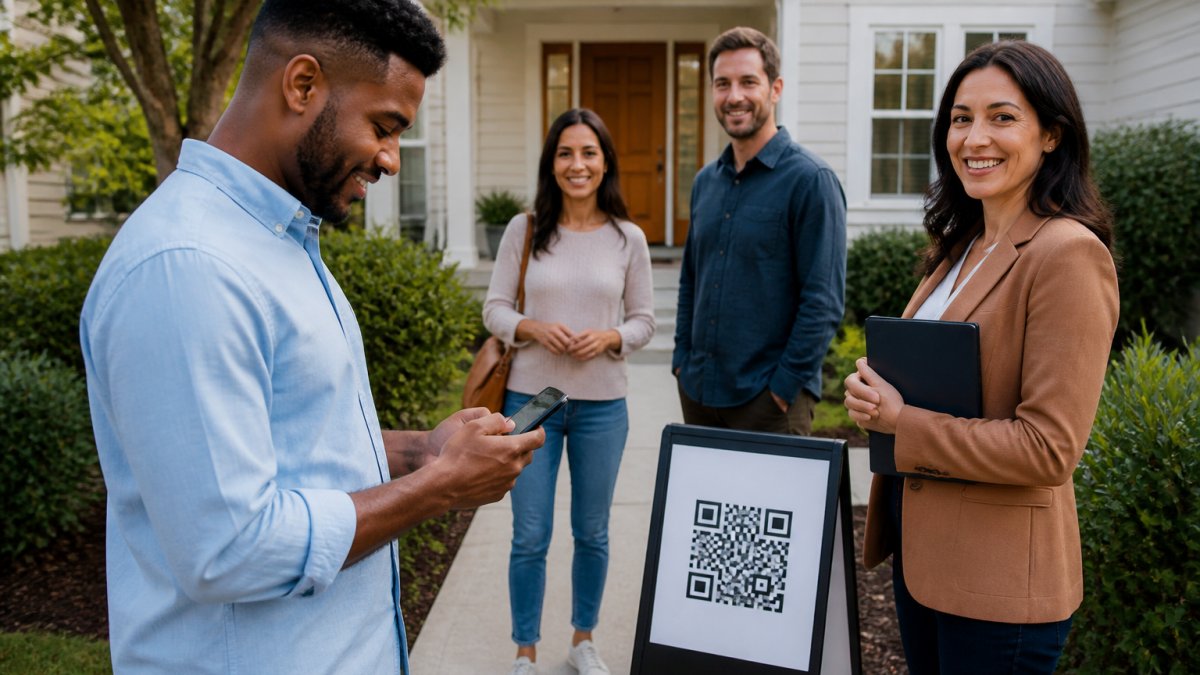
Table of Contents
- Why QR Codes Matter for Real Estate Showings
- How a Digital Open House Sign-In Sheet Works
- Real Estate Lead Capture Tools: QR Codes vs. Paper
- Open House Visitor Verification: Eliminating Fake Data
- Best Practices for Open House Registration
- Automatic Lead Delivery and CRM Integration
- Security, Privacy, and Compliance Considerations
- Frequently Asked Questions
Last Updated: October 2, 2026
Why QR Codes Matter for Real Estate Showings
QR codes real estate showings have fundamentally changed how agents capture and verify visitor information at open houses. Instead of asking prospects to scribble names and phone numbers on paper sign-in sheets, agents now direct visitors to scan a QR code on their phone.
The real advantage isn't just convenience. Paper sign-in sheets are notoriously unreliable. Prospects write fake names, use outdated phone numbers, or skip the sheet entirely. Digital QR code registration solves this by requiring visitors to submit their actual information through a form on their own device.
ohACCESS has built a verification system specifically designed for real estate showings. The approach eliminates fake data at the point of entry, saves agents hours of manual data cleanup, and delivers leads automatically to their existing CRM. Below, we'll walk through exactly how digital sign-in works, why verification matters, and the best practices for maximizing your open house registration success.
How a Digital Open House Sign-In Sheet Works
A digital open house sign-in sheet replaces the clipboard with a mobile-first form that visitors complete on their own phones. The process is frictionless: scan, fill, verify, and enter. No app download. No account creation. No friction.
The verification flow: From scan to entry
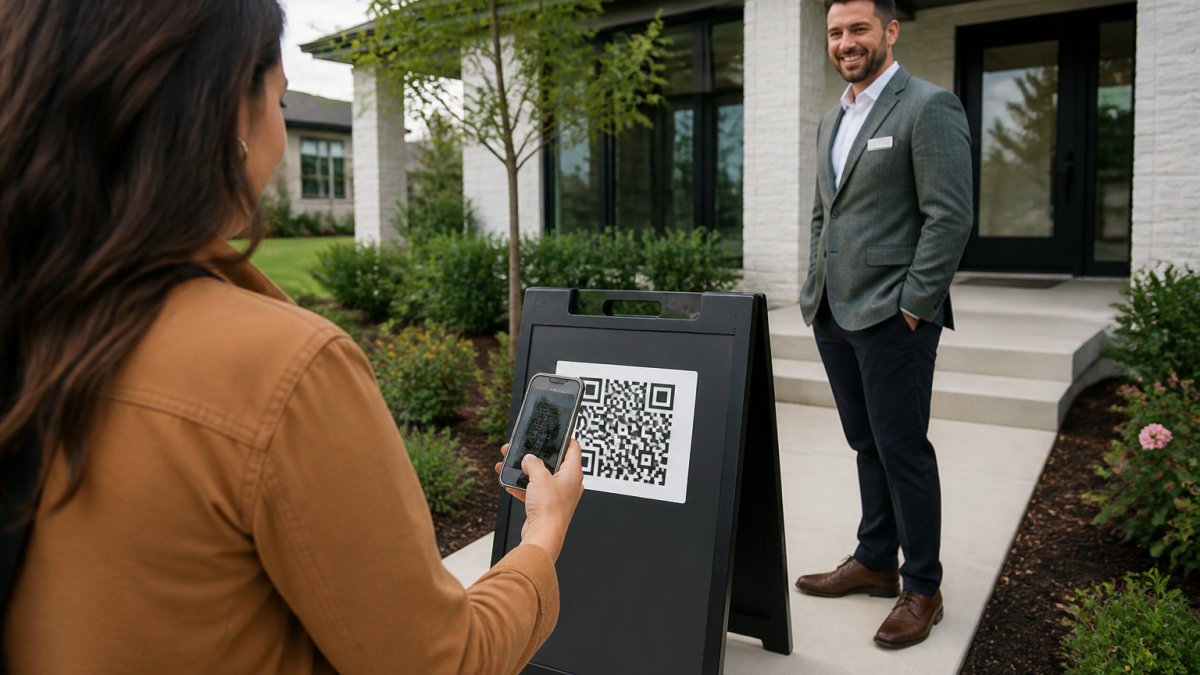
The visitor starts by scanning a QR code printed on a sign outside the property.
The form asks for four pieces of information: name, email, phone number, and buying timeline (0-3 months, 3-6 months, 6-12 months, or 12+ months).
The moment the visitor submits the form, ohACCESS sends two codewords, one by text message and one by email, instantly. The text codeword arrives first and serves as the primary verification method.
The visitor then tells one of these codewords to the host agent at the door. The agent hears it, verifies it matches, and grants entry. That's it.
What happens after the visitor enters
The moment the codeword is verified, the agent receives an instant text and email alert with the visitor's full details: name, email, phone, buying timeline, and any answers to custom questions. The agent also sees a running verified visitor log inside their ohACCESS dashboard. Each entry is marked as "verified at door," which is the proof that the contact information is real.
If the agent flags any concerns, a VoIP number, a bounced email, or a STOP opt-out, those flags appear in the log. The agent can also add private notes about the visitor's interests or behavior during the showing.
Real Estate Lead Capture Tools: QR Codes vs. Paper
Paper sign-in sheets have dominated open houses for decades. They're cheap, require no technology, and feel familiar to older buyers. But they fail at the one job that matters: capturing accurate, verified contact information.
QR code registration solves the core problem paper can't: verification. When a visitor fills a form on their phone and receives codewords, they've proven they own that email and phone number.
| Aspect | Paper Sign-In | QR Code Registration |
|---|---|---|
| Data accuracy | Low (fake names, old numbers) | High (verified phone and email) |
| Setup time | Minimal | 2 minutes per open house |
| Lead readiness | Requires manual cleanup | Instant, CRM-ready |
| Visitor experience | Pen and clipboard | Scan and submit on phone |
| Follow-up speed | Hours or days | Immediate alerts |
| Cost | Minimal | Subscription-based |
The trade-off is straightforward: QR codes require a small investment and a shift in process, but they deliver dramatically better lead quality.
Open House Visitor Verification: Eliminating Fake Data
Fake leads waste agent time. A prospect who wrote "John Smith" and "555-1234" on a paper sheet isn't a real lead. When the agent calls, the number is disconnected. The email bounces. Hours of follow-up effort yields nothing.
Verification stops this at the source. When a visitor submits a form and receives codewords to their actual phone and email, they've proven ownership of those contact details. An agent can trust that lead immediately.
How verification prevents bad leads
The verification flow is the key. Visitors don't type codewords into an app or system. Instead, they receive two codewords, one by text, one by email, and tell one to the host agent.
If a visitor enters a fake number, the text won't arrive. If they enter an invalid email, they won't receive the backup codeword.
This design prevents common fake-lead scenarios: the competitor who signs in with a fake name, the investor who uses a burner phone, the prospect who enters their spouse's email instead of their own. All of these fail the verification check.
Instant alerts and verified visitor logs
The moment a visitor's codeword is verified at the door, the agent receives a text and email alert. This isn't a delayed notification that arrives hours later.
The verified visitor log inside ohACCESS creates a permanent record. Each entry shows the visitor's name, contact details, buying timeline, and the exact time they were verified.
The log also flags suspicious activity: VoIP numbers, bounced emails, undeliverable texts, and STOP opt-outs. These flags help agents prioritize their follow-up and avoid wasting time on invalid leads.
Best Practices for Open House Registration
Getting the most from QR codes real estate showings requires intentional setup and execution. Small choices, where you place the sign, how you word your custom question, how you handle visitors without smartphones, determine how many visitors actually scan and how clean your data becomes.
Setting up your QR code for maximum scans
The QR code sign must be visible and accessible. Place it on an a-frame sign or pedestal at the property entrance, where visitors see it before they knock on the door.
Use a print-ready branded QR sign if you want to match your branding. ohACCESS provides templates that agents can customize with their logo and brokerage name.
Consider using a permanent reusable QR code if you host multiple open houses. This eliminates the need to print a new sign for every showing. The agent can generate one permanent code in ohACCESS and reuse it across all their open houses.
Customizing your registration form
The default form captures name, email, phone, and buying timeline. This covers the essentials, but you can add one custom question to gather additional information. Common examples: "How many bedrooms are you looking for?" or "Are you a first-time buyer?" or "What's your price range?"
Keep the custom question simple and optional. If it's too specific or required, visitors may abandon the form. The goal is to gather useful context without creating friction.
Handling visitors without smartphones
Not every prospect carries a smartphone, and some older buyers may be uncomfortable with QR codes. Have a backup plan: an agent can open the same registration form on a tablet or laptop and help the visitor fill it out. The form is fully mobile-responsive, so it works on any device.
Automatic Lead Delivery and CRM Integration
The real power of QR code registration emerges when leads flow directly into your CRM. Manual data entry defeats the purpose of digital registration.
ohACCESS delivers every sign-in into your CRM automatically through a formatted lead email sent to your CRM's intake address.
If your CRM isn't on the pre-integrated list, you can connect via Zapier, which links ohACCESS to thousands of apps.
For team leads managing multiple agents, team CRM forwarding allows a lead manager to copy every team member's open house registrations to a shared team CRM. This creates a unified lead pool and prevents duplicate follow-up across the team.
The key advantage: leads arrive in your CRM instantly, with verified contact information, ready for immediate follow-up. No manual entry. No delays. No data loss.
Security, Privacy, and Compliance Considerations
Collecting phone numbers and emails at open houses raises legitimate privacy concerns.
Visitors consent to the agent having their contact information. They don't consent to the seller having it.
ohACCESS includes an attorney-reviewed Terms and Privacy Policy and honors STOP opt-outs globally. If a visitor opts out of future communications, that preference is respected across all agents using the platform.
Data is automatically purged after three years, which balances the agent's need to reference past open house data with the visitor's right to be forgotten. For agents managing compliance at scale, this automatic retention policy removes the burden of manual data deletion.
QR codes for real estate showings eliminate the friction and inaccuracy of paper sign-in sheets.
Start with a free trial of ohACCESS, your first 25 visitor registrations are free, with no credit card required.
Frequently Asked Questions
Do visitors need to download an app to use QR code check-ins at open houses?
No. Visitors simply scan the QR code with their phone's built-in camera and fill out a short form on their own phone. No app download, no account creation, and nothing to install. The entire process takes less than 30 seconds. Returning visitors are remembered for a year and see their information pre-filled on the form.
How do QR codes help agents verify visitor contact information?
When a visitor submits their name, email, and phone number through the QR code form, they instantly receive two codewords, one by text message and one by email. They tell a codeword to the host agent at the door to enter the property. This proves the phone number and email are real and belong to the person visiting. Fake or invalid contact information cannot complete the check-in process.
What happens if someone doesn't have a smartphone or refuses to scan a QR code?
While most visitors scan the code, if someone doesn't have a smartphone or prefers not to scan, they can still provide their information. The key is having a fallback process so you don't miss capturing any leads, regardless of how a visitor prefers to check in.
How quickly can I get a report to send to the homeowner after an open house?
You can generate and share a report with the homeowner immediately after the open house ends. The report shows aggregate data only, total visitor count, buying timelines, average rating, and price verdict, without revealing any visitor names, contact information, or arrival times. This protects visitor privacy while giving the homeowner the insight they need about buyer interest.
Frequently asked questions
Do visitors need to download an app to use QR code check-ins at open houses?
No. Visitors simply scan the QR code with their phone's built-in camera and fill out a short form on their own phone. No app download, no account creation, and nothing to install. The entire process takes less than 30 seconds. Returning visitors are remembered for a year and see their information pre-filled on the form.
How do QR codes help agents verify visitor contact information?
When a visitor submits their name, email, and phone number through the QR code form, they instantly receive two codewords—one by text message and one by email. They tell a codeword to the host agent at the door to enter the property. This proves the phone number and email are real and belong to the person visiting. Fake or invalid contact information cannot complete the check-in process.
What happens if someone doesn't have a smartphone or refuses to scan a QR code?
While most visitors scan the code, if someone doesn't have a smartphone or prefers not to scan, they can still provide their information. The key is having a fallback process so you don't miss capturing any leads, regardless of how a visitor prefers to check in.
How quickly can I get a report to send to the homeowner after an open house?
You can generate and share a report with the homeowner immediately after the open house ends. The report shows aggregate data only—total visitor count, buying timelines, average rating, and price verdict—without revealing any visitor names, contact information, or arrival times. This protects visitor privacy while giving the homeowner the insight they need about buyer interest.
Keep reading
Start free with 25 verified check-ins. No credit card required.
Start Free