Customizable Open House App for Branding: 2026 Guide
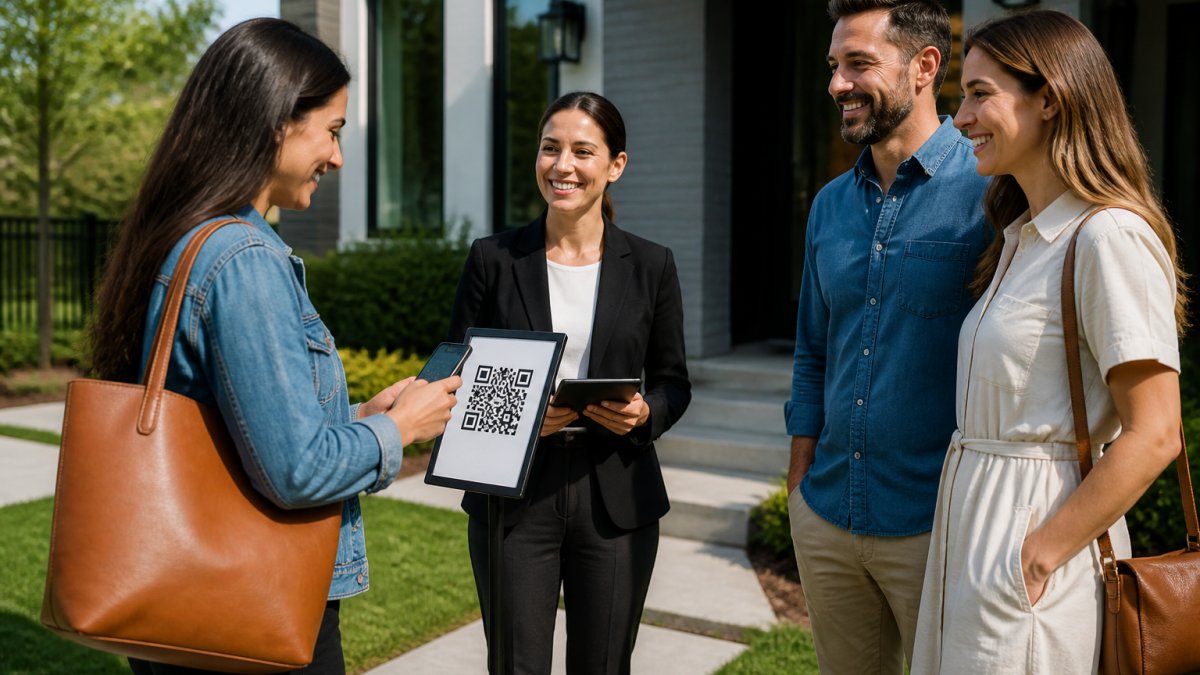
Table of Contents
- Why Branding Your Open House App Matters
- Digital Open House Sign-In Sheet: Templates You Can Brand
- Real Estate Lead Capture Tools That Verify Every Visitor
- Open House Visitor Verification: How the Codeword Flow Works
- CRM Integration for Real Estate Leads Without the Manual Entry
- ROI of Branded Open House Materials and Software
- Conclusion: Pick an Open House App That Carries Your Brand
- Frequently Asked Questions
Last Updated: September 29, 2026
Why Branding Your Open House App Matters
A customizable open house app for branding turns a routine sign-in into a lead-quality filter. It puts your name, your colors, and your follow-up system in front of every visitor before they ever speak to you. At ohACCESS, we built our check-in flow around that idea: the app should look like you, capture real contact data, and hand it to your CRM without manual entry.
Here's the tension most agents miss. A branded sign-in page looks polished, but polish alone doesn't stop a visitor from writing "Mickey Mouse" on a paper sheet or typing a fake phone number into a form. Branding and verification have to work together.
That's the throughline for this guide: the best open house app is the one that carries your brand and proves every visitor is real. Below, we break down what to brand, how verification works, and where the return actually shows up.
Digital Open House Sign-In Sheet: Templates You Can Brand
A digital open house sign-in sheet is a web form a visitor completes on their own phone after scanning a QR code. The branded version replaces the generic form with your logo, your headshot, your brokerage colors, and your custom questions. Here is the anatomy of a branded template, surface by surface.
The four surfaces you can brand
1. The QR sign. ohACCESS generates a print-ready, branded QR sign you post on a pedestal or A-frame outside the home. Your name and photo sit above the code, so the first thing a visitor sees at the curb is you, not a generic square. You get two QR options: a permanent reusable per-agent QR code you can print once and reuse at every open house, and per-event QR codes when you want a specific listing tied to a specific sign-in page.
2. The visitor form. Name, email, phone, and buying timeline (0-3, 3-6, 6-12, or 12+ months) plus up to one custom question you write. The form runs in 16 languages, so a bilingual or international buyer is not lost at the door. Returning visitors are remembered for a year and see their information pre-filled, which means the second visit takes seconds and the data stays consistent.
3. The sponsor block. Lenders, title reps, and inspectors can co-brand the sign, with the required "you are not required to use" disclosure built in.
What a branded template actually changes
| Template element | Generic form | Branded template |
|---|---|---|
| First impression at the door | A blank QR square | Your name, photo, and brokerage colors |
| Custom question | None | One question you write per event |
| Language coverage | English only | 16 languages |
| Returning visitor | Starts from scratch | Pre-filled for a year |
| Sponsor credit | Not possible | Co-branded with required disclosure |
| Team consistency | Each agent invents their own | Shared branding across the roster |
Why this is more than decoration
What most guides get wrong is treating branding as decoration. A branded form does real work: it signals who you are, sets expectations for follow-up, and makes the visitor more likely to give a real number. The custom question is the underrated piece, one well-chosen question ("Are you working with an agent?" or "What is your target move-in window?") turns a name into a qualified lead before you say hello.
Real Estate Lead Capture Tools That Verify Every Visitor
Real estate lead capture tools fall into two buckets: those that collect whatever a visitor types, and those that confirm the contact details are genuine. The difference shows up in your follow-up.
Open House Visitor Verification: How the Codeword Flow Works
Open house visitor verification confirms that the phone number and email a visitor provides actually belong to them. ohACCESS does this with a two-channel codeword step that takes seconds at the door.
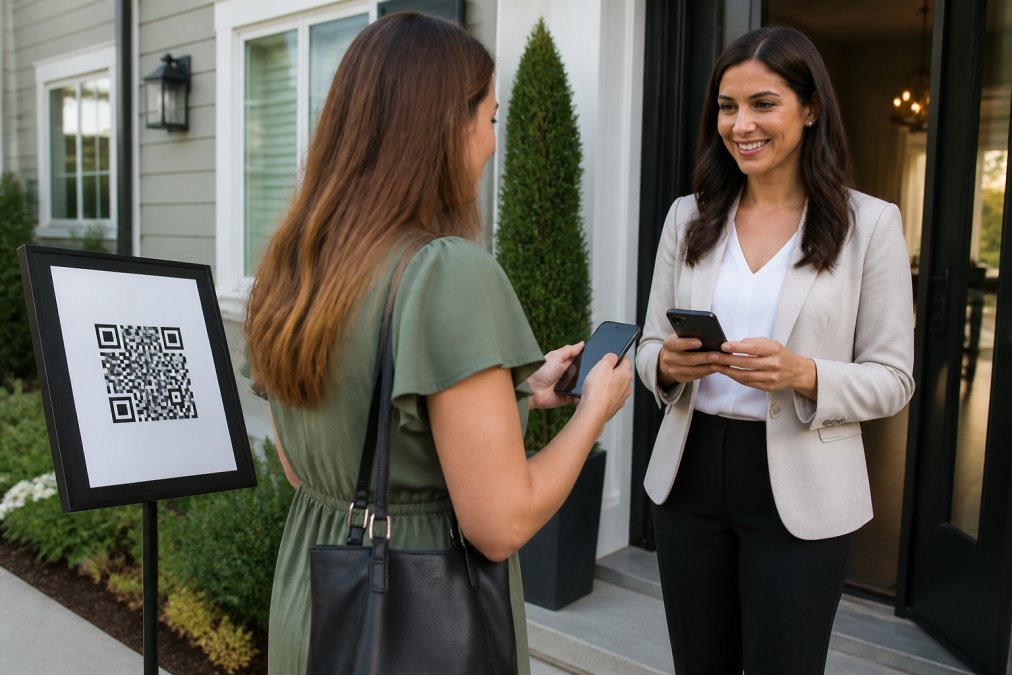
Here is the exact flow:
- The visitor scans the QR code posted outside the home and fills out the short form on their own phone.
- The moment they submit, ohACCESS sends two codewords: one by text message and one by email, both immediately.
- The visitor tells a codeword to the host agent at the door to enter the property. The text codeword is primary; the email codeword is the backup if the text is slow.
- The agent instantly receives a text and email alert with the visitor's details.
CRM Integration for Real Estate Leads Without the Manual Entry
CRM integration for real estate leads is the step that decides whether your verified data stays clean or rots in a spreadsheet. ohACCESS delivers every sign-in into your CRM automatically through three mechanisms.
- A formatted lead email sent to your CRM's lead-intake address, labeled so the CRM parses it into fields on its own. This is verified working with Follow Up Boss; agents pick their CRM from a dropdown that includes BoldTrail/kvCORE, Lofty, Sierra Interactive, Real Geeks, CINC, Top Producer, Wise Agent, LionDesk, and Other.
- A Zapier webhook that connects the flow to thousands of apps.
- Team CRM forwarding, where a team lead copies every member's leads to a shared team CRM.
ROI of Branded Open House Materials and Software
The ROI of branded open house materials shows up in three places: time saved, lead quality, and the listing conversation. Here is how to actually think about the return, and where the vanity metrics hide.
The three returns, separated
1. Time saved. Manual entry does not scale. An agent running three or four open houses a week retypes names, emails, and phone numbers into a CRM after every event. ohACCESS removes that step: every sign-in is delivered into your CRM automatically as a formatted lead, so the hour you would have spent retyping is an hour spent calling the leads you just met.
What to measure, and what to ignore
| What you measure | Paper sheet | Branded, verified app |
|---|---|---|
| Contact validity | Unknown until you call | Confirmed at the door |
| Data entry | Manual, error-prone | Delivered to CRM automatically |
| Seller proof | A stack of names | One-tap aggregate report |
| Follow-up speed | Same day, if you're organized | Instant alert per sign-in |
| Brand exposure | Your handwriting | Your logo, colors, custom questions |
| Sponsor value | None | Co-branded sign with required disclosure |
Ignore raw sign-in counts as a standalone metric. A high count with unverifiable contacts is a vanity number. Track reachable contacts, time-to-first-follow-up, and how many seller reports you actually share.
The cost side, stated plainly
Pricing is flat and published, so you can do this math yourself. The first 25 visitor registrations are free with every feature included and no credit card. After that, Pro for a solo agent is $15/month, $150/year, or $240 for two years. Team (2-10 agents) is a flat $120/month. Brokerage (11-100 agents) is $11 per agent per month, self-serve. Pricing never varies with how many open houses or visitors you have, no volume discounts, no usage-based surprises.
Conclusion: Pick an Open House App That Carries Your Brand
The hard part isn't finding an app with a logo upload. It's finding one that carries your brand and proves every visitor is real, then routes that verified lead into your CRM without you touching it.
Frequently Asked Questions
How can I brand my open house sign-in process?
You brand it at three touchpoints: the QR sign at the door (ohACCESS provides a print-ready, branded sign), the visitor form itself (16 languages, one custom question you write), and the follow-up emails visitors receive the next morning. Agents on Team and Brokerage plans can also apply shared branding across every member's sign-in pages, so a 15-agent office looks consistent at every listing.
Do open house apps integrate with real estate CRMs?
ohACCESS delivers every sign-in into your CRM automatically through a formatted lead email sent to your CRM's lead-intake address, a Zapier webhook, or team CRM forwarding. Agents pick their CRM from a dropdown that includes Follow Up Boss, BoldTrail/kvCORE, Lofty, Sierra Interactive, Real Geeks, CINC, Top Producer, Wise Agent, and LionDesk. There is no native API sync or field mapping; the lead simply arrives in your CRM ready for follow-up.
How do I ensure visitor data privacy at an open house?
Visitors consent to the agent having their info, not the seller. ohACCESS keeps it that way: the one-tap Seller Report shows aggregate data only, such as registered-visitor count, buying-timeline breakdown, average 1-10 rating, and price verdict, with no names, phone numbers, emails, or arrival times. ohACCESS also purges data automatically after three years and publishes attorney-reviewed Terms and a Privacy Policy.
Can I customize the questions on my digital sign-in sheet?
Yes. You can add one custom question to the visitor sign-in form, on top of the standard name, email, phone, and buying-timeline fields. After Tour feedback supports up to two more custom questions alongside the 1-10 home rating and price verdict. Aggregated answers to your custom questions appear in the Seller Report, so you can show a homeowner exactly what buyers thought without exposing anyone's contact details.
Your next open house will draw a mix of serious buyers and curious neighbors. The question is whether you'll walk away with a branded, verified list you can actually call, or another sheet of names you can't trust. ohACCESS gives you a customizable open house app for branding that verifies every visitor at the door, delivers each lead straight into your CRM, and hands your seller a clean, aggregate performance report the same day. Start free and see how it fits your next showing.
Frequently asked questions
How can I brand my open house sign-in process?
You brand it at three touchpoints: the QR sign at the door (ohACCESS provides a print-ready, branded sign), the visitor form itself (16 languages, one custom question you write), and the follow-up emails visitors receive the next morning. Agents on Team and Brokerage plans can also apply shared branding across every member's sign-in pages, so a 15-agent office looks consistent at every listing.
Do open house apps integrate with real estate CRMs?
ohACCESS delivers every sign-in into your CRM automatically through a formatted lead email sent to your CRM's lead-intake address, a Zapier webhook, or team CRM forwarding. Agents pick their CRM from a dropdown that includes Follow Up Boss, BoldTrail/kvCORE, Lofty, Sierra Interactive, Real Geeks, CINC, Top Producer, Wise Agent, and LionDesk. There is no native API sync or field mapping; the lead simply arrives in your CRM ready for follow-up.
How do I ensure visitor data privacy at an open house?
Visitors consent to the agent having their info, not the seller. ohACCESS keeps it that way: the one-tap Seller Report shows aggregate data only, such as registered-visitor count, buying-timeline breakdown, average 1-10 rating, and price verdict, with no names, phone numbers, emails, or arrival times. ohACCESS also purges data automatically after three years and publishes attorney-reviewed Terms and a Privacy Policy.
Can I customize the questions on my digital sign-in sheet?
Yes. You can add one custom question to the visitor sign-in form, on top of the standard name, email, phone, and buying-timeline fields. After Tour feedback supports up to two more custom questions alongside the 1-10 home rating and price verdict. Aggregated answers to your custom questions appear in the Seller Report, so you can show a homeowner exactly what buyers thought without exposing anyone's contact details.
Keep reading
Start free with 25 verified check-ins. No credit card required.
Start Free