Virtual Open House Platforms for Real Estate: 2026 Guide
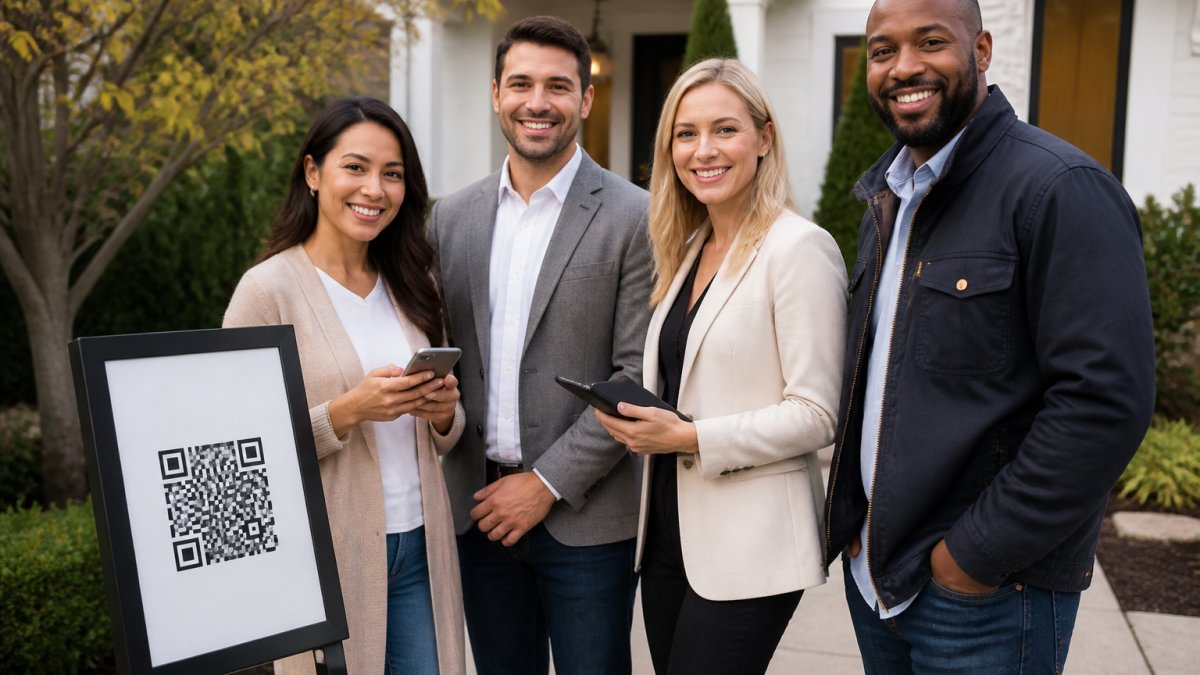
Table of Contents
- What a Virtual Open House Platform Actually Does
- Platform Comparison Matrix: Key Features and Pricing
- Digital Open House Sign-In Sheet: Verified Check-In vs Paper
- CRM Integration for Real Estate Leads: How Delivery Works
- Verified Visitor Check-In for Realtors: Cutting Fake Leads
- Open House Feedback and Seller Reports That Prove Turnout
- Accessibility, Compliance, and Choosing Your Platform
- Conclusion
- Frequently Asked Questions
Last Updated: September 27, 2026
What a Virtual Open House Platform Actually Does
A virtual open house platform is software that lets buyers tour a property remotely while capturing their contact information and interest level in one place. The category splits into two jobs: showing the home, and knowing who showed up.
Most guides treat those as the same problem. They aren't.
Your 3D tour handles the showing. It runs 24/7, it works for out-of-state buyers, and it never gets tired of answering the same question about the kitchen. But a tour tells you nothing about who watched it, whether their phone number is real, or whether they're buying in three months or three years.
That's the gap this guide from ohACCESS addresses. We'll break down the platform types, what each one actually costs, and where the lead-quality problem hides.
Platform Comparison Matrix: Key Features and Pricing
Platforms fall into four buckets, and picking the wrong bucket wastes money. Here's the breakdown.
| Platform Type | Example Tools | Starting Price | Core Strength | What It Doesn't Do |
|---|---|---|---|---|
| Verified digital sign-in | ohACCESS | Free trial (25 sign-ins) | Lead quality and CRM delivery | 3D tour hosting |
| 3D capture and tours | Matterport, Pivo Real Estate | $9.99/month | High-end listing visuals | Identity verification at the door |
| Digital sign-in apps | Curb Hero | Free tier available | Branded forms on a budget | Phone/email verification |
| Interactive property pages | Highnote | $29/month | Premium buyer presentations | Live check-in or door verification |
The mistake I see most often is agents buying a 3D tour tool to solve a lead-capture problem. Matterport builds beautiful digital twins, but it won't tell you whether the person who filled out your form used a burner number. Pivo Real Estate uses a motorized pod that pairs with your smartphone, a low-cost entry point if you already shoot your own tours, but still no verification layer.
Curb Hero offers a generous free tier and clean branding, which suits solo agents testing digital sign-in for the first time. Highnote leans into presentation quality, with engagement tracking on interactive brochures, though setup takes longer. Neither verifies that the phone number or email a visitor submits actually belongs to them.
Here's the feature-level breakdown that matters when you're choosing a stack:
| Feature | ohACCESS | Typical 3D Tour Tool | Typical Sign-In App |
|---|---|---|---|
| QR-code check-in | Yes | No | Some |
| Phone/email verification | Yes (two codewords) | No | No |
| Instant agent alerts | Yes (text + email) | No | Some |
| CRM lead delivery | Yes (email + Zapier) | No | Some |
| 3D tour hosting | No | Yes | No |
| Seller report (aggregate) | Yes | No | No |
| Free entry point | Free trial (25 sign-ins) | Trial or limited free | Free tier |
None of the tour or sign-in tools verify identity at the door. That's a different product category, and it's the one that decides whether your follow-up list is worth calling. If your goal is lead quality, you need a verification layer. If your goal is visual presentation, you need a tour tool. Most successful agents use both, but they don't confuse one for the other.
Digital Open House Sign-In Sheet: Verified Check-In vs Paper
Paper sign-in sheets fail for one reason: nothing proves the information is real. A visitor writes "John Smith" and a disconnected number, and you spend the next week calling a dead line.
Digital sign-in fixes the data-entry problem. It doesn't automatically fix the truth problem. A form on a tablet still accepts whatever someone types.
Verified check-in closes that gap. Here's how ohACCESS handles it:
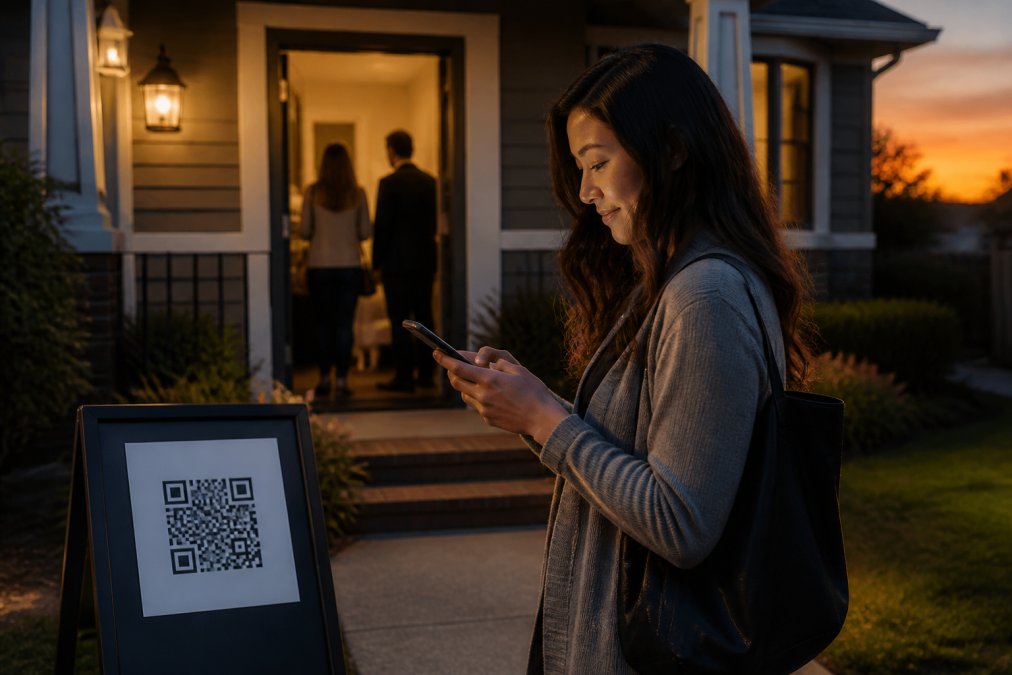
- The visitor scans a QR code posted on a pedestal or a-frame sign at the door.
- They complete a short form on their own phone: name, email, phone, and buying timeline.
- They immediately receive two codewords, one by text and one by email.
- They tell a codeword to the host agent at the door to get in.
Nothing gets typed back into a system. The codeword is spoken to a human, which means the phone and email on file have to actually work. International visitors get their codeword through WhatsApp, and the form runs in 16 languages.
CRM Integration for Real Estate Leads: How Delivery Works
Every sign-in should land in your CRM without you touching it. If you're still copying names from a paper sheet into Follow Up Boss on Sunday night, you're losing the window when buyers are most responsive.
Verified Visitor Check-In for Realtors: Cutting Fake Leads
Fake contact information is the quiet tax on open house marketing. You pay for the signs, the time, and the follow-up, and a slice of that effort goes nowhere.
Open House Feedback and Seller Reports That Prove Turnout
Your seller wants to know one thing: did anyone come, and did they like the house? Answering that with a vague "good turnout" erodes trust.
Accessibility, Compliance, and Choosing Your Platform
Two things sink real estate software decisions: accessibility gaps and unclear data handling. Most platform reviews skip both. Here's what to actually check.
Accessibility: The ADA Angle Competitors Ignore
Virtual open houses are a public accommodation under the Americans with Disabilities Act (ADA), and the Department of Justice has consistently held that websites and digital tools must be accessible. The Web Content Accessibility Guidelines from the W3C set the standard most platforms aim for, covering screen-reader support, color contrast, and keyboard navigation.
Ask any vendor three questions before you buy:
- Does your visitor form work with screen readers like JAWS or NVDA?
- Can someone complete check-in using only a keyboard?
- What happens if a visitor doesn't have a smartphone?
Compliance: What to Verify Before You Sign Up
Check that your vendor publishes attorney-reviewed terms and a privacy policy, and that it honors opt-outs globally. The Federal Trade Commission's guidance on protecting consumer information is a reasonable baseline for what "handled responsibly" means. ohACCESS includes a 3-year automatic data-retention purge and a privacy-safe reporting model. It is Patent Pending.
Budget Tiers: Match the Tool to Your Stage
| Tier | What You Get | Best For |
|---|---|---|
| Free / Trial | ohACCESS free trial (25 sign-ins), Curb Hero free tier | Testing digital sign-in for the first time |
| Entry Subscription | ohACCESS Pro at $15/month, Matterport at $9.99/month | Solo agents with regular open house volume |
| Team / Flat Rate | ohACCESS Team at $120/month flat (2-10 agents) | Small teams sharing leads and branding |
| Brokerage | ohACCESS Brokerage at $11/agent/month (11-100 agents) | Offices standardizing on one platform |
Match the tier to your open house volume, not your ambition. A solo agent doing two open houses a month doesn't need a brokerage dashboard. A ten-agent team splitting leads absolutely needs shared CRM forwarding and roster management.
Conclusion
The hard part of virtual open houses isn't the tour. It's proving that the people who walked through your listing are real buyers with working contact information. Paper sheets can't do it, and neither can a form that accepts whatever gets typed into it.
Frequently Asked Questions
What features should I look for in a virtual open house platform?
Prioritize verified check-in that confirms phone numbers and emails are real, since unverified paper sheets collect bad data. Look for automatic lead delivery into your CRM, a seller report you can share the same day, and multi-language forms if you host international buyers. Pricing should be flat and predictable, not tied to how many visitors attend. ohACCESS offers a free trial covering the first 25 sign-ins with every feature included.
Do virtual open house platforms integrate with my CRM?
It depends on the platform. ohACCESS delivers every sign-in into your CRM automatically through a formatted lead email sent to your CRM's intake address, a Zapier webhook, or team CRM forwarding. It works with Follow Up Boss, BoldTrail/kvCORE, Lofty, Sierra Interactive, Real Geeks, CINC, Top Producer, Wise Agent, and LionDesk. This is lead delivery, not a native API sync, so expect formatted leads.
How can I verify visitor contact information at an open house?
Ask visitors to scan a QR code and register on their own phone. ohACCESS then sends two codewords instantly, one by text and one by email. The visitor tells a codeword to the host agent at the door to enter. Because the codeword arrives on the phone number and email address they submitted, a fake entry cannot produce a working codeword. The agent also gets an instant text and email alert for each sign-in.
How do digital sign-in sheets improve lead quality?
Paper sheets let anyone write a disconnected number or a throwaway email, and you only find out when follow-up fails. A digital open house sign-in sheet with codeword verification confirms the contact details at the door. ohACCESS also flags VoIP and burner numbers, bounced emails, undeliverable texts, and STOP opt-outs, so your follow-up list contains reachable buyers instead of dead entries your CRM has to absorb.
Frequently asked questions
What features should I look for in a virtual open house platform?
Prioritize verified check-in that confirms phone numbers and emails are real, since unverified paper sheets collect bad data. Look for automatic lead delivery into your CRM, a seller report you can share the same day, and multi-language forms if you host international buyers. Pricing should be flat and predictable, not tied to how many visitors attend. ohACCESS offers a free trial covering the first 25 sign-ins with every feature included.
Do virtual open house platforms integrate with my CRM?
It depends on the platform. ohACCESS delivers every sign-in into your CRM automatically through a formatted lead email sent to your CRM's intake address, a Zapier webhook, or team CRM forwarding. It works with Follow Up Boss, BoldTrail/kvCORE, Lofty, Sierra Interactive, Real Geeks, CINC, Top Producer, Wise Agent, and LionDesk. This is lead delivery, not a native API sync, so expect formatted leads.
How can I verify visitor contact information at an open house?
Ask visitors to scan a QR code and register on their own phone. ohACCESS then sends two codewords instantly, one by text and one by email. The visitor tells a codeword to the host agent at the door to enter. Because the codeword arrives on the phone number and email address they submitted, a fake entry cannot produce a working codeword. The agent also gets an instant text and email alert for each sign-in.
How do digital sign-in sheets improve lead quality?
Paper sheets let anyone write a disconnected number or a throwaway email, and you only find out when follow-up fails. A digital open house sign-in sheet with codeword verification confirms the contact details at the door. ohACCESS also flags VoIP and burner numbers, bounced emails, undeliverable texts, and STOP opt-outs, so your follow-up list contains reachable buyers instead of dead entries your CRM has to absorb.
Keep reading
Start free with 25 verified check-ins. No credit card required.
Start Free