Open House App Security Features for Data Protection
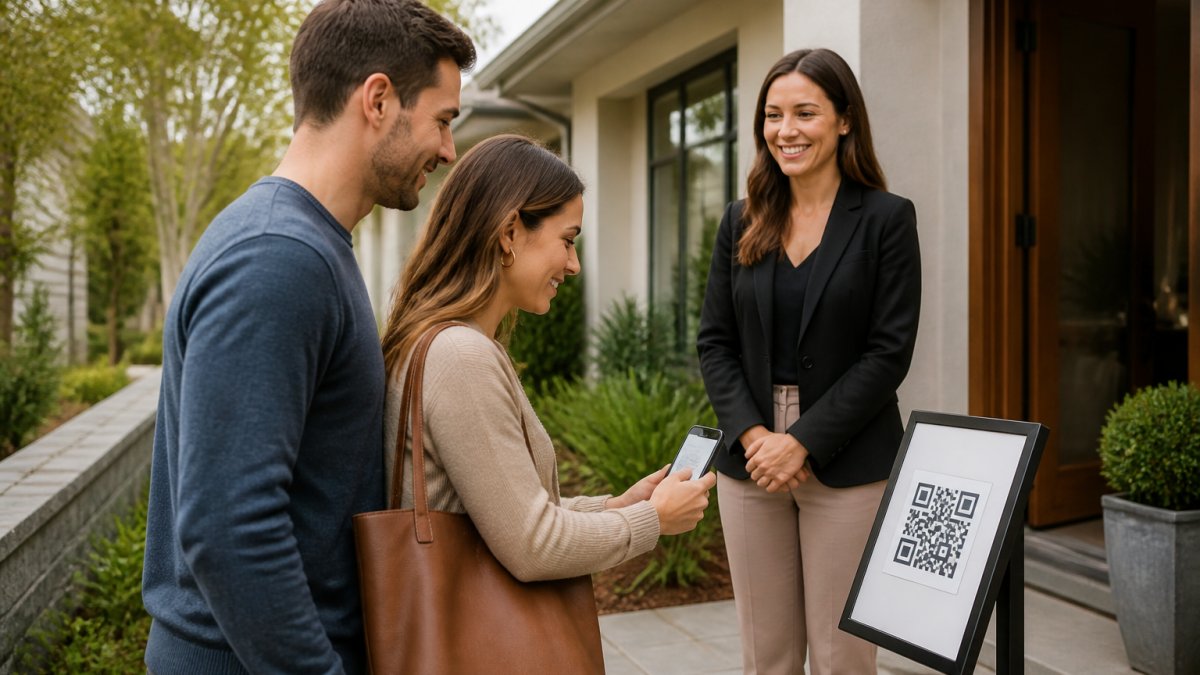
Table of Contents
- Why Paper Sign-In Sheets Put Client Data at Risk
- Open House App Security Features That Actually Protect Data
- Protecting Client PII in Real Estate: Compliance and Privacy Rules
- Digital Open House Sign-In Best Practices for Secure Lead Capture
- Third-Party Integration Security: What to Check Before You Connect
- Data Deletion and Right-to-Be-Forgotten Workflows
- How ohACCESS Handles Verification and Data Protection
- Conclusion
- Frequently Asked Questions
Last Updated: September 30, 2026
Why Paper Sign-In Sheets Put Client Data at Risk
Every weekend, agents hand strangers a clipboard holding names, phone numbers, email addresses, and sometimes signatures, all in plain view of the next visitor in line. Anyone can photograph a page, copy a number, or write down a fake one.
This is the quiet problem at the center of open house app security features for data protection: paper is not a neutral default. It is an unencrypted, unverifiable, untracked record that follows the agent home in a tote bag.
The risks are concrete:
- No verification. A fake name and a disconnected number look identical to a real lead on paper.
- No access control. Every person who touches the clipboard sees every prior entry.
- No audit trail. If a page goes missing, there is no record of who saw it or when.
A lost sign-in sheet is a data breach with no notification, no timeline, and no way to tell clients their information may be exposed.
Open House App Security Features That Actually Protect Data
The best open house app security is built on three layers: encryption, access control, and verification. Miss any one and the other two weaken.
Here is what to look for, and the specific mechanisms that separate a real security posture from a marketing claim.
Encryption in Transit and At Rest
Encryption in transit protects data while it moves from a visitor's phone to the platform's servers. Encryption at rest protects it once it is stored. Both matter, and both should be standard, not a premium add-on.
Encryption in transit wraps the connection in TLS, the padlock in a browser address bar, so a visitor's phone number cannot be read off a public network. Encryption at rest secures the stored database with a modern cipher such as AES-256, so a stolen backup file is unreadable without the keys.
The two are not interchangeable. When you evaluate any open house app, ask whether both are in place, and ask what happens to data in backups and exports, the copies vendors forget to mention.
Access Controls and Authentication
Access control determines who can see lead data and what they can do with it. At minimum, an agent account should require a strong password and support multi-factor authentication (MFA), so a stolen password alone cannot unlock the account.
Role-based access control (RBAC) matters for teams: a solo agent needs full access to their own leads, a team lead needs visibility across the roster, and an assistant should see only what their role requires. When every user has the same permissions, one compromised login exposes everything.
Two more controls are worth asking about: session handling (does the platform time out idle sessions, and can a team lead revoke a departed member's access immediately?) and audit logging (can you see who viewed or exported a lead record, and when?).
Verification: The Layer Most Checklists Skip
Encryption and access control protect data you already trust. Verification is what makes the data worth protecting: a sign-in record with a fake phone number is a liability disguised as a lead, you cannot reach it, confirm consent, or honor a deletion request against a person who does not exist.
Verification proves the visitor controls the contact details they entered.
Protecting Client PII in Real Estate: Compliance and Privacy Rules
Personally identifiable information in real estate means names, phone numbers, email addresses, and any detail traceable to a specific person. Once you collect it, you own protecting it.
What CCPA and State Privacy Laws Require
At a practical level, these laws ask four things of an agent collecting lead data:
- Tell people what you collect and why.
- Store it securely.
- Delete it when asked, or when it is no longer needed.
- Do not sell it without disclosure and an opt-out.
Digital Open House Sign-In Best Practices for Secure Lead Capture
Secure lead capture starts before the first visitor arrives. The setup you do in advance determines whether the data you collect is trustworthy.
Follow these digital open house sign-in best practices:
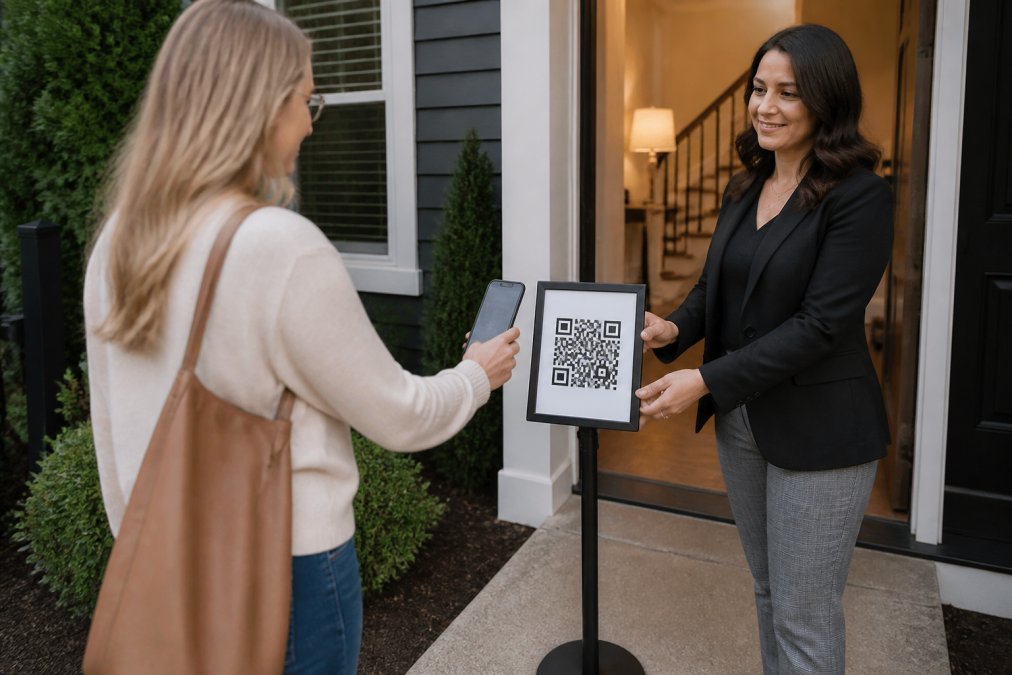
- Print and post a QR code at the door, on a pedestal or a-frame sign, so visitors see it before entering
- Keep the sign-in form short: name, email, phone, buying timeline, and no more than one custom question
- Confirm the platform verifies contact details rather than just collecting them
- Check that leads land in your CRM automatically so they are not sitting in a spreadsheet
- Review your retention policy and know how long data is kept
- Test the flow yourself before the open house so you can answer visitor questions
Third-Party Integration Security: What to Check Before You Connect
Every tool you connect to your sign-in platform is another door into your data, not a reason to avoid integrations, but a reason to check them first. Most security guides tell you to encrypt and use strong passwords, then stop at the edge of your own account, as if the CRM and email tools downstream were someone else's problem. They are yours.
| Check | What to Look For | Why It Matters |
|---|---|---|
| Data flow direction | Does data move one way or both ways? | Two-way sync widens exposure and is harder to audit |
| Credential handling | Are API keys or passwords stored securely, and can they be scoped or revoked? | Weak storage or unscoped keys invite breaches |
| Vendor posture | Does the vendor publish a security page, a subprocessor list, and a breach-notification commitment? | Silence signals low priority |
| Offboarding | Can you revoke the connection cleanly when you switch tools? | Orphaned connections leak data long after you stop using them |
A Practical Vetting Routine
You do not need a security team, just twenty minutes and a short list of questions, asked in writing so you have a record:
- Ask where the data lives. Which subprocessors touch it, and in which regions? A vendor that cannot name them cannot protect them.
- Ask how access is scoped. Can you issue a key that only writes leads, rather than one that reads and writes everything?
- Ask what happens on termination. When you cancel, is your data deleted on a schedule, and can you get a copy first?
- Ask about breach notification. How quickly would you be told, and through what channel?
Where the Lead Data Actually Goes
The safest integration moves the least data through the fewest hands. A sign-in platform that delivers each lead into your CRM automatically, as a formatted lead email or through a webhook, keeps the connection narrow and the audit trail short, with no spreadsheet to maintain and no second copy of the same record in a tool nobody is watching. The goal is not zero integrations; it is knowing exactly what each one touches, in which direction, and how to turn it off.
Data Deletion and Right-to-Be-Forgotten Workflows
Deletion is the part of data protection most agents never plan for, and where privacy complaints often begin. If a client asks you to remove their information, you need a defined process, not a scramble.
A workable deletion workflow has four steps:
- Receive the request in writing so there is a record.
- Locate every copy of that person's data across your tools.
- Delete or anonymize each copy, including CRM records and exports.
- Confirm in writing that the deletion is complete.
How ohACCESS Handles Verification and Data Protection
ohACCESS replaces the paper sheet with a verified digital check-in flow, and the security model is built into how a visitor gets through the door.
Conclusion
The gap between a secure open house and a risky one comes down to one decision: what you hand the visitor at the door. A clipboard cannot verify a phone number, cannot be encrypted, and cannot be deleted on request. A verified digital check-in can do all three.
Frequently Asked Questions
What security features should agents look for in a digital sign-in tool?
Look for encryption in transit and at rest, role-based access controls, multi-factor authentication for agent accounts, and a clear data retention policy. The tool should also provide a forensic trail showing IP addresses and device types for every sign-in. ohACCESS adds verified codeword check-in, which confirms the visitor's phone number and email are real before they enter the property. Ask whether the vendor stores data in the US and how they handle deletion requests.
How do real estate apps protect visitor contact information?
Reputable open house apps use secure transmission protocols to encrypt data as it travels from the visitor's phone to the server, then store it encrypted at rest. Access is limited to the agent who owns the account. ohACCESS sends two codewords, one by text and one by email, so the visitor proves their contact details are real before entering. The agent gets an instant alert, and the seller report shows only aggregate counts, never names or phone numbers.
Are digital open house sign-in forms compliant with data privacy standards?
Compliance depends on the tool and how you use it. Under the California Consumer Privacy Act (CCPA), visitors have the right to know what data you collect and to request deletion. A compliant sign-in form states its purpose, limits collection to what you need, and offers a deletion path. ohACCESS provides attorney-reviewed Terms and Privacy Policy and a 3-year automatic data-retention purge. Agents should review their state's privacy laws and confirm the vendor's data residency.
Why is digital visitor verification more secure than paper sign-in sheets?
Paper sheets sit in the open where anyone can photograph or copy them, and there is no way to confirm a phone number or email is real. A verified digital check-in sends two codewords, one by text and one by email, that the visitor shares with the host agent. This proves the contact information belongs to them. ohACCESS also flags VoIP and burner numbers, bounced emails, and undeliverable texts, so agents catch bad data before it reaches their CRM.
Frequently asked questions
What security features should agents look for in a digital sign-in tool?
Look for encryption in transit and at rest, role-based access controls, multi-factor authentication for agent accounts, and a clear data retention policy. The tool should also provide a forensic trail showing IP addresses and device types for every sign-in. ohACCESS adds verified codeword check-in, which confirms the visitor's phone number and email are real before they enter the property. Ask whether the vendor stores data in the US and how they handle deletion requests.
How do real estate apps protect visitor contact information?
Reputable open house apps use secure transmission protocols to encrypt data as it travels from the visitor's phone to the server, then store it encrypted at rest. Access is limited to the agent who owns the account. ohACCESS sends two codewords, one by text and one by email, so the visitor proves their contact details are real before entering. The agent gets an instant alert, and the seller report shows only aggregate counts, never names or phone numbers.
Are digital open house sign-in forms compliant with data privacy standards?
Compliance depends on the tool and how you use it. Under the California Consumer Privacy Act (CCPA), visitors have the right to know what data you collect and to request deletion. A compliant sign-in form states its purpose, limits collection to what you need, and offers a deletion path. ohACCESS provides attorney-reviewed Terms and Privacy Policy and a 3-year automatic data-retention purge. Agents should review their state's privacy laws and confirm the vendor's data residency.
Why is digital visitor verification more secure than paper sign-in sheets?
Paper sheets sit in the open where anyone can photograph or copy them, and there is no way to confirm a phone number or email is real. A verified digital check-in sends two codewords, one by text and one by email, that the visitor shares with the host agent. This proves the contact information belongs to them. ohACCESS also flags VoIP and burner numbers, bounced emails, and undeliverable texts, so agents catch bad data before it reaches their CRM.
Keep reading
Start free with 25 verified check-ins. No credit card required.
Start Free