How to Sync Open House Data to CRM: A Step-by-Step Guide
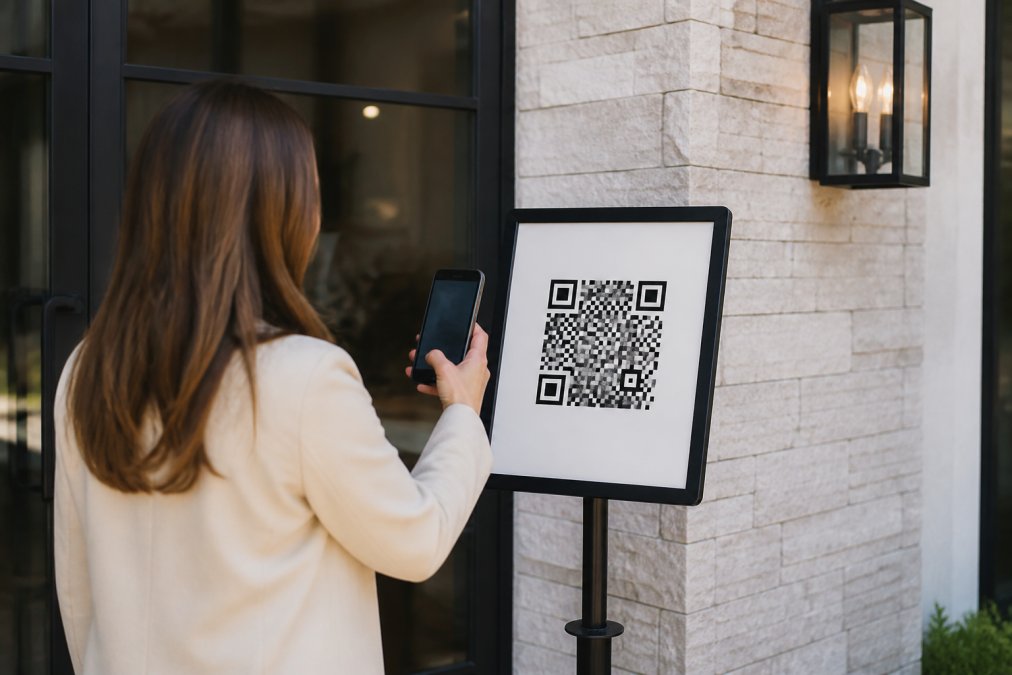
Table of Contents
- Why Syncing Open House Data to Your CRM Matters
- Understanding Lead Capture and Automated Sync for Open Houses
- Best Real Estate Open House Apps for CRM Integration
- Step-by-Step: How to Connect Your Open House Sign-In to Your CRM
- Zapier Real Estate Integrations for Workflow Automation
- Open House Lead Management Best Practices
- Automated Lead Follow-Up for Realtors
- Troubleshooting Common Sync Issues
Last Updated: August 13, 2026
Why Syncing Open House Data to Your CRM Matters
Real estate agents waste hours manually transferring visitor information from paper sign-in sheets into their CRM systems. That's time lost on lead follow-up, data entry errors that corrupt your database, and qualified prospects sitting in your inbox waiting for contact.
When you sync open house data to CRM automatically, leads flow directly into your system the moment a visitor checks in. Your follow-up sequences trigger instantly. Your homeowner gets a professional report showing exactly how many serious buyers walked through the door. No manual work. No mistakes. No delays.
Understanding Lead Capture and Automated Sync for Open Houses
Lead capture is collecting visitor contact information at your open house. Automated sync means that information flows directly from your sign-in tool into your CRM without manual intervention.
Most agents still use paper sheets. Visitors scribble names (often fake), phone numbers, and email addresses. The agent spends 30-60 minutes after the event typing everything into their CRM. By then, momentum is gone. Typos corrupt the database. Leads with invalid contact information waste time on follow-up calls that bounce.
Automated lead capture changes this entirely. When visitors provide information digitally, it validates in real-time. Bad data never enters your system. The moment a form is submitted, your CRM receives clean, verified contact information and immediately routes the lead to the right follow-up sequence.
Manual Data Entry vs. Automated Integration
Manual data entry introduces friction at every step. An agent collects 25 visitors at a Saturday open house. Monday morning, they spend an hour typing names, numbers, and emails into their CRM. Mistakes happen. A visitor named "John" becomes "Jon." A phone number is transposed. An email address is incomplete.
Automated integration eliminates this entirely. The moment a visitor submits their contact information through your sign-in app, it flows directly into your CRM. No typing. No typos. No delays. An agent handling four open houses per week spends roughly 4 hours per week on manual data entry. Over a year, that's 200+ hours. Automated sync recovers that time immediately and redirects it toward actual lead follow-up and conversion.
| Approach | Time Required | Data Accuracy | Lead Follow-Up Speed | Errors Per 100 Entries |
|---|---|---|---|---|
| Paper + manual entry | 2-3 hours per event | 85-90% | 24-48 hours | 10-15 |
| Digital sign-in + automated sync | 5-10 minutes per event | 98%+ | Immediate | 1-2 |
Real-Time Integration and Instant Notifications
Real-time integration means your CRM receives lead data the moment a visitor completes your sign-in form. A visitor walks through your door at 2 PM on Saturday. They scan a QR code, verify their contact information, and submit. Your phone buzzes immediately with their details. You can follow up while they're still in their car, while the property is fresh in their mind, while their interest is highest.
Instant notifications also serve a safety function. Agents working solo open houses benefit from immediate confirmation that visitors are legitimate. The moment a lead syncs to your CRM, it can trigger a drip campaign, assign to a team member based on location or buyer profile, or add to a follow-up sequence. All automatic. All immediate.
Best Real Estate Open House Apps for CRM Integration
The market for open house sign-in solutions has expanded significantly. The best tools validate contact information, integrate directly with your CRM, and eliminate manual data entry.
ohACCESS stands apart because it requires visitors to enter legitimate contact information to receive a codeword for property access. Visitors scan a QR code outside the property first. They're prompted to enter their phone number and email. Codewords are sent to both — one by text, one by email. Without a codeword, they can't enter. This verification step eliminates fake names and invalid contact information before it ever reaches your CRM. The agent gets instantly notified with the visitors details when the contact form is submitted. Your CRM receives clean, actionable leads ready for immediate follow-up. No fake data. No manual entry. No wasted time on invalid contacts.
When evaluating open house apps for CRM integration, look for real-time lead delivery your CRM ingests automatically (formatted lead emails or a Zapier webhook), contact validation that prevents fake information, instant agent notification, professional reporting features, and mobile-first design.
Step-by-Step: How to Connect Your Open House Sign-In to Your CRM
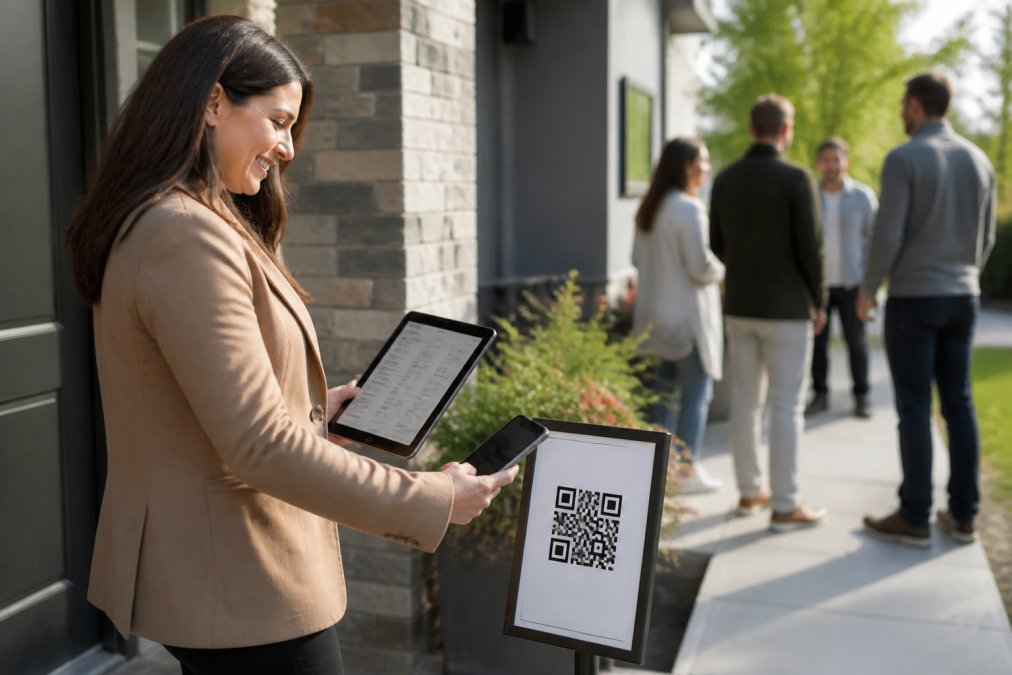
Connecting your open house sign-in solution to your CRM is straightforward when your tools are designed to work together.
Step 1: Choose Your Open House Sign-In Solution
Look for a solution whose leads your CRM can ingest automatically — a formatted lead email your CRM parses natively, or a Zapier webhook. Automatic delivery is faster, more reliable, and requires less configuration than manual entry. The platform should validate contact information in real-time, preventing fake data from entering your system. Check whether your preferred open house app has a native integration with your CRM like HubSpot, Salesforce, or Follow Up Boss.
Step 2: Set Up API Connection and Data Mapping
Once you've chosen your sign-in platform, connect it to your CRM via API. Most platforms provide an API documentation portal with step-by-step setup instructions. You'll authenticate your CRM account with the sign-in app, which typically involves generating an API key or authorizing access through OAuth. This is a one-time setup that takes 10-15 minutes.
Next comes data mapping. Your sign-in form collects specific fields: first name, last name, phone, email, property address, maybe buyer profile or timeline. Data mapping tells the system which form field corresponds to which CRM field. After mapping, configure what happens when a lead arrives. Does it create a new contact, or update an existing one? Should it trigger an automated email sequence? Assign to a specific agent based on location? These workflow rules ensure leads are routed and actioned immediately upon arrival.
Step 3: Test Your Integration Before Launch
Before you run your first live open house with automated sync enabled, test the entire workflow end-to-end. Create a test contact in your sign-in app with dummy information. Submit the form and check your CRM within 30 seconds. The contact should appear with all fields properly mapped and no errors. Verify that any automated email triggered correctly. This testing phase catches configuration errors before they cost you real leads.
Zapier Real Estate Integrations for Workflow Automation
Zapier provides workflow automation for tools that don't have direct CRM integration. When a visitor submits your sign-in form, Zapier captures that data and passes it to your CRM. You can add multiple steps: create the contact, send a notification email, add the lead to a specific list, or update a spreadsheet.
Zapier integrations are useful for filling gaps, but they introduce latency. Data passes through Zapier's servers before reaching your CRM, adding a 10-30 second delay compared to direct API integration. For real-time lead follow-up, direct integration is superior.
Open House Lead Management Best Practices
Capturing leads is only half the equation. Managing those leads, routing them, qualifying them, and following up determines whether they convert.
Lead Routing and Assignment Rules
Lead routing means automatically assigning each new open house visitor to the right agent or team member based on predefined rules. A solo agent doesn't need complex routing. Every lead goes to them. But a team managing multiple properties needs routing logic. You might assign leads based on the property they visited, the buyer profile they indicated, or geographic territory.
Configure your CRM to apply these rules automatically. When a lead arrives from your open house sign-in, the system checks the property address and assigns accordingly. This automation ensures no lead falls through the cracks and every prospect gets the right agent at the right time.
Data Quality and Eliminating Errors
Clean data is the foundation of effective lead management. One typo in a phone number means a follow-up call fails. An incomplete email address means an automated email bounces.
The best defense is validation at the point of entry. Your open house sign-in tool should validate phone numbers and email addresses in real-time, confirming they're in the correct format before the form is submitted. This prevents incomplete or malformed data from ever entering your system.
Automated Lead Follow-Up for Realtors
The moment a lead syncs to your CRM, your follow-up begins. Automation ensures you're reaching out immediately, consistently, and at scale.

Setting Up Drip Campaigns and Follow-Up Sequences
A drip campaign is a series of automated emails sent to a lead over time, each designed to move them closer to a decision. A typical open house drip campaign might include: Day 0, send a thank-you email confirming you met them at the open house. Day 2, send information about similar properties. Day 5, send a market report for the neighborhood. Day 10, send a brief personal email asking if they have questions.
Set up these sequences in your CRM so they trigger automatically when a new open house lead arrives. The key is segmentation. A lead who indicated they're a first-time buyer should receive different content than someone buying their third investment property. Use the information collected during sign-in to segment leads and assign them to the right sequence.
Post-Sync Automation Workflows
Post-sync automation goes beyond email. It's the full workflow that kicks off the moment a lead arrives in your CRM. A comprehensive post-sync workflow might include: instant SMS notification to the agent with the lead's name and phone number, automatic email to the lead thanking them for visiting, assignment to the appropriate agent based on buyer profile, addition to a follow-up list in your CRM, trigger for a drip email campaign, and update to your reporting dashboard for homeowner reporting.
Troubleshooting Common Sync Issues
Even well-configured integrations occasionally encounter problems.
Leads aren't appearing in your CRM. Check that your API connection is still active. Log into your open house app's settings and verify the CRM connection shows as "active." If it shows an error, re-authenticate. Check your data mapping to ensure all required fields are properly assigned.
Data is syncing but fields are mapped incorrectly. A visitor's phone number is ending up in the email field. Go back to your data mapping configuration and verify each field is assigned to the correct CRM field.
Some leads sync, others don't. Check for validation errors. If a visitor enters an invalid email address or incomplete phone number, some CRMs will reject the entire contact creation.
Sync is delayed. Direct API integrations are nearly instant. If you're experiencing delays, check your CRM's API status.
Duplicate leads are appearing in your CRM. Most CRMs have a setting to prevent duplicates based on email address or phone number. Verify this setting is enabled in your CRM.
Automated workflows aren't triggering. A lead syncs to your CRM, but the drip email campaign doesn't start. Check that the workflow is active and the lead meets the workflow's trigger conditions.
Syncing open house data to your CRM transforms how you capture and convert leads. Manual data entry is slow, error-prone, and wastes the hours you should spend on follow-up. Automated sync puts clean, verified lead data into your system instantly, triggering immediate follow-up and routing leads to the right agent in seconds.
The setup is straightforward: choose a sign-in platform that validates contact information, map your data fields, test the integration, and launch. From that point forward, every open house visitor generates a qualified lead in your CRM without manual work.
ohACCESS makes this process especially effective because it requires visitors to enter legitimate contact information to receive a codeword for property access. Visitors scan a QR code outside the property first. They're prompted to enter their phone number and email. Codewords are sent to both — one by text, one by email. Without a codeword, they can't enter. The agent gets instantly notified with the visitors details when the contact form is submitted. Fake information never enters your system. Your CRM stays clean. Your follow-up works. The result: more qualified leads, faster follow-up, and better conversion rates. Start Free with ohACCESS and see how automated lead capture eliminates the friction from your open house workflow.
Frequently Asked Questions
How do I automatically import open house leads into my CRM?
Connect your open house sign-in app directly to your CRM using API integration or a third-party automation platform like Zapier. Most solutions allow you to map visitor data (name, phone, email, property interest) to corresponding CRM fields. Once connected, leads sync automatically when visitors complete your sign-in form. Verify your integration works by running a test with sample data before your next open house.
What's the difference between manual data entry and automated sync for open house leads?
Manual entry requires you to type visitor information from paper sheets or screenshots into your CRM after the event, consuming hours and introducing typos. Automated sync transfers data instantly when visitors submit contact information, eliminating errors and freeing your time for follow-up. Real estate professionals report 10-15 hours saved per week when switching from manual to automated workflows, plus significantly higher lead quality.
Can I use Zapier to connect my open house sign-in app to my CRM?
Yes. Zapier acts as a bridge between your open house app and CRM, triggering automatic workflows when new visitor data arrives. You can set up Zaps that transfer leads, assign them to team members, create tasks, or launch follow-up email sequences. This approach works well if your sign-in tool doesn't offer native CRM integration, though direct API connections are typically faster and more reliable.
What happens to leads from visitors who don't have a smartphone or won't scan a QR code?
Most modern open house solutions include a backup method for non-digital visitors, such as a tablet at the property entrance or a traditional sign-in sheet option. However, verified QR-code systems that require contact confirmation (like sending codewords to phone and email) ensure only legitimate leads enter your database. Older buyers or tech-hesitant visitors may require staff assistance to complete the digital sign-in process.
This article was written using GrandRanker
Frequently asked questions
How do I automatically import open house leads into my CRM?
Connect your open house sign-in app directly to your CRM using API integration or a third-party automation platform like Zapier. Most solutions allow you to map visitor data (name, phone, email, property interest) to corresponding CRM fields. Once connected, leads sync automatically when visitors complete your sign-in form. Verify your integration works by running a test with sample data before your next open house.
What's the difference between manual data entry and automated sync for open house leads?
Manual entry requires you to type visitor information from paper sheets or screenshots into your CRM after the event, consuming hours and introducing typos. Automated sync transfers data instantly when visitors submit contact information, eliminating errors and freeing your time for follow-up. Real estate professionals report 10-15 hours saved per week when switching from manual to automated workflows, plus significantly higher lead quality.
Can I use Zapier to connect my open house sign-in app to my CRM?
Yes. Zapier acts as a bridge between your open house app and CRM, triggering automatic workflows when new visitor data arrives. You can set up Zaps that transfer leads, assign them to team members, create tasks, or launch follow-up email sequences. This approach works well if your sign-in tool doesn't offer native CRM integration, though direct API connections are typically faster and more reliable.
What happens to leads from visitors who don't have a smartphone or won't scan a QR code?
Most modern open house solutions include a backup method for non-digital visitors, such as a tablet at the property entrance or a traditional sign-in sheet option. However, verified QR-code systems that require contact confirmation (like sending codewords to phone and email) ensure only legitimate leads enter your database. Older buyers or tech-hesitant visitors may require staff assistance to complete the digital sign-in process.
Keep reading
Start free with 25 verified check-ins. No credit card required.
Start Free