Open House App Buyer Segmentation: 2026 Agent Guide
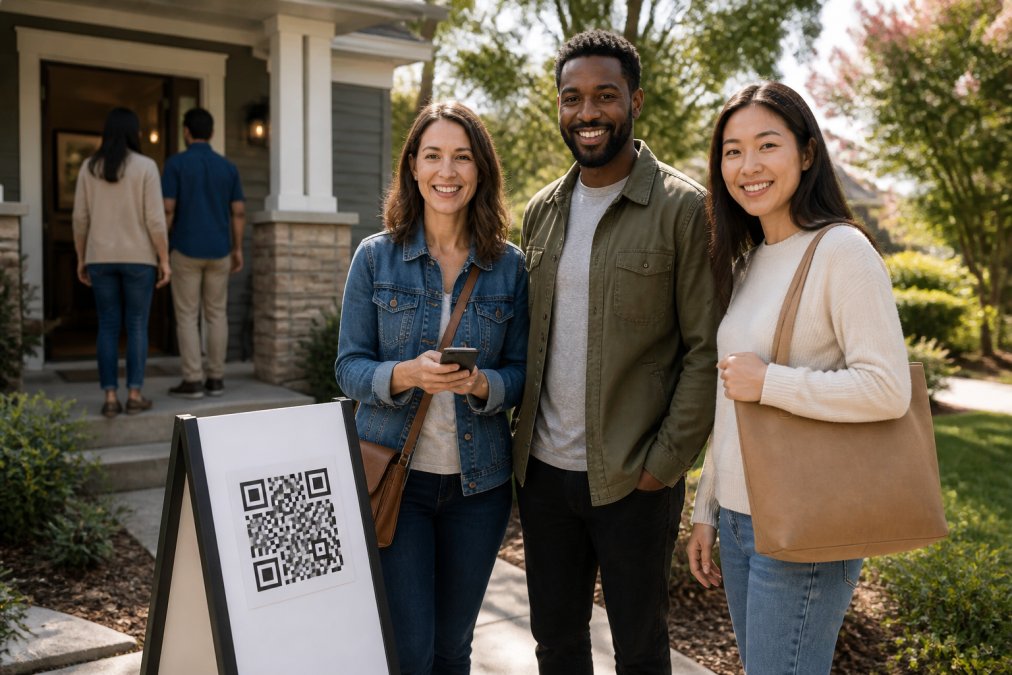
Table of Contents
- Why Buyer Segmentation Starts at the Open House Door
- How the ohACCESS Check-In Flow Verifies Every Visitor
- The Data That Powers Buyer Segmentation
- Using Custom Questions for Lead Qualification
- How to Qualify Open House Leads by Timeline and Intent
- Real Estate CRM Lead Intake Without the Manual Entry
- Open House Lead Follow-Up Scripts by Segment
- Post-Event Data Hygiene and Privacy Compliance
- Frequently Asked Questions
Last Updated: September 24, 2026
Why Buyer Segmentation Starts at the Open House Door
Most agents treat an open house as a numbers game: collect names, sort later. That fails, a paper sheet of unverified names tells you nothing about who is ready to buy. Agents who win at how to use open house app for buyer segmentation start sorting visitors before they walk through the front door.
Buyer segmentation groups leads by how soon they plan to buy, how serious they are, and what they need next, turning a stack of sign-ins into a ranked list. A visitor buying in three months deserves a call tonight; someone browsing for next spring does not. This guide breaks down the workflow: verified check-in, intent capture, CRM delivery, and follow-up by segment.
How the ohACCESS Check-In Flow Verifies Every Visitor
ohACCESS replaces the paper sign-in sheet with verified digital check-in. A visitor scans a QR code at the door, fills out a short form on their own phone, and instantly receives two codewords: one by text message and one by email. They tell a codeword to the host agent at the door to get in, proving the phone number and email on the form are real and belong to the person in front of you, so fake names and disconnected numbers never reach your database.
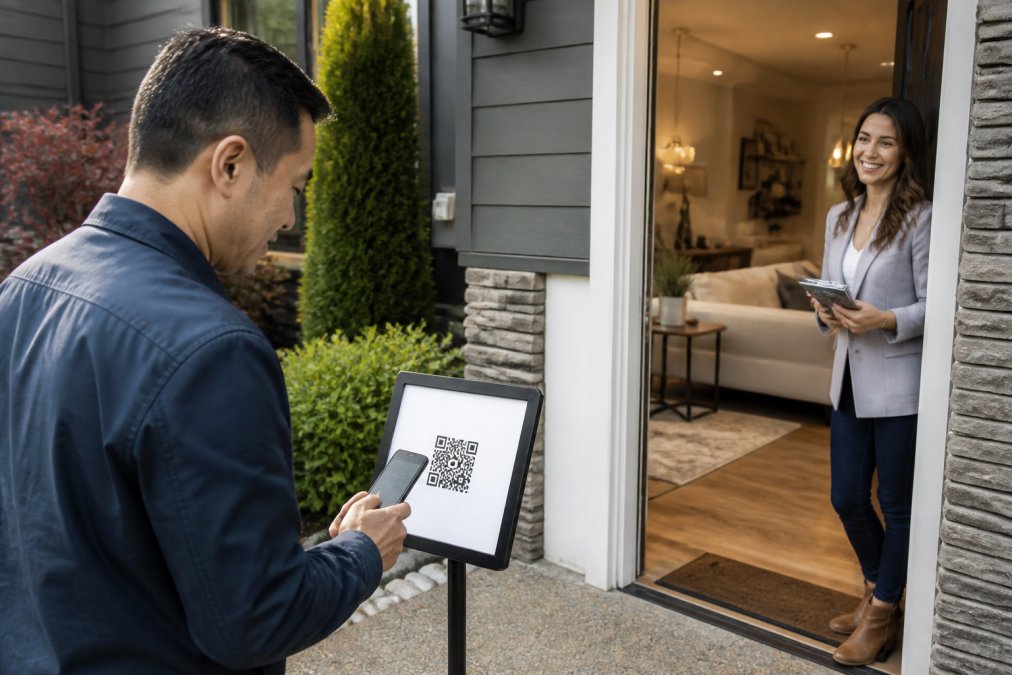
What the Visitor Sees on Their Own Phone
The visitor opens a short form on their own device: name, email, phone, and buying timeline (0-3, 3-6, 6-12, or 12+ months). It is available in 16 languages, with no app to download and no account to create. Returning visitors are remembered for a year, so their details come back pre-filled.
What the Agent Sees in Real Time
Every sign-in triggers an instant text and email alert with the visitor's details, plus a running verified visitor log with a "verified at door" toggle and private notes. The timeline field is already a segmentation input, you are sorting at the door, not later.
The Data That Powers Buyer Segmentation
Four fields on the sign-in form do the heavy lifting for buyer segmentation, each mapping to a different follow-up action.
| Data Point | What It Tells You | Segment It Creates |
|---|---|---|
| Buying timeline | How soon they plan to buy | Hot (0-3), Warm (3-6), Watch (6-12), Nurture (12+) |
| Custom question answer | Their specific need or blocker | Financing, location, or condition-driven |
| After Tour rating | How they felt about the home | Strong interest vs. polite visit |
| Price verdict | Whether they see the home as good value | Ready to talk numbers vs. needs re-education |
The buying timeline is the anchor; everything else refines it.
Turning Raw Fields Into a Segment Label
Most agents collect the data and never decide what it means. Write your segment rules before the open house so the sort is mechanical, not a 9 p.m. judgment call:
- Hot: timeline 0-3 months AND After Tour rating of 7 or higher. Call within 24 hours.
- Warm: timeline 3-6 months AND rating of 7 or higher. Call within 48 hours, then move to nurture.
- Watch: timeline 6-12 months, any rating. Monthly check-in.
- Nurture: timeline 12+ months, any rating. Market updates only.
- Disqualify: a VoIP or burner flag combined with a 12+ month timeline and no custom-question answer. Do not spend a call on it.
A Worked Example
Say three visitors sign in on the same afternoon.
- Visitor A: 0-3 months, financing approved, rated the home 9, called the price reasonable. Hot lead who can move now. Call tonight.
- Visitor B: 3-6 months, still shopping for a lender, rated the home 8, called the price reasonable. Warm lead with a financing blocker, the call is about a lender referral, not this house.
- Visitor C: 12+ months, no custom answer, rated the home 4, called the price too high. Nurture lead, and possibly a future listing appointment.
Same open house, three different next actions.
Using Custom Questions for Lead Qualification
A timeline tells you when someone will buy. A custom question tells you what is standing in their way. ohACCESS lets you add one custom question to the sign-in form, and up to two more in the After Tour feedback.
- "Is your financing already approved?"
- "Are you working with an agent right now?"
- "What is your target move-in month?"
How to Qualify Open House Leads by Timeline and Intent
Qualifying open house leads comes down to two variables: timeline (what the visitor tells you) and intent (what their behavior shows you). Pair them for four working segments:
- Hot (0-3 months, high rating): Call within 24 hours. These are your priority.
- Warm (3-6 months, high rating): Call within 48 hours, then move to a nurture track.
- Watch (6-12 months): Add to a long-term nurture list. Check in monthly.
- Nurture (12+ months): Keep on a low-touch list. Send market updates only.
Real Estate CRM Lead Intake Without the Manual Entry
Real estate CRM lead intake should not involve retyping names off a paper sheet at 9 p.m. ohACCESS delivers every sign-in into your CRM automatically through a formatted lead email sent to your CRM's lead-intake address, or through a Zapier webhook.
Making the Segment Survive the Trip
A formatted lead email delivers the buying timeline as a field, but not a segment label. Your CRM has to do the sorting, and it can only sort on what it receives. Build the segment as a saved view or rule inside your CRM, keyed to the timeline field the lead email carries. A common pattern is four saved views, Hot, Warm, Watch, Nurture, each filtered on the timeline value, so the lead lands in the right view on arrival and your morning call list is already built.
Post-Event Data Hygiene
Start with the flags: ohACCESS marks VoIP and burner numbers, bounced emails, undeliverable texts, and STOP opt-outs, and opt-outs are honored globally, so a contact who opts out never gets messaged again through the platform. Respect those flags and your deliverability stays healthy. Then run a short post-event pass:
- Export the verified visitor log as a CSV and keep it as your source of record for the event.
- Pull the flagged contacts out of your active pipeline before you start calling. A bounced email or a burner number is a dead end, not a lead.
- Confirm the segment views populated correctly. If a lead landed in the wrong view, the timeline field did not parse, fix the rule, not the record.
- Archive the event. ohACCESS purges data automatically after three years, so your long-term retention is handled, but your CRM is yours to keep clean.
Open House Lead Follow-Up Scripts by Segment
Use these as starting points:
Hot (0-3 months):
"Hi [Name], this is [Agent] from the open house at [Address]. You mentioned you're looking to buy in the next few months. I have two similar homes coming on the market this week. Want me to send the details?"
Post-Event Data Hygiene and Privacy Compliance
Post-event data hygiene is where most agents lose the value they just captured. Two things matter: keeping the database clean, and keeping your collection practices defensible.
Frequently Asked Questions
How can I categorize open house visitors based on their buying timeline?
The ohACCESS sign-in form asks every visitor to pick a buying timeline: 0-3, 3-6, 6-12, or 12+ months. Because that answer is captured at check-in and delivered to your CRM automatically, you can sort your database by timeline the same day. Visitors in the 0-3 month bucket get immediate attention, while the 12+ month group moves into longer-term nurturing.
What information should I collect at an open house to better segment leads?
Start with name, email, phone, and buying timeline, which ohACCESS captures on every verified sign-in. Add one custom question to the sign-in form, such as whether the visitor is working with an agent or needs to sell before buying. After the tour, the After Tour feedback form collects a 1-10 home rating and a price verdict (Too High, Reasonable, or Too Low), giving you two more segmentation signals without extra work.
How do I use digital tools to automate lead organization?
Connect your open house app to your CRM so every sign-in arrives as a formatted lead automatically. In ohACCESS, leads are delivered through a formatted lead email to your CRM's intake address, a Zapier webhook, or team CRM forwarding. From there, your CRM handles follow-up sequences, so you spend your time on the leads that match your buying timeline segments instead of retyping paper sheets.
What is the best way to follow up with different buyer segments?
Match the message to the timeline. Buyers in the 0-3 month group should hear from you within hours with a specific showing invitation. The 3-6 month group gets a market update and a check-in call within the week. The 6-12 and 12+ month groups belong in a long-term nurture sequence, such as a monthly new-listing email. Pair each segment with the home rating they gave so your follow-up references what they actually thought of the property.
Frequently asked questions
How can I categorize open house visitors based on their buying timeline?
The ohACCESS sign-in form asks every visitor to pick a buying timeline: 0-3, 3-6, 6-12, or 12+ months. Because that answer is captured at check-in and delivered to your CRM automatically, you can sort your database by timeline the same day. Visitors in the 0-3 month bucket get immediate attention, while the 12+ month group moves into longer-term nurturing.
What information should I collect at an open house to better segment leads?
Start with name, email, phone, and buying timeline, which ohACCESS captures on every verified sign-in. Add one custom question to the sign-in form, such as whether the visitor is working with an agent or needs to sell before buying. After the tour, the After Tour feedback form collects a 1-10 home rating and a price verdict (Too High, Reasonable, or Too Low), giving you two more segmentation signals without extra work.
How do I use digital tools to automate lead organization?
Connect your open house app to your CRM so every sign-in arrives as a formatted lead automatically. In ohACCESS, leads are delivered through a formatted lead email to your CRM's intake address, a Zapier webhook, or team CRM forwarding. From there, your CRM handles follow-up sequences, so you spend your time on the leads that match your buying timeline segments instead of retyping paper sheets.
What is the best way to follow up with different buyer segments?
Match the message to the timeline. Buyers in the 0-3 month group should hear from you within hours with a specific showing invitation. The 3-6 month group gets a market update and a check-in call within the week. The 6-12 and 12+ month groups belong in a long-term nurture sequence, such as a monthly new-listing email. Pair each segment with the home rating they gave so your follow-up references what they actually thought of the property.
Keep reading
Start free with 25 verified check-ins. No credit card required.
Start Free