Are Paper Sign-In Sheets a Security Risk for Agents?
Last Updated: November 5, 2026
Quick Summary
Paper sign-in sheets are a security risk for agents because they expose every visitor's name, phone number, and email in plain sight to anyone at the open house. A stranger can photograph the sheet in seconds and later use those real details to impersonate you or target your visitors.
- A sheet left face-up on a table is readable from the doorway.
- Paper records whatever a visitor writes, so fake numbers look identical to real ones.
- Limit access, limit retention, and verify identity to protect visitor information.
- Never ask for ID numbers, financial details, or anything a lender would need.
- Shred completed sheets rather than storing them in a bag or car trunk.
Table of Contents
- Why Paper Sign-In Sheets Are a Security Risk for Agents
- What a Shared Sign-In Sheet Actually Exposes
- Open House Sign-In Form Best Practices
- How to Protect Visitor Information at an Open House
- Open House Sign-In Sheet Alternatives Worth Considering
- What a Digital Open House Sign-In Form Does Differently
- Start Your Free Trial and Retire the Paper Sheet
- Frequently Asked Questions
Why Paper Sign-In Sheets Are a Security Risk for Agents
Paper sign-in sheets are a security risk for agents because they collect personal information in plain sight and leave it unguarded.
A clipboard sits on a table, unwatched, holding exactly what a bad actor needs to target you or your visitors later.
Below, we break down what a shared sheet actually exposes, how to protect visitor information, and how to replace paper with a process that verifies every lead.
What a Shared Sign-In Sheet Actually Exposes
A shared sign-in sheet exposes a full contact list to everyone who walks through the door.
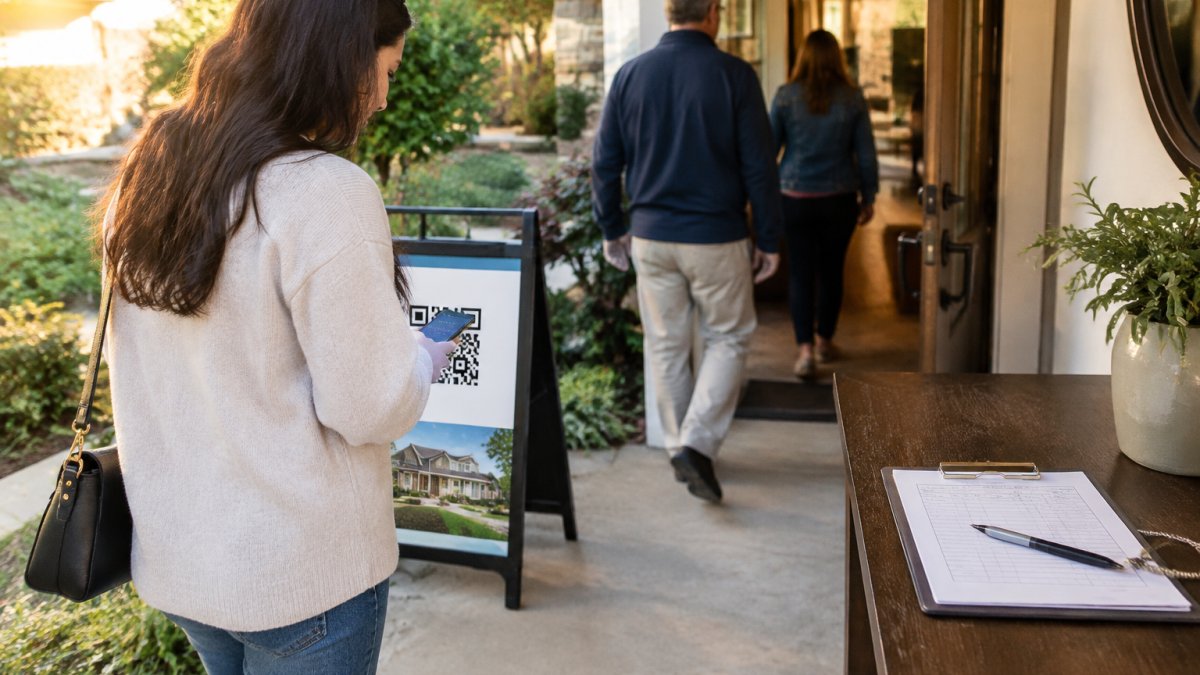
That is a data exposure problem hiding in plain sight. For a deeper look at the practices that prevent it, see our guide to data privacy best practices for real estate agents.
Names, Phone Numbers, and Emails in Plain Sight
Think about what sits on that page by noon on a Saturday:
- Full names and phone numbers
- Email addresses
- Handwriting that reveals nothing about whether the details are real
Anyone can photograph the sheet in seconds, and there is no log or alert when it happens.
The Physical Exposure: Shoulder Surfing and the Clipboard Itself
Most agents picture a data breach as digital. The paper sheet fails at the physical layer first.
- Shoulder surfing. A visitor waiting behind another reads the entries above without touching anything. No tool required.
- The unattended clipboard. Agents step away to answer a question, show a closet, or take a call. The sheet stays on the table.
- The pocket photograph. A phone held at waist height captures the whole page in one frame. It looks like someone checking a text.
Watch out: a sheet left face-up on a table is readable from the doorway, so a visitor can learn who else is in the house before stepping inside.
The Social Engineering Risk at the Door
The bigger danger comes after the open house, when a stranger holds a list of names, numbers, and the address of a recently shown home.
A common pattern: someone calls a visitor claiming to be "the agent" following up, references the property by address, and mentions a detail the visitor wrote down, a timeline, a spouse's name, a question about the kitchen.
Variations agents report:
- Impersonation follow-up. A caller poses as the listing agent or a lender and asks for financial details "to complete the pre-approval."
- Targeted solicitation. A visitor gets a call from a contractor or investor who somehow knows they toured the home.
- Presence inference. A caller who saw the sheet knows roughly when a visitor was at the property, useful for a burglary pitch or a "we missed you" pretext.
Agents face the same risk from the other direction. Our guide to protecting agent safety at open houses covers these scenarios in depth.
Why the Sheet Cannot Tell Real From Fake
A paper sheet records whatever a visitor chooses to write, so a fake number, burner email, or misspelled name looks identical to a real one. The agent only finds out days later when the follow-up bounces, by then the visitor is gone and the lead is dead. That is the quiet cost of paper: a pipeline full of contacts that were never real.
Open House Sign-In Form Best Practices
Good sign-in practice starts with collecting less and verifying more: a short form that captures real contact details and nothing that puts visitors at risk.
Here is how we would run it:
- Ask for the minimum. Name, phone, email, and buying timeline are enough.
- Never leave a completed sheet in the open. If you use paper, keep it face down and with you.
- Verify before you trust. A phone number that rings and an email that receives mail are real leads.
For a fuller checklist on running digital sign-in the right way, read our open house digital sign-in best practices.
How to Protect Visitor Information at an Open House
Protecting visitor information comes down to three controls: limit who sees it, limit how long you keep it, and verify that it is real. Paper fails all three.
Limit access. A shared sheet gives everyone access. A digital form sends each entry only to the agent.
Limit retention. Paper stacks up in a bag or a car trunk for months. A system with a set retention window removes that liability.
Verify identity. This is the control paper cannot provide. Anyone can write a fake number. Verification proves the phone and email belong to the person who entered them.
If you are comparing tools, look for a few specific security features before you commit. Our breakdown of open house app security features and data protection walks through what to check.
Open House Sign-In Sheet Alternatives Worth Considering
The realistic alternatives to a paper sign-in sheet fall into three groups: managed paper, a generic web form, and verified digital check-in. Only the third closes the identity gap, but the right choice depends on volume, privacy obligations, and how much follow-up work you want to do by hand.
| Option | How it works | Privacy | Verification | Auditability | Best for | Main limitation |
|---|---|---|---|---|---|---|
| Managed paper | Clipboard kept by the agent, shredded after the event | Low, visible to anyone nearby | None | None | Very low-volume agents | No proof contacts are real; manual entry |
| Generic web form | Visitor fills a form on their phone | Medium, entries are not public | None | Basic timestamps | Basic lead capture | Anyone can type anything |
| Hybrid | Digital form plus a paper backup for walk-ins without a phone | Medium | None on the paper side | Partial | Mixed-audience events | Two records to reconcile and secure |
| Verified digital check-in | Visitor scans a QR code, receives two codewords, shares one with the host | High, no public list | Phone and email confirmed | Full sign-in log | Agents who need clean leads | Requires a connection |
How to Choose Between Paper, Digital, and Hybrid
Run the options against five questions before you commit:
- Privacy. Can a visitor see anyone else's information? If yes, the option fails the basic test.
- Verification. Does the process prove the phone and email belong to the visitor? Paper and generic forms cannot.
- Usability. Can a visitor complete it in under a minute on their own phone, in their own language? A 16-language form removes the excuse that digital is harder for some visitors.
- Accessibility. What happens to a visitor without a smartphone? A hybrid backup covers them, but the backup record still needs the same handling discipline as paper.
- Auditability. Can you show, later, who signed in and when? A digital log answers this; a stack of sheets does not.
A generic form cleans up the public-list problem but not the fake-data problem. People still type whatever they want. Digital sign-in apps that verify contact details solve both. Our rundown of digital open house sign-in app benefits explains what these tools actually deliver.
How to Replace Paper Without Disrupting Your Open House
Switching mid-season feels risky, so most agents run a short overlap:
- Audit what you collect now. Lay out your current sheet and circle every field. Anything beyond name, phone, email, and buying timeline is probably unnecessary, drop it.
- Pick the digital process and test it at one event. Print the QR sign, post it at the door, and run the digital form alongside the paper sheet for a single open house so you can compare lead quality.
- Communicate the change at the door. One sentence, "We use a quick QR check-in so your information stays private", handles almost every question.
- Retire the paper sheet. Once the digital flow is proven, remove the clipboard entirely. A hybrid backup is fine for visitors without a phone, but keep it face-down and with you.
- Dispose of old records securely. Shred completed sheets rather than storing them in a bag or car trunk. Decide a retention window in advance and stick to it.
- Check your privacy obligations. Confirm what your brokerage, your state's real estate commission, and applicable privacy rules require for collecting and retaining visitor data. This article is not legal advice; your broker and counsel are the right sources.
Watch out: if you keep a paper backup "just in case" indefinitely, you have recreated the original problem, set a shred date and honor it.
What Verified Digital Check-In Adds
A verified digital process replaces the public list with a private log and handwriting with confirmed contact details. The visitor scans a QR code, fills a short form on their own phone, and receives two codewords, one by text, one by email, that they share with the host agent at the door. Nothing is typed back into a system, and no one else at the open house sees the list.
What a Digital Open House Sign-In Form Does Differently
A digital open house sign-in form can verify a visitor's contact details before entry instead of trusting whatever is written down. The visitor fills the form on their own phone, and the system confirms the phone and email are real and theirs.
That single change removes fake names, burner numbers, and dead emails from your pipeline. It also removes the public list. Nobody at the door can see anyone else's information.
How ohACCESS Verifies a Visitor in Four Steps
Here is the exact flow we use:
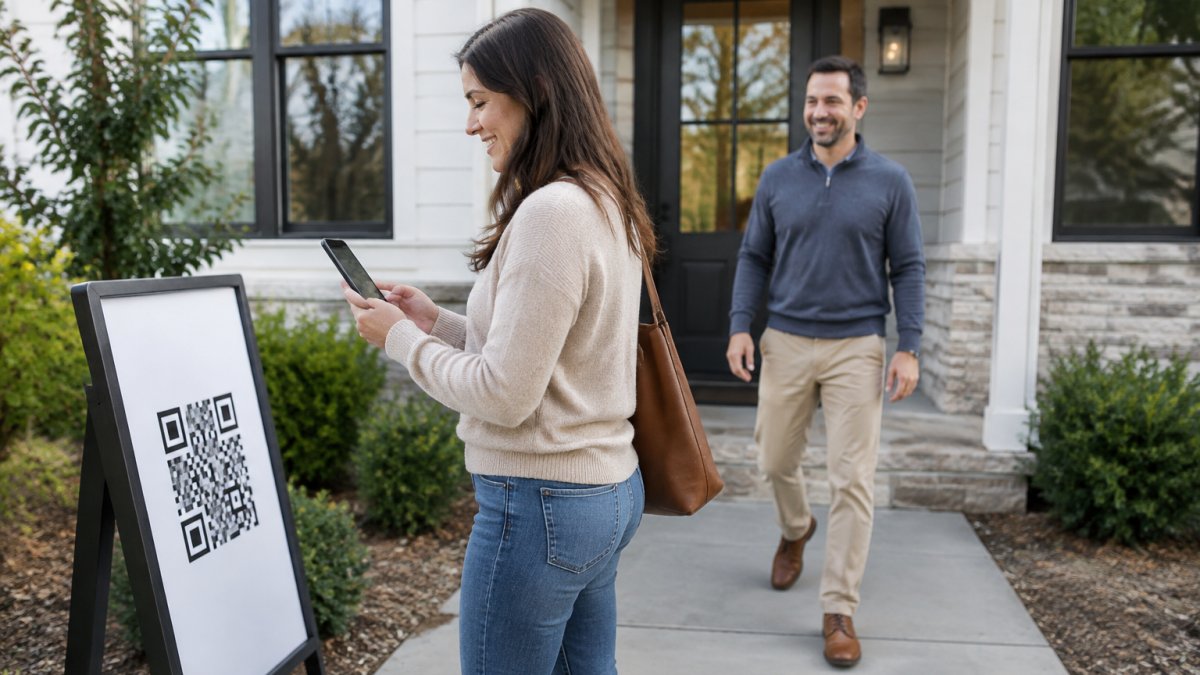
- Scan. The visitor scans the QR code posted at the door.
- Fill. They complete a short form on their own phone: name, email, phone, and buying timeline. The form works in 16 languages.
- Receive two codewords. The moment they submit, ohACCESS sends one codeword by text and one by email. International numbers get theirs by WhatsApp.
- Share at the door. The visitor tells a codeword to the host agent to enter. The text codeword is primary; the email codeword is the backup. Nothing is ever typed back into a system.
You get an instant text and email alert for every sign-in. Leads are delivered to your CRM automatically as a formatted lead email or through a Zapier webhook.
Pricing is flat and published: a free trial covers your first 25 sign-ins with every feature, no credit card.
When you send the seller a report, it shows aggregate data only: visitor count, timeline breakdown, average rating, and price verdict.
Start Your Free Trial and Retire the Paper Sheet
The paper clipboard has done its job for decades. It just was never built to protect anyone.
Every sheet you leave on a table is a list of real people waiting to be copied. Swap it for a process that verifies each visitor and keeps their details private. ohACCESS gives you QR-code check-in, two-codeword verification by text and email, automatic lead delivery to your CRM, and a one-tap seller report that shares numbers without exposing anyone's personal information.
Get started with ohACCESS and run your next open house with verified leads and a clean visitor log.
Frequently Asked Questions
Can other visitors see information written on an open-house sign-in sheet?
Yes. A paper sheet sits in the open, and every visitor who signs in stands over the same page. Names, phone numbers, emails, and even buying timelines are visible to anyone who leans in or flips back a page. A visitor can photograph the sheet in seconds without the host noticing. That is a data exposure problem no amount of supervision fixes, because the sheet has to stay accessible for the next person to sign.
Are digital open house sign-in forms more secure than paper sheets?
A well-built digital open house sign-in form keeps each visitor's entry on their own phone instead of a shared page, so the next visitor never sees the last one's details. The stronger versions verify contact data too. With ohACCESS, the visitor receives two codewords, one by text and one by email, and tells one to the host agent at the door. That proves the phone number and email are real, which paper never does.
How can agents verify open-house visitor contact information?
Verification means proving the phone number and email belong to the person who wrote them. Paper cannot do this, which is why fake names and disconnected numbers fill so many sign-in sheets. ohACCESS sends two codewords the moment a visitor submits the form, one by text and one by email. The visitor shares a codeword with the host agent to enter, and the agent gets an instant text and email alert with the visitor's details.
What should an agent do with a paper sign-in sheet after an open house?
Type the leads into your CRM, then shred the sheet rather than filing it or leaving it in the car. A sheet in a glovebox or desk drawer is still a list of names, phone numbers, and emails that can be read by anyone who finds it. Going forward, an open house sign-in sheet alternative that delivers leads into your CRM automatically removes the paper copy and the manual entry step at the same time.

Frequently asked questions
Can other visitors see information written on an open-house sign-in sheet?
Yes. A paper sheet sits in the open, and every visitor who signs in stands over the same page. Names, phone numbers, emails, and even buying timelines are visible to anyone who leans in or flips back a page. A visitor can photograph the sheet in seconds without the host noticing. That is a data exposure problem no amount of supervision fixes, because the sheet has to stay accessible for the next person to sign.
Are digital open house sign-in forms more secure than paper sheets?
A well-built digital open house sign-in form keeps each visitor's entry on their own phone instead of a shared page, so the next visitor never sees the last one's details. The stronger versions verify contact data too. With ohACCESS, the visitor receives two codewords, one by text and one by email, and tells one to the host agent at the door. That proves the phone number and email are real, which paper never does.
How can agents verify open-house visitor contact information?
Verification means proving the phone number and email belong to the person who wrote them. Paper cannot do this, which is why fake names and disconnected numbers fill so many sign-in sheets. ohACCESS sends two codewords the moment a visitor submits the form, one by text and one by email. The visitor shares a codeword with the host agent to enter, and the agent gets an instant text and email alert with the visitor's details.
What should an agent do with a paper sign-in sheet after an open house?
Type the leads into your CRM, then shred the sheet rather than filing it or leaving it in the car. A sheet in a glovebox or desk drawer is still a list of names, phone numbers, and emails that can be read by anyone who finds it. Going forward, an open house sign-in sheet alternative that delivers leads into your CRM automatically removes the paper copy and the manual entry step at the same time.
Keep reading
Start free with 25 verified check-ins. No credit card required.
Start Free