Managing Real Estate Lead Data Securely: A How-To Guide
Last Updated: November 3, 2026
Quick Summary
Manage real estate lead data securely by replacing paper sign-in sheets with verified digital check-in. Visitors scan a QR code on their own phone, receive codewords by text and email, and share a codeword with you at the door to prove their contact details are real. Limit access to each person's own login and purge records on a fixed schedule.
- Paper sign-in sheets expose names and phone numbers to anyone who reads or photographs them.
- Visitors receive two codewords, one by text and one by email, immediately after submitting the form.
- Codewords are shared with the host at the door, so visitors never enter them into any system.
- ohACCESS delivers each sign-in to your CRM by formatted lead email, Zapier webhook, or team forwarding.
- The Seller Report contains aggregate data only, with no visitor names, phone numbers, or emails.
Table of Contents
- Why Paper Sign-In Sheets Put Your Lead Data at Risk
- Step 1: Set Up Verified QR-Code Check-In for Every Open House
- Step 2: Verify Phone and Email With One-Time Codewords
- Step 3: Route Leads Into Your CRM Without Manual Entry
- Step 4: Share Aggregate Seller Reports Without Exposing Visitor Data
- Real Estate Lead Management Best Practices for Data Hygiene and Retention
- Booking Your Free Trial and Setting Up Your First Secure Open House
- Frequently Asked Questions
Why Paper Sign-In Sheets Put Your Lead Data at Risk
A paper sign-in sheet is one of the least secure ways to collect buyer information. For more on protecting real estate lead data from unauthorized access, see that guide.
That creates two problems at once. Your lead data is exposed, and the data you do collect is often unreliable. Managing real estate lead data securely starts with fixing how you collect it at the door.
Handwritten sheets have no audit trail, no way to confirm an email address works, and no simple way to stop the data from spreading.
ohACCESS (www.ohaccess.com) replaces that paper sheet with verified digital check-in.
Step 1: Set Up Verified QR-Code Check-In for Every Open House
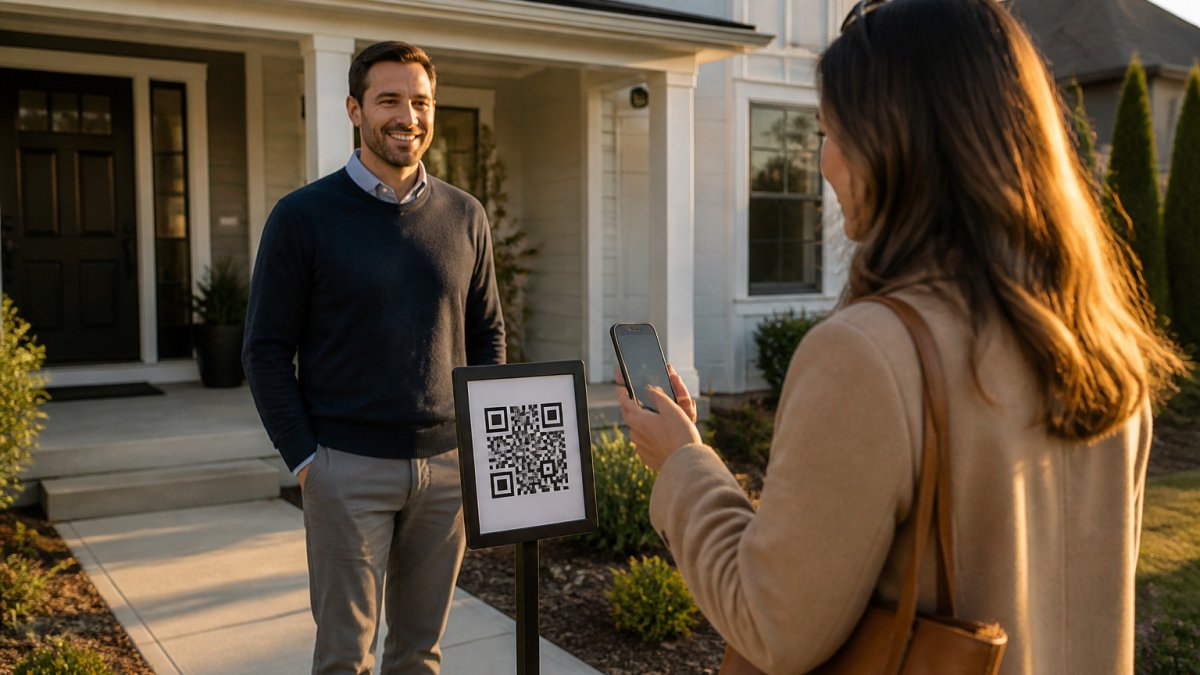
Start by replacing the clipboard with a QR code. Visitors scan it on their own phones, so nothing sensitive sits on a table where anyone can pick it up.
Print the QR code and post it on a pedestal or A-frame sign outside the home. You can also use your permanent reusable agent QR code for every event.
Here is what a visitor sees after scanning:
- Name
- Phone number
The form is available in 16 languages, so non-English speakers can register without help.
Quick setup checklist:
- Create your event in ohACCESS before the open house
- Print the QR sign and place it outside the front door
- Add one custom question, if you need one
Step 2: Verify Phone and Email With One-Time Codewords
Verification is what keeps fake contact details out of your database. It works in a simple way.
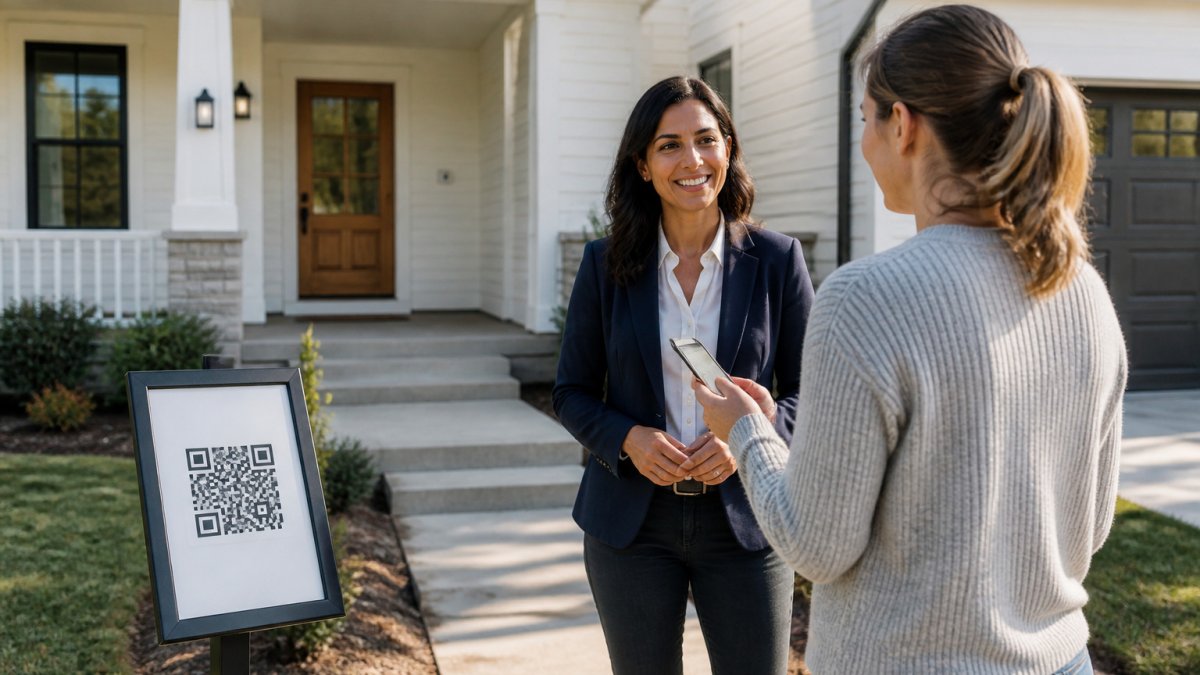
When a visitor submits the form, ohACCESS sends two codewords right away. One arrives by text message and one by email. International visitors receive theirs through WhatsApp.
The visitor then tells a codeword to you at the door. You do not ask them to type anything into a system.
This step proves two things. The phone number belongs to a working phone, and the email address belongs to a real inbox. A visitor who gives a fake number cannot get a codeword, so they cannot get in.
Watch out: Codewords are set per open house, and you choose them when you create the event.
Each codeword channel has a specific delivery method, which the table below summarises.
| Visitor location | Codeword delivery | Backup |
|---|---|---|
| Standard phone | Text message | Email codeword |
| International phone | Email codeword | |
| Any visitor | Email (sent immediately) | Used if text is slow |
Step 3: Route Leads Into Your CRM Without Manual Entry
Copying handwritten details into your CRM is slow, and it introduces typos that corrupt your data. A step-by-step workflow for streamlining real estate lead intake covers the whole process.
ohACCESS delivers each sign-in into your CRM automatically, using one of three methods:
- A formatted lead email sent to your CRM's lead-intake address. The CRM reads the labeled fields and fills them in. This setup has been verified with Follow Up Boss.
- A Zapier webhook, which connects to thousands of other apps.
- Team CRM forwarding, where a team lead copies every member's leads to a shared team CRM.
Choose your CRM from the dropdown in your account.
Each sign-in also sends you a text and an email alert, so you know about a new lead the moment it arrives.
Secure lead handoff: what to check on every path
A handoff is only as secure as its weakest link. Before you turn on any integration, run through these checks:
- **
- Confirm the destination before you go live. Send one test sign-in and verify it lands in the right CRM record, not a catch-all folder.
- Limit who can edit the Zap. A Zapier webhook is a live credential. Treat it like a password, one owner, documented, revoked when someone leaves.
Watch out: ohACCESS does not offer native or direct API sync, two-way sync, CRM field mapping, automatic tagging, or lead scoring. Leads arrive as a formatted email, a Zapier webhook, or a team forward.
What the handoff does not do, and why that is a feature
A secure handoff also means not over-sharing. The Seller Report you share with the homeowner contains aggregate data only, registered-visitor count, buying-timeline breakdown, scan-to-registration funnel, average 1-10 rating and price verdict, and aggregated custom-question answers. It contains no visitor names, phone numbers, emails, arrival times, or per-visitor rows. Visitors consented to you having their information, not the seller. Keeping that boundary clean is part of routing leads securely, not separate from it.
Step 4: Share Aggregate Seller Reports Without Exposing Visitor Data
Sellers want proof of turnout and buyer interest. This guide shows how to provide seller reports without sharing visitor data.
ohACCESS gives you a one-tap Seller Report page with aggregate data only:
- Total number of registered visitors
- How many plan to buy within 6 months
- The buying-timeline breakdown
The report contains no visitor names, phone numbers, emails, arrival times, or per-visitor rows. Visitors agreed to let you have their information. They did not agree to share it with the seller.
Sharing this report keeps visitor details private while giving the seller aggregate results.
Real Estate Lead Management Best Practices for Data Hygiene and Retention
Secure collection is only half the job. You can learn more in this guide to data privacy best practices for real estate agents. The harder half is what happens to lead data after the open house, who can see it, how long you keep it, and how you get rid of it. Most guides stop at "use a CRM and back it up." That advice is fine, but it leaves the legal and access-control side of managing real estate lead data securely almost entirely uncovered.
Treat lead data as regulated personal information, not just contact records
A lead record, name, email, phone, buying timeline, notes about the home tour, is personally identifiable information. In practice that means several overlapping obligations apply to a working agent, not just a brokerage:
- California Consumer Privacy Act (CCPA), enforced by the California Privacy Protection Agency and the California Attorney General. Consumers have the right to know what you collect, the right to delete it, and the right to opt out of certain uses. If you market to California buyers, your lead database is in scope once you cross the applicable thresholds.
- Canada's Personal Information Protection and Electronic Documents Act (PIPEDA), overseen by the Office of the Privacy Commissioner of Canada. Consent must be meaningful, and you must be able to explain why you hold each data element.
- State breach-notification laws. Every state has one. If a lead list leaks, notification duties and timelines are set by statute, not by your brokerage's goodwill.
You do not need to be a lawyer to act on this. You need a short, written answer to four questions: what you collect, why, who inside your business can see it, and when you delete it. ohACCESS supports that with an attorney-reviewed Terms of Service and Privacy Policy, a forensic trail (IP address, device, phone carrier and line type) on every sign-in, and a 3-year automatic data-retention purge.
Control who can see lead data, shared logins are the quiet liability
A common pattern in real estate teams is one shared CRM login passed between an agent, an assistant, and a transaction coordinator. That single habit undermines almost every other security control you put in place, because you can no longer tell who viewed, exported, or altered a record. Under CCPA and similar regimes, "we think it was one of four people" is not an adequate answer to a consumer request.
Practical access-control habits that hold up:
- Give every person their own login. No shared passwords, no "team" accounts with a generic inbox.
- Scope access to role. An assistant who schedules showings does not need export rights on the full database.
- Revoke access the day someone leaves. Departed agents walking out with a CSV is one of the most common sources of lead-list leakage.
Delete on a schedule, not on a whim
Retention is the part of data security almost nobody writes about, and it is where liability quietly accumulates. Old leads that never converted are still personal information. Keeping them forever increases breach exposure and complicates deletion requests.
A defensible retention approach:
- Pick a window and write it down. Three years is a common working window for open-house leads; ohACCESS purges automatically at 3 years.
- Purge on a calendar, not when you remember. Manual cleanup never happens during busy season.
- Honor deletion requests promptly. If a consumer asks you to delete their record, do it and confirm in writing.
- Do not keep shadow copies. Spreadsheets, personal inboxes, and phone contact lists are the usual hiding places for data you thought you deleted.
Watch out: The 3-year purge is fixed. If your brokerage's policy requires a shorter window or a formal deletion-request process, you must run that process yourself in your CRM.
Keep the data clean so the security work is worth it
Hygiene and security reinforce each other. A database full of fake numbers is both a compliance problem (you cannot prove consent for a record that was never real) and a waste of agent time.
- Collect only what you need. Name, email, phone, and buying timeline cover most follow-up. Skip anything extra.
- Keep your CRM as the single source of truth. Avoid copies of lead lists in spreadsheets and email folders.
- Export and back up on a schedule. ohACCESS supports CSV export, so you can keep your own records.
Good data hygiene also means fewer wasted follow-ups.
Booking Your Free Trial and Setting Up Your First Secure Open House
You can test all of this at no cost. The free trial covers your first 25 visitor sign-ins, includes every feature, and requires no credit card.
Paid plans are published and flat:
- Pro (solo agent): $15 per month, $150 per year, or $240 for 2 years
- Team (2-10 agents): $120 per month
- Brokerage (11-100 agents): $11 per agent per month
Pricing does not change based on how many open houses you run or how many visitors you get.
Here is a simple way to set up your first secure open house:
- Create an account and choose your CRM.
- Create the open house event and set your codeword.
- Print the QR sign and place it at the front door.
- Greet each visitor and ask for their codeword.
- Review your text and email alerts as sign-ins come in.
- Share the Seller Report with your client the same day.
Start with the free trial and run your next open house on verified check-in. Start Free
Frequently Asked Questions
How much does ohACCESS cost per month?
ohACCESS publishes flat pricing. The Pro plan for a solo agent is $15 per month, or $150 per year, or $240 for two years. The Team plan for two to 10 agents is a flat $120 per month. The Brokerage plan for 11 to 100 agents is $11 per agent per month, self-serve. Pricing does not change with how many open houses you hold or how many visitors sign in, so holding three or four open houses a week costs the same as holding one. The first 25 visitor sign-ins are free on a trial with every feature included and no credit card required. Check ohaccess.com for current pricing.
Does ohACCESS work for international visitors who are not in the US or Canada?
Yes. Visitors with phone numbers outside the US and Canada receive their codeword by WhatsApp, and international addresses and phone numbers are fully supported. Visitors still scan the QR code, complete the form on their own phone, and share the codeword with the host at the door. The form is available in 16 languages, which helps when buyers prefer to register in a language other than English.
How do leads get from ohACCESS into my CRM?
ohACCESS delivers every sign-in to your CRM automatically in one of three ways: a formatted lead email sent to your CRM's lead-intake address, a Zapier webhook that connects to thousands of apps, or team CRM forwarding where a team lead copies each member's leads to a shared CRM. Follow Up Boss has been verified with the lead email method. Agents choose their CRM from a dropdown during setup. ohACCESS does not provide direct two-way sync, field mapping, tagging, or lead scoring, so review how your CRM parses incoming lead emails.
Can the seller see the names and contact details of people who visited the home?
No. The Seller Report is aggregate only. It shows the registered-visitor count, how many visitors plan to buy within six months, the buying-timeline breakdown, a scan-to-registration funnel, the average 1 to 10 visitor rating, the price verdict, and aggregated answers to your custom questions. It contains no visitor names, phone numbers, email addresses, or arrival times. Visitors consented to the agent holding their information, not the seller, so the report is built to keep their details private.

Frequently asked questions
How much does ohACCESS cost per month?
ohACCESS publishes flat pricing. The Pro plan for a solo agent is $15 per month, or $150 per year, or $240 for two years. The Team plan for two to 10 agents is a flat $120 per month. The Brokerage plan for 11 to 100 agents is $11 per agent per month, self-serve. Pricing does not change with how many open houses you hold or how many visitors sign in, so holding three or four open houses a week costs the same as holding one. The first 25 visitor sign-ins are free on a trial with every feature included and no credit card required. Check ohaccess.com for current pricing.
Does ohACCESS work for international visitors who are not in the US or Canada?
Yes. Visitors with phone numbers outside the US and Canada receive their codeword by WhatsApp, and international addresses and phone numbers are fully supported. Visitors still scan the QR code, complete the form on their own phone, and share the codeword with the host at the door. The form is available in 16 languages, which helps when buyers prefer to register in a language other than English.
How do leads get from ohACCESS into my CRM?
ohACCESS delivers every sign-in to your CRM automatically in one of three ways: a formatted lead email sent to your CRM's lead-intake address, a Zapier webhook that connects to thousands of apps, or team CRM forwarding where a team lead copies each member's leads to a shared CRM. Follow Up Boss has been verified with the lead email method. Agents choose their CRM from a dropdown during setup. ohACCESS does not provide direct two-way sync, field mapping, tagging, or lead scoring, so review how your CRM parses incoming lead emails.
Can the seller see the names and contact details of people who visited the home?
No. The Seller Report is aggregate only. It shows the registered-visitor count, how many visitors plan to buy within six months, the buying-timeline breakdown, a scan-to-registration funnel, the average 1 to 10 visitor rating, the price verdict, and aggregated answers to your custom questions. It contains no visitor names, phone numbers, email addresses, or arrival times. Visitors consented to the agent holding their information, not the seller, so the report is built to keep their details private.
Keep reading
Start free with 25 verified check-ins. No credit card required.
Start Free