How to Identify Fake Leads in Real Estate
Last Updated: November 4, 2026
Quick Summary
Fake leads usually show up as placeholder or mismatched names, disposable email domains, VoIP or burner phone numbers, and rushed sign-ins with skipped fields. Verify both the phone and email with a codeword sent to each channel, shared in person, to confirm they belong to a real person.
- Two or more red flags together are a strong signal to verify before investing follow-up time.
- Send a separate codeword by text and by email, then have the visitor share one with you at the door.
- A bounced email or undeliverable text means the contact details are likely not real.
- Screenshot the entry, save email headers, and note the timestamp before deleting a suspicious sign-in.
- Report scam attempts to the FBI's IC3 at ic3.gov and to your broker.
Table of Contents
- Why Fake Leads Cost Agents More Than Time
- Red Flags That Signal a Fake Lead
- Real Estate Lead Verification: Confirming Phone and Email
- How to Filter Unqualified Real Estate Leads at the Door
- Open House Security Best Practices for Visitor Check-In
- Psychology of the Fake Lead: Why Scammers Target Open Houses
- Putting a Verified Check-In Process in Place This Weekend
- Frequently Asked Questions
Why Fake Leads Cost Agents More Than Time
Every fake leads entry costs you something. The most obvious cost is the hour you spend following up with a name that doesn't exist. The less obvious cost is the opportunity you lose while you chase it.
When your open house sign-in sheet fills up with made-up names and disposable email addresses, your CRM fills up with noise. Your follow-up campaigns go to dead inboxes. Your pipeline looks bigger than it is, which makes it harder to know where your real buyers are.
Industry data shows why lead quality matters. Internet leads convert at roughly 1 to 4 percent, according to GetPerspective.ai's 2026 lead generation comparison, while referral channels convert at 14 to 30 percent per RealScout's 2026 lead strategy comparison. Every hour spent on a bad lead is an hour not spent on a warm one.
Fake sign-ins are also a safety issue. Agents who host open houses already face strangers walking through empty homes. A visitor who gives false contact details is harder to trace if something goes wrong.
Red Flags That Signal a Fake Lead
Most fake sign-ins follow a pattern, and the pattern is usually visible in the data before you ever pick up the phone. The flags below are grouped by what they tell you, because a single flag is weak evidence and two or three together are close to conclusive.
Identity flags
- Names that are single letters, initials only, celebrity names, or obvious placeholders like "Test User" or "asdf."
- A name that does not match the email handle at all ("Michael Torres" signing in with
sk8rgrl99@...). - Multiple entries in the same handwriting on a paper sheet, or near-identical timestamps on a digital form.
Contact flags
- Disposable or temporary email domains, the inbox exists for minutes and then disappears.
- Phone numbers that fail a text, ring to a generic carrier message, or trace to a VoIP or burner line rather than a mobile carrier.
- Email addresses that bounce on the first send, which usually means the inbox was never real.
- A phone number and an email that clearly belong to two different people.
Behavior flags
- Rushed sign-ins where every optional field is skipped, including buying timeline.
- A visitor who cannot repeat back the contact details they just entered.
- Someone who gives a codeword but then avoids eye contact, leaves quickly, or declines any follow-up conversation.
- A cluster of sign-ins in a short window with similar names or sequential numbers.
Communication-pattern flags after the event
Scammers often reveal themselves in the follow-up. Watch for replies from a different name than the one on the sign-in, email threads that route to a free webmail address instead of the one provided, texts that ask you to move the conversation to a messaging app, and anyone who pivots quickly to requests for wire instructions, closing-cost details, or your brokerage's internal processes.
No single flag proves a lead is fake. Treat two or more as a signal to slow down and verify before you invest follow-up time.
Preserve the evidence. When a sign-in looks fraudulent, screenshot the entry, save the email headers, and note the timestamp. If the pattern escalates into an actual scam attempt, that record is what you hand to your broker and, if needed, to law enforcement. The FBI's Internet Crime Complaint Center (IC3) accepts reports at ic3.gov, and most state real estate commissions want to hear about impersonation of licensed agents. Documenting early costs you nothing and protects you later.
The article lists several signals that a sign-in may be fake. Here is a quick reference grouped by the kind of evidence each one gives.
| Flag category | Example signals | What it suggests |
|---|---|---|
| Identity | Placeholder or single-letter names; name doesn't match email | Entry may be invented |
| Contact | Disposable email domain; VoIP or burner phone; bounced email | Contact details may not belong to a real person |
| Behavior | Skipped fields; cannot repeat own details; codeword then avoids follow-up | Visitor may not be genuine |
| After the event | Replies from a different name; requests for wire or closing details | Possible scam attempt in progress |
Real Estate Lead Verification: Confirming Phone and Email
Verification means proving the contact details belong to a real person who can actually be reached. Most agents stop at "the number rang," which proves nothing. A layered approach moves from cheap checks to conclusive ones.
Layer 1: Format and domain checks
Run every email through a basic validity check. Disposable-domain lists catch temporary inboxes; syntax checks catch typos that would bounce anyway. For phone numbers, a carrier lookup tells you whether the line is mobile, landline, or VoIP. VoIP is not automatically fraud, plenty of legitimate buyers use Google Voice, but a VoIP number paired with a disposable email is a strong signal.
Layer 2: Deliverability checks
Send a real message and watch what happens. A bounced email means the inbox does not exist. An undeliverable text means the number is dead or blocked. Both are cheap to test and both eliminate a large share of fake entries before you spend a minute on follow-up.
Layer 3: Two-channel proof
This is the step most agents skip, and it is the one that actually works. Send a codeword to the phone number and a separate codeword to the email address, then have the visitor share one with you in person. Faking both channels at once is far harder than faking one, because the visitor has to control a working phone and a working inbox simultaneously.
Layer 4: Identity confirmation at the door
For high-value situations, ask for a government-issued photo ID and match the name to the sign-in. This is standard practice for showing a home to an unaccompanied stranger and is reasonable to require. Keep a written record of what you checked and when.
Layer 5: Digital forensics when something feels off
A sign-in can log the IP address, device, and phone carrier or line type behind each entry. Repeated sign-ins from the same IP under different names are patterns worth flagging. None of this is conclusive on its own, but together it turns a hunch into a documented pattern.
What to do with a confirmed fake
Once you have evidence, do not just delete the entry. Note it in your CRM, tell your broker, and if the person attempted to obtain money, wiring instructions, or personal information, file a report with the FBI's IC3 at ic3.gov and your local police. Keep the screenshots and headers, they are the difference between a complaint and a case.
Verification is not about being suspicious of every visitor. It is about making the cheap checks automatic so your attention goes to the leads that survive them. For a deeper look at methods, see How To Verify Open House Visitor Contact Information. You can also review Best Ways Verify Open House Leads to compare approaches, and Benefits Collecting Verified Visitor Contact Information for the business case behind clean data.
How to Filter Unqualified Real Estate Leads at the Door
Not every real visitor is a serious buyer. Filtering at the door saves time without being rude.
Ask one or two simple questions:
- When are you planning to buy? (0-3, 3-6, 6-12, or 12+ months)
Buying timeline is the most useful filter. A visitor planning to buy in 0 to 3 months deserves a fast follow-up. A visitor who is 12 months away belongs in a nurture list.
Keep the conversation friendly. Visitors who feel interrogated often leave, and a short form handles most of this for you.
Open House Security Best Practices for Visitor Check-In
Security and lead quality go hand in hand. Good practices protect you, the seller, and the visitors.
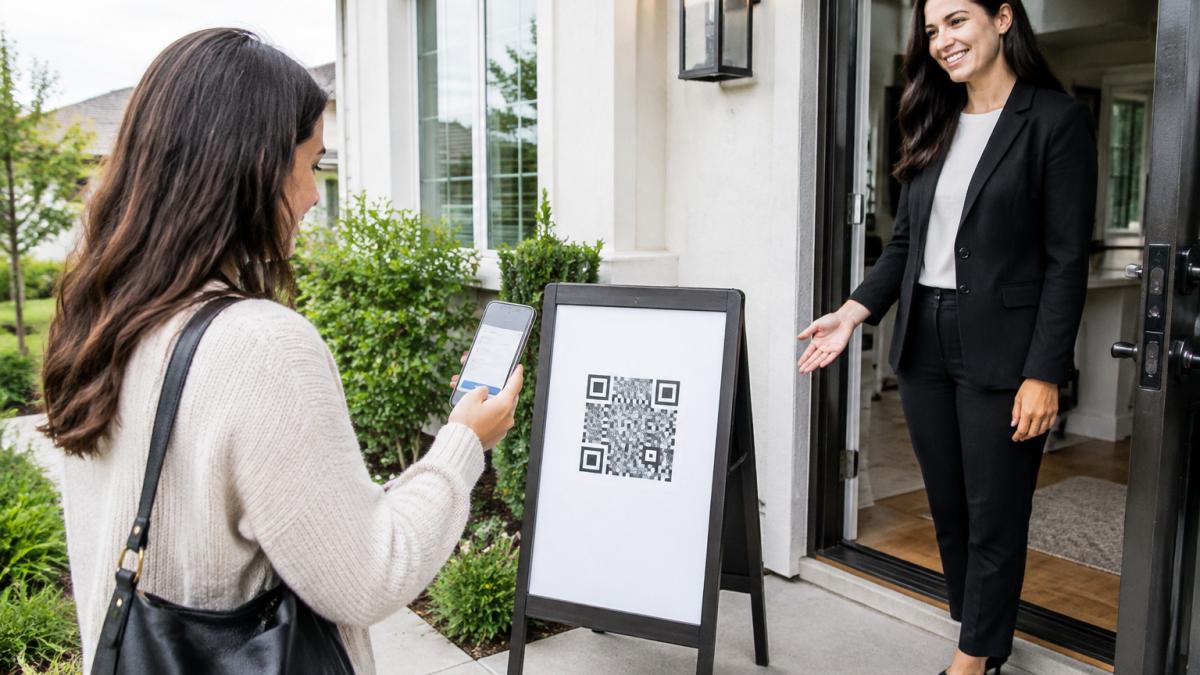
- Use a single entry point. Direct every visitor through one door with a sign-in step.
- Require check-in before the tour. Visitors who have not registered do not enter.
- Keep a visitor log. A verified record shows who signed in.
- Limit valuables. Remove jewelry, prescription medication, and small electronics before the event.
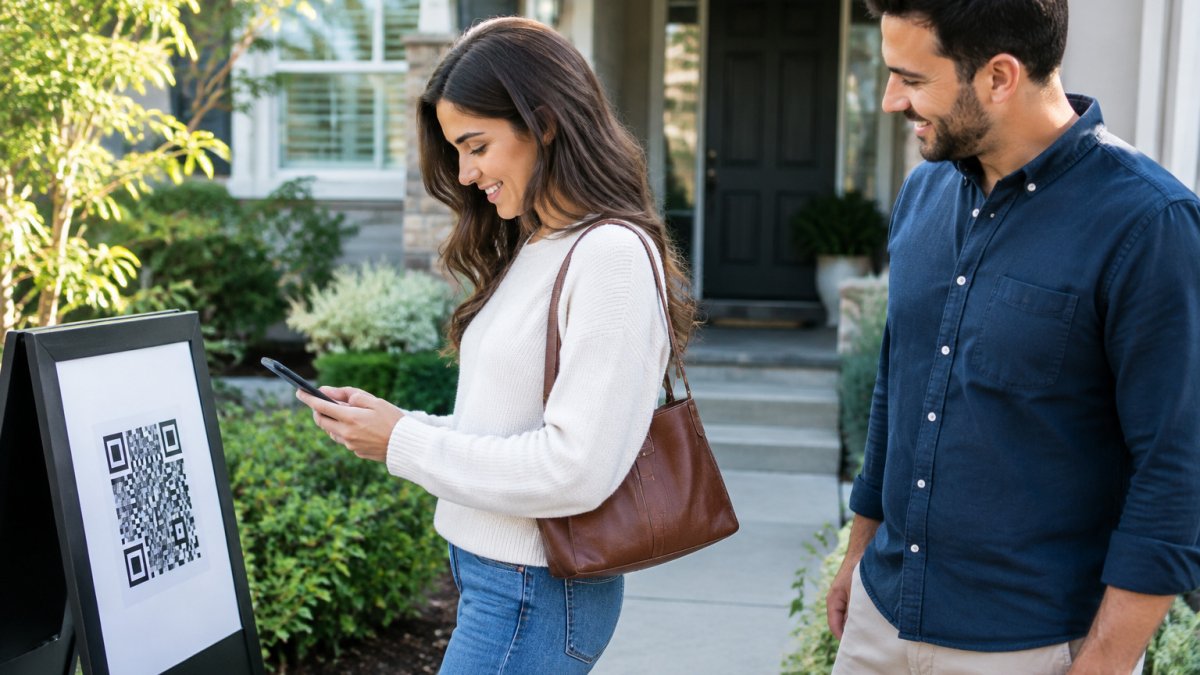
QR-based check-in works well here because the visitor registers on their own phone. Review QR Code Check-In Systems for Open Houses to see how the process fits into a secure routine.
Psychology of the Fake Lead: Why Scammers Target Open Houses
People who submit fake sign-ins fall into a few groups. Some are curious neighbors who want a look inside. Some collect contact lists to sell. Others are looking for an easy way into homes.
Open houses are attractive targets because they are public, time-limited, and built around trust. Agents want to be welcoming, and that openness is exactly what makes a sign-in sheet easy to abuse. A small amount of friction, like a verified codeword, changes the math. Most people who only want a free look will not bother to give a working phone number.
Understanding this helps you design a process that stays friendly to real buyers while discouraging bad actors.
Putting a Verified Check-In Process in Place This Weekend
You do not need a long rollout to improve lead quality. Start this weekend:
- Choose a check-in method. Pick a digital option that verifies phone and email.
- Print a QR sign. Place it on a pedestal or a-frame sign at the curb.
- Set your codeword. Agree on the codeword before the event starts.
- Brief your team. Everyone should know what to ask and what to expect.
- Review the data. Check flagged entries and follow up with verified visitors first.
ohACCESS replaces the paper sign-in sheet with verified digital check-in. Visitors scan a QR code, fill out a short form, and receive two codewords, one by text and one by email. They share a codeword with you at the door, which confirms their phone and email are real. You get an instant text and email alert for each sign-in, and new leads reach your CRM automatically through a formatted lead email or a Zapier webhook.
The free trial covers your first 25 sign-ins with every feature included and no credit card. Visit ohaccess.com for current pricing. Start Free and run your next open house with verified leads.
Frequently Asked Questions
How to spot fake real estate agents?
Check that the agent's license number appears in your state's real estate licensing lookup, confirm the brokerage independently through its public listing, and be wary of anyone who pushes for wire transfers, unusual urgency, or off-platform communication. Fraudsters often copy a real agent's photos and name. Calling the brokerage on a number you find yourself, not one in the message, is the fastest way to confirm identity before you share personal or financial details.
What are the common red flags of fake real estate leads?
Watch for mismatched or disposable contact details, such as a VoIP phone number or an email address with random characters, reluctance to give a full name, vague answers about buying timeline, and pressure to move the conversation to text or email quickly. Leads that ask for a property address they have not toured, or that avoid in-person meetings, also warrant verification before you spend time on follow-up.
How can agents verify the identity of open house visitors?
Require each visitor to register with a phone number and email address, then confirm both by having them share a codeword with you at the door. ohACCESS sends two codewords on every sign-in, one by text and one by email, and the visitor tells one to the host. Because the visitor must present a codeword that arrived on the phone and inbox they entered, the contact details are proven real and belong to the person at your door.
Why is digital check-in more secure than paper sign-in sheets?
Paper sheets accept any name and any scribbled number, and nothing confirms the details are real. Digital check-in with a verification step ties each sign-in to a working phone and email, timestamps the entry, and sends an alert to your phone the moment someone registers. That creates a verified visitor log you can export to your CRM, rather than an illegible sheet you transcribe by hand later.

Frequently asked questions
How to spot fake real estate agents?
Check that the agent's license number appears in your state's real estate licensing lookup, confirm the brokerage independently through its public listing, and be wary of anyone who pushes for wire transfers, unusual urgency, or off-platform communication. Fraudsters often copy a real agent's photos and name. Calling the brokerage on a number you find yourself, not one in the message, is the fastest way to confirm identity before you share personal or financial details.
What are the common red flags of fake real estate leads?
Watch for mismatched or disposable contact details, such as a VoIP phone number or an email address with random characters, reluctance to give a full name, vague answers about buying timeline, and pressure to move the conversation to text or email quickly. Leads that ask for a property address they have not toured, or that avoid in-person meetings, also warrant verification before you spend time on follow-up.
How can agents verify the identity of open house visitors?
Require each visitor to register with a phone number and email address, then confirm both by having them share a codeword with you at the door. ohACCESS sends two codewords on every sign-in, one by text and one by email, and the visitor tells one to the host. Because the visitor must present a codeword that arrived on the phone and inbox they entered, the contact details are proven real and belong to the person at your door.
Why is digital check-in more secure than paper sign-in sheets?
Paper sheets accept any name and any scribbled number, and nothing confirms the details are real. Digital check-in with a verification step ties each sign-in to a working phone and email, timestamps the entry, and sends an alert to your phone the moment someone registers. That creates a verified visitor log you can export to your CRM, rather than an illegible sheet you transcribe by hand later.
Keep reading
Start free with 25 verified check-ins. No credit card required.
Start Free