Visitors Without Smartphones at Open Houses: 5 Steps
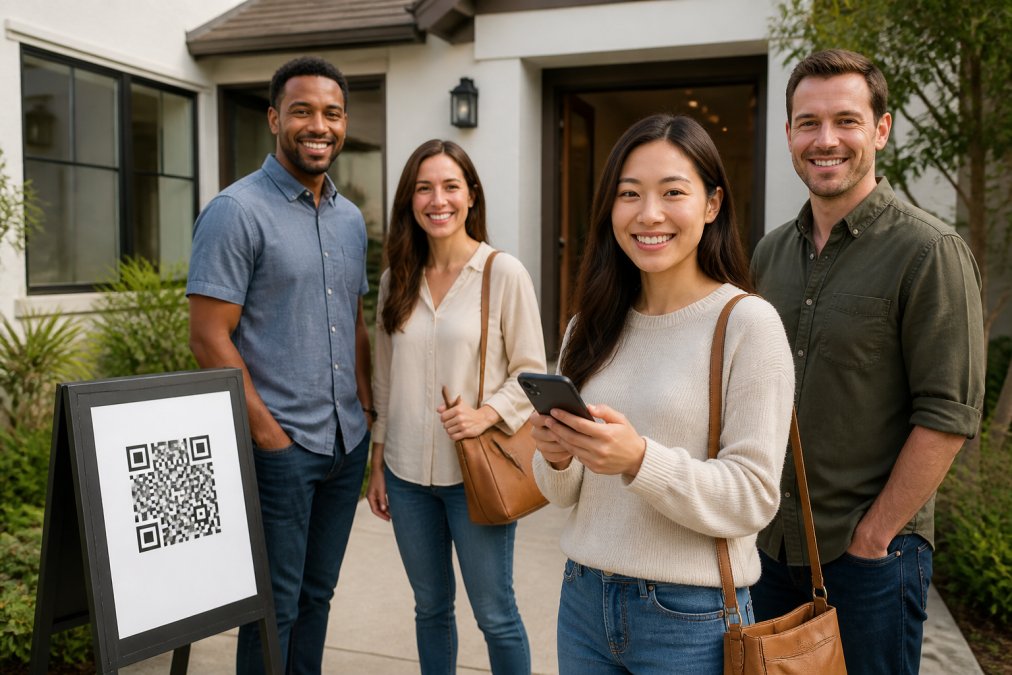
Table of Contents
- Why a Paper Backup Sheet Costs You Leads
- Step 1: Offer a QR Code with a Human Fallback
- Step 2: Use Open House Visitor Registration Scripts
- Step 3: Keep a Minimal Paper Sign-In Sheet for True Exceptions
- Step 4: Apply Real Estate Open House Safety Tips for Manual Check-ins
- Step 5: How to Capture Leads at an Open House Without a Smartphone
- Handle the Edge Cases Without Losing Data
- Make Your Open Houses Work for Every Visitor
- Frequently Asked Questions
Last Updated: September 7, 2026
Every open house has at least one: a prospective buyer who arrives without a smartphone, or who simply refuses to scan a QR code. How to handle visitors without smartphones at open houses determines whether you capture a genuine lead or watch a qualified buyer walk away. This guide from ohACCESS walks through a five-step workflow that keeps your lead capture intact while respecting every visitor's comfort level.
Why a Paper Backup Sheet Costs You Leads
The common advice is to keep a paper sign-in sheet as a backup for non-smartphone visitors. That advice is quietly damaging your pipeline. A paper sheet gives you illegible handwriting, fake numbers, and no way to verify that the email you received actually belongs to the person who toured the home.
When you rely on a paper backup, you create a two-track system where some visitors enter your CRM as verified leads and others arrive as unverified, likely unusable contacts. A paper sheet slows the entire follow-up process.
Step 1: Offer a QR Code with a Human Fallback
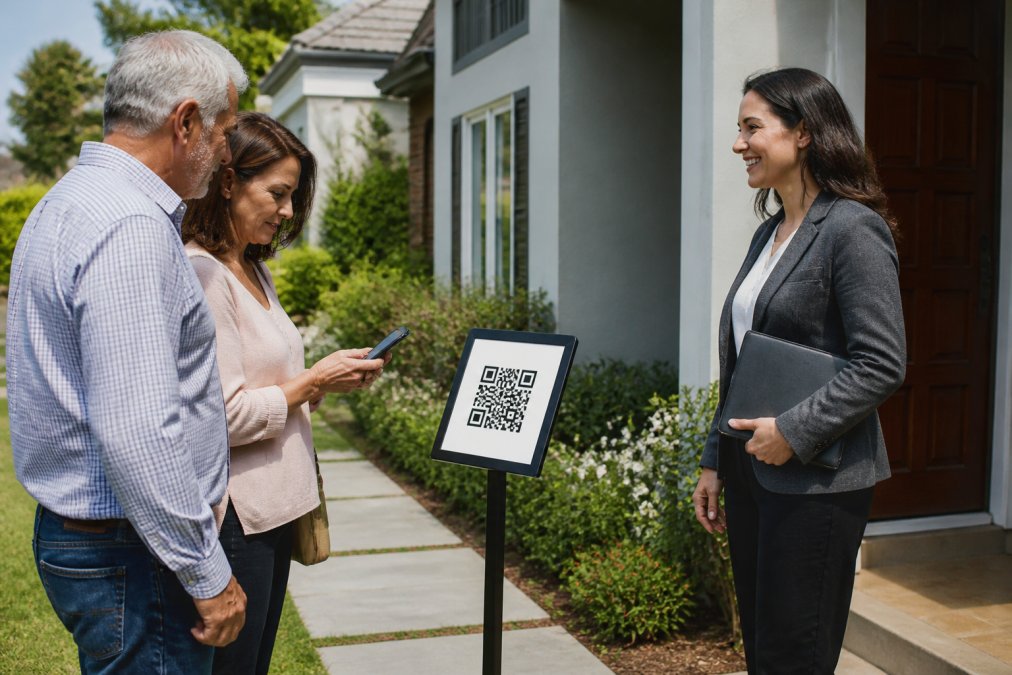
Start with digital-first registration as your default. Post a QR code on a pedestal or a-frame sign outside the home, and greet every visitor with the same script: "Scan this to check in, or I can help you register right here." That single sentence removes the awkwardness for visitors without smartphones at open houses.
The QR code leads to a short registration form on the visitor's own phone. They enter their name, email, phone number, and buying timeline. The form works in 16 languages and requires no app download. For the visitor without a smartphone, you pivot to the human fallback described in the next steps, but you never default the entire process to paper.
Step 2: Use Open House Visitor Registration Scripts
Open house visitor registration scripts are the difference between a smooth check-in and an awkward standoff at the door. When a visitor hesitates, they are signaling discomfort with the method, not the request. Your script should acknowledge that distinction immediately.
A strong script covers three beats: the reason for registration, the verification step, and the privacy promise. You are collecting contact information for follow-up, verifying that the phone number and email are real, and committing to use that information only for legitimate buyer outreach.
Script for the Non-Smartphone Visitor
Use this exact language when a visitor has no smartphone:
"I completely understand. We do digital check-in for your security and so I can follow up with accurate information. I can register you on my device right here. It takes about thirty seconds, and you will receive a confirmation by text and email instantly."
The key is offering to register them on your device, not handing them a paper sheet. This keeps their contact information in your digital system where it belongs. This is not a kiosk mode or a special product feature; it's simply opening the same mobile-friendly web form on any device with a browser.
Step 3: Keep a Minimal Paper Sign-In Sheet for True Exceptions
There is a narrow set of visitors who will not register digitally under any circumstances. For them, a paper sheet is a last resort, not a default. But before you reach for it, understand why they're refusing, often, it's about the perceived privacy risk of a shared, public document.
The Privacy Problem with Paper
A paper sign-in sheet is a privacy liability. Every subsequent visitor can see the names, phone numbers, and email addresses of everyone who came before them. Asking a visitor to write their personal information on a sheet that a stranger will read next is a significant point of friction.
When a visitor balks, say: "I understand. That sheet is just for my follow-up, and I keep it private. However, if you're uncomfortable, I can register you on my device, and you'll get a confirmation text and email instantly. That way, your info isn't visible to anyone else." This reframes the choice from "digital vs. paper" to "private vs. public data."
The Hardware Bridge: A Better Fallback Than Paper
Before defaulting to paper, offer a hardware bridge. The most effective tool is a a spare smartphone you bring to the open house. You can open the registration form in a browser on this device and hand it to the visitor to fill out themselves.
This approach works for several visitor types:
- The forgotten phone: They left it at home or the battery died.
- The non-smartphone user: They have a basic flip phone that can't scan QR codes.
- The privacy-conscious: They don't want a website tracking their device, but are fine using a 'clean' device you provide.
It keeps the lead in your digital system, captures a verified email, and avoids the data-degradation problem of paper entirely.
If Paper is the Only Option
If a visitor refuses the device, the paper sheet, and any digital method, only then do you use a minimal paper sheet. Capture only the essentials: name, phone number, and email.
The paper sheet exists for one reason: to capture the lead. You will transfer that information into your digital system immediately after the open house ends. Letting paper entries pile up for days means the lead has cooled and the data quality has degraded.
The 'Neighbor' and 'Curious Local' Exception
A special case is the neighbor who stops by out of curiosity, not buying intent. They often refuse to register because they don't want to be contacted about a home they have no intention of purchasing. Forcing them into a registration workflow, digital or paper, creates a negative experience. Instead, have a separate, simple protocol: a quick hello, a brief chat, and a business card. Note their interest (or lack thereof) in your private notes later.
By offering a private digital option on your device first, you'll find that the 'true exception' who requires paper is far rarer than you think.
Step 4: Apply Real Estate Open House Safety Tips for Manual Check-ins
Real estate open house safety tips matter more when you are handling manual check-ins. When a visitor registers on your device or a paper sheet, you lose the instant verification that a digital check-in provides.
A verified digital check-in sends two codewords: one by text message and one by email. The visitor shares a codeword with you at the door, proving their contact details are real. For manual check-ins, you need an equivalent safety protocol that doesn't rely on the visitor's hardware.
The Unverified Visitor Risk
The primary risk isn't the polite couple without a phone, it's the individual who refuses to provide verifiable information. While you should never profile, you should have a consistent, defensible policy for anyone who cannot or will not provide a verifiable digital footprint.
A Layered Safety Protocol for Manual Check-ins
When a visitor cannot use the digital check-in, implement a layered, non-confrontational safety check:
- Visual ID Confirmation: Ask to see a government-issued ID. You don't need to record the number, but you should visually confirm the name matches the one they provide. Say, "For my records and your safety, I just need to confirm your name matches your ID. I won't write down the number."
- The 'Buddy' System: If you're working alone, this is critical. Before the open house, text a colleague or your broker the time of the open house and the address. When a manual check-in occurs, send a quick text: "Manual check-in at [Address], visitor name [Name], description [e.g., 'tall, red jacket']. I'll text again in 15 minutes." This creates a check-in/check-out loop that deters malicious intent.
- The Property Walk-Through: Never let an unverified visitor wander the property alone. Escort them or ensure you maintain visual contact. This is not just about theft; it's about ensuring they don't get locked in a closet or accidentally trigger a security system.
- The 'Agent Present' Signal: Keep the property well-lit and ensure your vehicle is parked visibly in the driveway. This signals that an agent is present and active, which is a deterrent in itself.
The Forensic Trail for Digital Check-ins
For visitors who do check in digitally, a modern system provides a forensic trail that is far superior to any manual method. This includes the visitor's IP address, device type, and phone carrier or line type, flagging VoIP or burner numbers and providing a verifiable record of who was on the property.
The 'Walk-In' Scenario and Unrepresented Buyers
A specific safety scenario is the unrepresented buyer who arrives without an appointment. Your script should be: "Welcome! Since you're here without an agent, I'm happy to show you around. For everyone's safety, I'll walk through with you. We can chat about the home's features as we go." This is not just a safety measure; it's a client conversion opportunity.
Step 5: How to Capture Leads at an Open House Without a Smartphone
The core question of how to capture leads at an open house without a smartphone has a clear answer: use a system that verifies identity without requiring the visitor to own a device.
The Verification Workflow That Covers Everyone
The visitor registers on your device or a shared tablet. The system sends two codewords, one by text and one by email, the moment they submit. The visitor tells you a codeword at the door, proving their contact details are real. You receive an instant alert with their information, and the lead flows into your CRM automatically as a formatted lead.
This approach eliminates fake names and invalid contact information while keeping visitor engagement high.
Handle the Edge Cases Without Losing Data
Visitors with non-US phone numbers should receive their codeword through WhatsApp. International addresses and phones are fully supported, so a foreign buyer is never turned away. Visitors who are uncomfortable sharing their phone number can still provide an email and receive the email codeword as their primary verification.
Open house sign-in sheet best practices now include clear disclosure about how you will use contact information. Visitors consent to you having their information for follow-up, not for sharing with the home seller. A seller report should show aggregate data only: visitor count, buying timeline breakdown, and average ratings, never visitor names, phone numbers, or arrival times.
| Edge Case | Solution | Impact on Lead Quality |
|---|---|---|
| Visitor without smartphone | Register on agent device | Full lead captured digitally |
| International phone number | WhatsApp codeword delivery | No lost foreign buyers |
| Privacy concerns | Clear consent disclosure | Higher trust, better data |
| Visitor refuses all registration | Minimal paper sheet | Lead captured, manual entry required |
Make Your Open Houses Work for Every Visitor
Handling visitors without smartphones at open houses comes down to preparation. A digital-first system with a clear human fallback captures every lead while maintaining data quality and safety.
ohACCESS replaces the paper sign-in sheet with verified digital check-in, sending two codewords to every visitor and delivering leads to your CRM automatically. Start your free trial covering your first 25 visitor registrations and see the difference verified data makes in your open house follow-up.
Frequently Asked Questions
What is the best way to track open house visitors without a smartphone?
The best approach is a hybrid one. Offer your digital QR code check-in as the primary method, but keep a minimal paper sign-in sheet for the rare visitor who cannot or will not use a smartphone. To protect your data quality, make the paper form short: just name, phone, and email. After the open house, you must manually enter those details into your CRM. For everyone else, a digital system delivers the lead to your CRM automatically and verifies the contact information is real.
Should I still keep paper sign-in sheets as a backup at open houses?
Yes, a single backup sheet is smart practice for true exceptions, like a visitor with a non-smartphone. However, do not make it the default. Keeping paper as the primary option invites fake names and illegible numbers. Position the QR code sign first and the paper sheet as a courtesy fallback. This way you capture accurate data from the majority while remaining inclusive. Remember to check your local data privacy rules regarding how long you can keep that paper information.
How do you maintain agent safety while managing manual sign-ins?
Safety starts with knowing who is in the house. For visitors using a paper backup sheet, asking for ID can deter casual misrepresentation. For digital check-ins, the system verifies a phone number and email. Always have your phone on you, let someone know your open house schedule, and avoid showing properties alone whenever possible.
What are the risks of using paper sign-in sheets at an open house?
Paper sheets have three major risks. First, data accuracy: many visitors write fake names or illegible numbers to protect their privacy, which destroys your follow-up strategy. Second, data entry: you spend valuable time after the open house manually entering leads into your CRM, a process prone to typos. Third, security: a paper sheet is a privacy risk if it is lost or seen by other visitors. Digital intake solves these problems by verifying the information instantly.
Every visitor deserves a smooth check-in experience, whether they arrive with the latest smartphone or none at all. The challenge is building a registration workflow that verifies identity without alienating anyone. ohACCESS handles this with dual codeword verification, automatic CRM delivery, and a privacy-safe seller report. Get started with ohACCESS and turn every open house visitor into a verified, follow-up-ready lead.
Frequently asked questions
What is the best way to track open house visitors without a smartphone?
The best approach is a hybrid one. Offer your digital QR code check-in as the primary method, but keep a minimal paper sign-in sheet for the rare visitor who cannot or will not use a smartphone. To protect your data quality, make the paper form short: just name, phone, and email. After the open house, you must manually enter those details into your CRM. For everyone else, a digital system delivers the lead to your CRM automatically and verifies the contact information is real.
Should I still keep paper sign-in sheets as a backup at open houses?
Yes, a single backup sheet is smart practice for true exceptions, like a visitor with a non-smartphone. However, do not make it the default. Keeping paper as the primary option invites fake names and illegible numbers. Position the QR code sign first and the paper sheet as a courtesy fallback. This way you capture accurate data from the majority while remaining inclusive. Remember to check your local data privacy rules regarding how long you can keep that paper information.
How do you maintain agent safety while managing manual sign-ins?
Safety starts with knowing who is in the house. For visitors using a paper backup sheet, asking for ID can deter casual misrepresentation. For digital check-ins, the system verifies a phone number and email. Always have your phone on you, let someone know your open house schedule, and avoid showing properties alone whenever possible.
What are the risks of using paper sign-in sheets at an open house?
Paper sheets have three major risks. First, data accuracy: many visitors write fake names or illegible numbers to protect their privacy, which destroys your follow-up strategy. Second, data entry: you spend valuable time after the open house manually entering leads into your CRM, a process prone to typos. Third, security: a paper sheet is a privacy risk if it is lost or seen by other visitors. Digital intake solves these problems by verifying the information instantly.
Keep reading
Start free with 25 verified check-ins. No credit card required.
Start Free