7 Open House Sign-In Options for Feature Phone Visitors
Last Updated: November 16, 2026
Quick Summary
Feature phone visitors can sign in at an open house by texting a keyword, filling out a paper sheet, having an agent enter their details, or calling a registration line. QR codes fail for these visitors because most feature phones cannot scan codes or load a registration page. Offering a text keyword or agent-assisted option alongside QR codes covers the buyers you would otherwise lose.
- QR codes need a camera and an internet connection, which many feature phones lack.
- Text keyword sign-in works on nearly every basic handset because texting is a basic function.
- Agent-assisted entry works for any visitor and produces cleaner data than paper sheets.
- Keep agent-entered forms to five fields so each entry takes under a minute.
- Test every fallback method end to end before the first visitor arrives.
Table of Contents
- Why QR Codes Leave Feature Phone Visitors Out
- Open House Registration Without a Smartphone: Text Keyword Sign-In
- Paper Open House Sign-In Sheet Alternatives Compared
- Agent-Assisted Sign-In and the Open House Sign-In Sheet Template
- Can NFC Open House Registration Replace QR Codes?
- Comparing Feature Phone Options by Cost, Data, and Privacy
- Setting Up a Fallback Plan for Your Next Open House
- Frequently Asked Questions
Why QR Codes Leave Feature Phone Visitors Out
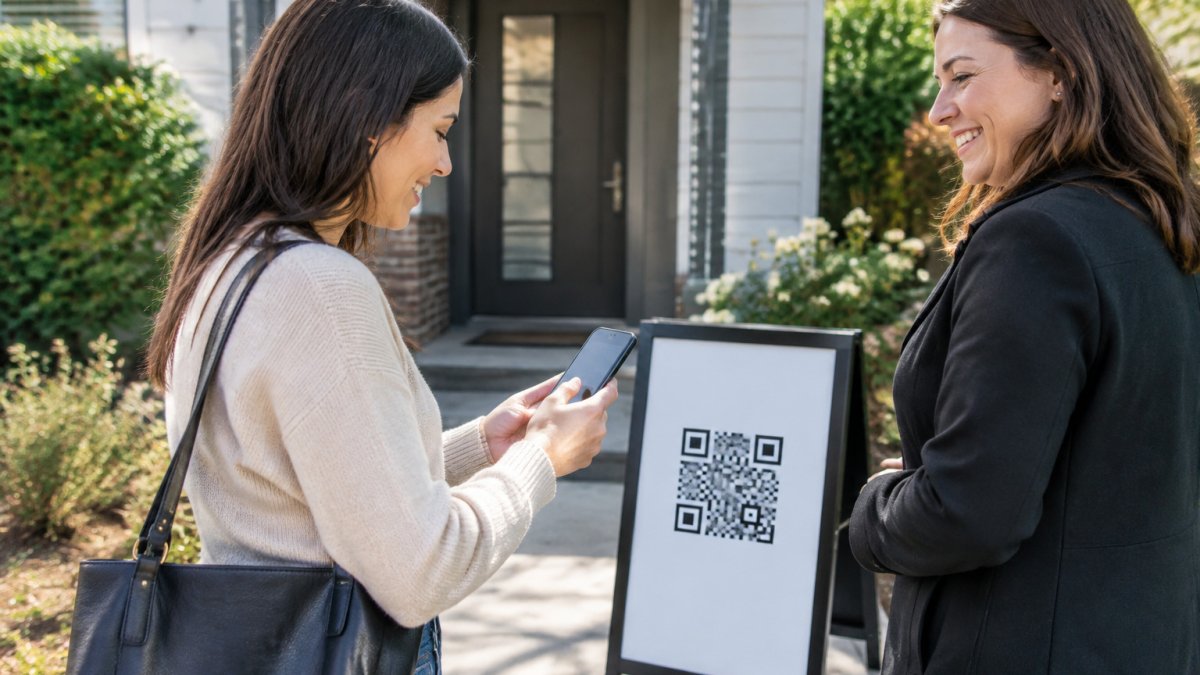
QR-code sign-in assumes every visitor has a smartphone with a camera and a working internet connection. Many do not. Feature phones, the basic handsets with physical keypads and limited browsers, often cannot scan a QR code at all. Some older buyers, and visitors who simply prefer not to use a smartphone, face the same barrier.
A QR code is a poor fit for these visitors. A guest cannot open a registration page by scanning a code without an internet connection. That single requirement can shut out a visitor before the form even loads. The result is a sign-in process that quietly filters out part of your buyer pool.
The fix is not to abandon QR codes. It is to offer a second path that works without a smartphone. The sections below walk through the options, starting with the simplest: text-based sign-in.
Open House Registration Without a Smartphone: Text Keyword Sign-In
Text keyword sign-in lets a visitor register by sending a text message. A sign on the door or a printed flyer gives a keyword to text to a number. The visitor replies with their name and contact details, and the registration is recorded.
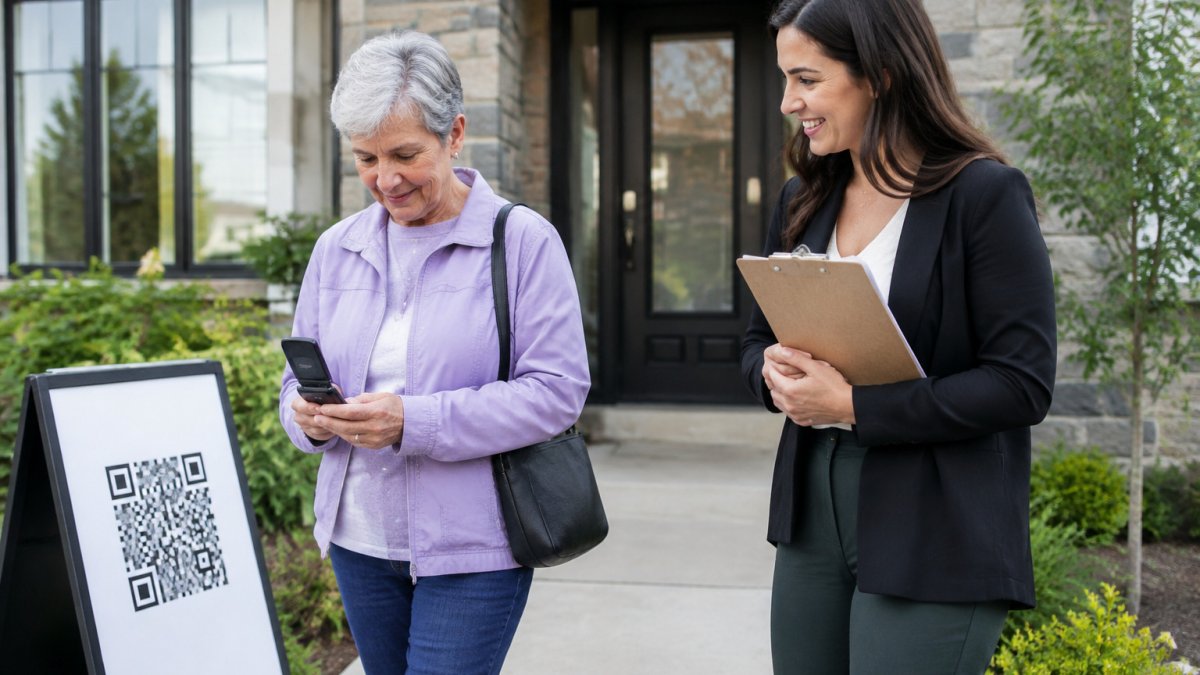
This is the most practical option for feature phones because texting is a basic function on nearly every handset. Text-based visitor registration is one option agents can explore as an alternative to QR scanning. Test the text flow on a basic handset before your next event.
Keep the instructions short. A visitor should know exactly what to send and where to send it. Post the keyword at eye level near the entrance, and have a printed backup sheet ready in case a reply fails.
Paper Open House Sign-In Sheet Alternatives Compared
Paper sheets are simple and work without any technology, but they produce messy data. Learn whether paper sign-in sheets carry a security risk for agents. Handwriting is hard to read, names are often wrong, and phone numbers are frequently missing or invalid. Transferring them into a CRM takes time, and the sheets can be lost.
Digital alternatives improve on paper, but they differ in how they handle visitors without smartphones. The table below compares the main non-QR paths by setup effort, what the visitor actually has to do, and how trustworthy the resulting data is.
| Option | Works on feature phones? | Needs internet? | Setup effort | Data quality | Main failure mode |
|---|---|---|---|---|---|
| Paper sign-in sheet | Yes | No | Print and clip | Low, handwriting errors, unverified contacts | Illegible entries, lost sheets, no verification |
| Text keyword sign-in | Yes | Cellular texting only | Buy a number, write the keyword sign, test replies | Medium, depends on how completely visitors reply | Partial replies, typos in the keyword, no email captured |
| SMS link to a web form | No (needs a browser) | Yes | Short code or link plus a hosted form | High | Feature phones cannot open the link |
| Phone-call registration | Yes | Voice network only | Staffed line or voicemail during the event | Medium, agent transcribes by ear | Missed calls during a busy rush |
| Agent-assisted entry on the agent's device | Yes (agent enters details) | Depends on the device | One staffer dedicated to the door | High, agent can confirm each field | Slows the door when traffic spikes |
| QR code with registration page | No | Yes | Print the sign, generate the QR | High | No camera or no data means no sign-in |
Feature-phone visitors are best served by text keyword sign-in or agent-assisted entry. QR sign-in works well for everyone else, so offering both usually gives the best coverage.
A few mechanics matter more than the table shows. Text keyword sign-in only works if the visitor sends the keyword exactly as printed and then answers the follow-up prompts; a common pattern is that visitors send the keyword but stop before giving an email, so plan to collect email at the door. Phone-call registration works on any handset but depends on someone answering, which is unrealistic during a crowded first hour.
Watch out: a shared tablet handed around the door is not a clean solution. Visitors see the previous person's details on screen, and the device becomes a bottleneck when two groups arrive at once. If you use a device at the door, have the agent hold it and enter details themselves rather than passing it to visitors.
ohACCESS registers visitors through their own phone: the visitor scans a QR code, fills out a short form, and receives two codewords, one by text message and one by email. The visitor tells a codeword to the host agent at the door, which proves the phone number and email are real and theirs. Because it requires a camera-equipped phone, pair it with a printed backup sheet for feature-phone visitors.
Agent-Assisted Sign-In and the Open House Sign-In Sheet Template
Agent-assisted sign-in means the host records a visitor's details directly. The agent asks for name, phone, and email, then enters them into a form on a device the agent controls. This works for any visitor, regardless of phone type, and it produces cleaner data than paper.
The trade-off is time. An agent handling a busy open house can fall behind. Keep the form to five fields so each entry takes under a minute. See marketing guidance aimed at feature phone visitors for planning a fallback.
A simple template helps here. Use these fields on a printed or digital sheet:
- Full name
- Mobile phone number (ask them to confirm it)
- Email address
- Buying timeline: 0-3 months, 3-6 months, 6-12 months, or 12+ months
- How they heard about the property
Keeping the sheet consistent across events makes the data easier to clean up later.
Can NFC Open House Registration Replace QR Codes?
Near-field communication (NFC) lets a visitor register by tapping a phone to a sticker or card. It avoids the camera step that makes QR codes difficult for some users. However, NFC still requires a compatible phone. Many feature phones do not support NFC, and the research supplied for this article does not establish how widely it is available across handsets.
NFC is therefore a supplement, not a replacement. It may help visitors with newer phones who struggle with QR scanning, but it does nothing for basic handsets. If you consider it, confirm device support for your audience before committing.
Comparing Feature Phone Options by Cost, Data, and Privacy
Cost, data quality, and privacy should drive the choice. Pricing varies by vendor and plan, and the supplied research includes only a few published figures. Pricing varies by vendor and plan, so confirm current prices on each provider's website before deciding.
On privacy, collect only what you need. A visitor's name, phone, and email are enough for follow-up. Tell visitors how their details will be used, and keep them secure. Feature-phone visitors may be less comfortable with digital forms, so a short explanation at the entrance can help build trust.
ohACCESS registers visitors through a QR code and verifies contact details by sending codewords by text and email. Visitors without a smartphone can be handled through agent-assisted sign-in or a text-based option.
Setting Up a Fallback Plan for Your Next Open House
A fallback plan keeps sign-in running when a method fails. Most agents prepare one backup and stop there; the stronger approach is to decide in advance which method leads, which method backs it up, and what triggers the switch. Use the decision matrix below to pick a primary and a backup based on your expected crowd.
| Expected crowd | Primary method | Backup method | Trigger to switch |
|---|---|---|---|
| Smartphone-heavy, tech-comfortable | QR code sign-in | Printed sheet plus text keyword sign | Visitor says the code will not scan or the page will not load |
| Mixed ages, some feature phones | QR code sign-in plus text keyword sign posted together | Printed sheet | Two or more visitors in a row cannot scan |
| Mostly older buyers or low smartphone use | Text keyword sign or agent-assisted entry | Printed sheet | Replies stop coming back or the door backs up |
| Weak cell reception at the property | Agent-assisted entry on the agent's device | Printed sheet | The agent's device loses its connection |
Before your next open house, prepare four things. First, print a backup sign-in sheet with name, mobile phone, email, buying timeline, and how they heard about the property. Second, post a text keyword sign at the door for visitors with basic phones, and test that the keyword reply actually comes back. Third, assign one team member to handle agent-assisted entry so the door does not stall. Fourth, confirm your CRM will receive the leads from every method you plan to use, including the manual ones you will type in afterward.
Test each method before the event. Send a text to your keyword, scan your QR code on both a basic phone and a smartphone, and confirm the backup sheet is in your bag. Check that your CRM receives the leads from each method you plan to use. If your primary method depends on the property's Wi-Fi, test on cellular data instead, because visitors sign in on their own phones and the house network is often the weakest link.
Watch out: the most common fallback failure is a backup that was never tested. A text keyword that was never sent, a QR sign printed at the wrong size, or a sheet with no pen at the door all fail at the worst moment. Run each method once, end to end, before the first visitor arrives.
During the event, watch for the switch triggers rather than waiting for a complaint. If two visitors in a row cannot complete the primary method, move to the backup for the rest of the hour and note it. Afterward, review the results: compare how many visitors used each method and how complete their details were. Those numbers will show you which option to lead with next time, and whether your backup should become the primary for a particular audience.
Frequently Asked Questions
Is there an alternative to a QR code for open house registration?
Yes. Agents commonly use a printed sign-in sheet, a text-message keyword sign-in where visitors send a set word to a number, or an agent-assisted form on a tablet or laptop. Each option works differently for feature phone users. Text keyword sign-in needs no smartphone or internet browsing, while paper requires manual transcription later. Choose the method that matches your visitors and your CRM workflow, and keep a backup for every event.
Can visitors register for an open house by text message?
They can if the sign-in tool supports text keyword registration. The visitor sends a keyword to a number, receives a reply asking for name, email, and phone, and completes the details by text. Confirm the process works on a basic phone before the event, because carrier limits and reply formatting vary. Text registration does not verify a codeword at the door unless the tool supports that step.
Can an agent register a visitor who does not have a smartphone?
Yes. The agent can ask the visitor for their name, email, and phone number and enter them on the agent's own device, or fill out a paper sheet and transfer it later. Keep the information accurate by reading it back to the visitor. Agent-assisted entry is slower than self-service, so plan for it on busy weekends and schedule a second agent when turnout is high.
What is the best open house sign-in method for visitors with feature phones?
For most agents, the best approach combines text keyword sign-in or an agent-assisted form with a paper sheet as a fallback. ohACCESS uses QR-code check-in in which visitors submit a form on their own phone and receive two codewords by text and email, and it also supports WhatsApp delivery for international numbers. Visitors without a smartphone may need the agent to complete registration for them, so confirm each option with your own workflow before listing it.

Frequently asked questions
Is there an alternative to a QR code for open house registration?
Yes. Agents commonly use a printed sign-in sheet, a text-message keyword sign-in where visitors send a set word to a number, or an agent-assisted form on a tablet or laptop. Each option works differently for feature phone users. Text keyword sign-in needs no smartphone or internet browsing, while paper requires manual transcription later. Choose the method that matches your visitors and your CRM workflow, and keep a backup for every event.
Can visitors register for an open house by text message?
They can if the sign-in tool supports text keyword registration. The visitor sends a keyword to a number, receives a reply asking for name, email, and phone, and completes the details by text. Confirm the process works on a basic phone before the event, because carrier limits and reply formatting vary. Text registration does not verify a codeword at the door unless the tool supports that step.
Can an agent register a visitor who does not have a smartphone?
Yes. The agent can ask the visitor for their name, email, and phone number and enter them on the agent's own device, or fill out a paper sheet and transfer it later. Keep the information accurate by reading it back to the visitor. Agent-assisted entry is slower than self-service, so plan for it on busy weekends and schedule a second agent when turnout is high.
What is the best open house sign-in method for visitors with feature phones?
For most agents, the best approach combines text keyword sign-in or an agent-assisted form with a paper sheet as a fallback. ohACCESS uses QR-code check-in in which visitors submit a form on their own phone and receive two codewords by text and email, and it also supports WhatsApp delivery for international numbers. Visitors without a smartphone may need the agent to complete registration for them, so confirm each option with your own workflow before listing it.
Keep reading
Start free with 25 verified check-ins. No credit card required.
Start Free