Best Practices for Open House Lead Management
Quick Summary
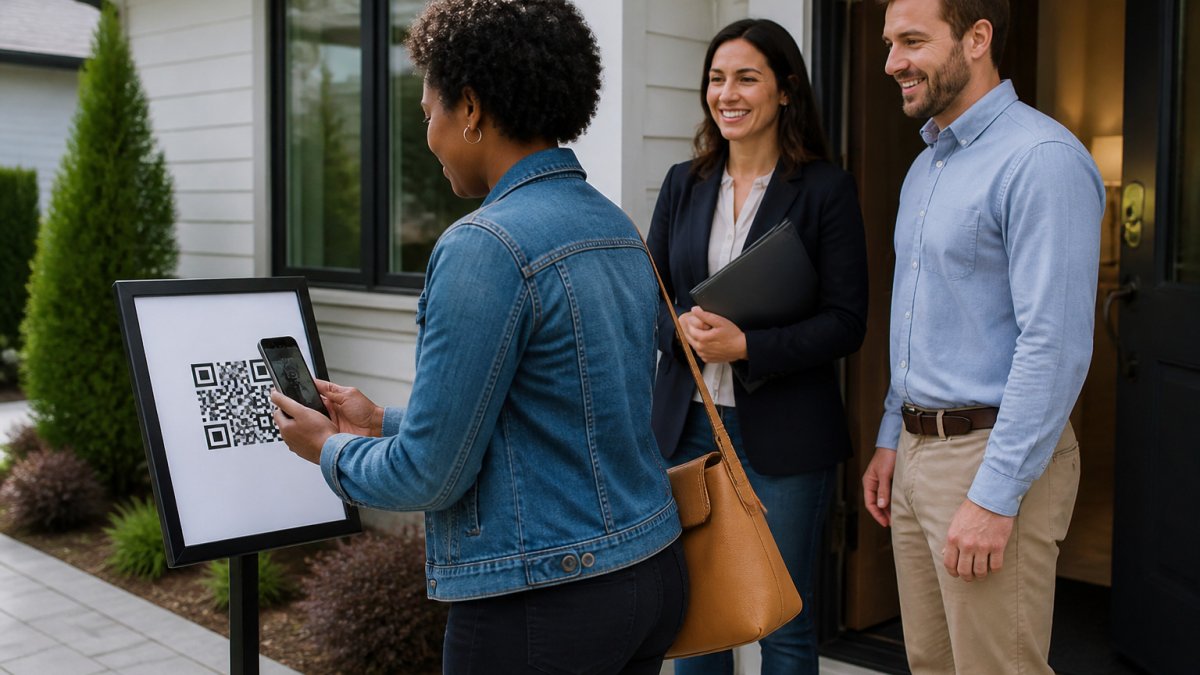
Open house lead management replaces the paper sign-in sheet with verified digital check-in, so every visitor's phone number and email are confirmed before they reach your CRM. Visitors scan a QR code, complete a short form, and share a codeword with the host agent to enter. Each sign-in then flows to your CRM automatically.
- Paper sign-in sheets often contain misspelled names, invalid phone numbers, or blank fields.
- Visitors receive two codewords, one by text and one by email, and share one with the host agent.
- The buying timeline field lets you prioritize follow-up by 0-3, 3-6, 6-12, or 12+ months.
- Leads reach your CRM through a formatted lead email, a Zapier webhook, or team forwarding.
- Send a personal text or call within 24 hours, tailored to the buying timeline the visitor selected.
Table of Contents
- Why Open House Lead Management Breaks Down After the Sign-In Sheet
- Capturing Verified Visitor Details at the Door
- Asking Open House Visitor Questions That Qualify Without Interrogating
- Getting Leads Into Your CRM Without Manual Data Entry
- Open House Lead Tracking: Scoring Interest Without Guesswork
- Open House Follow-Up Scripts for the First 24 Hours
- Sharing Aggregate Results With Sellers Using a One-Tap Report
- Setting Up Your Next Open House Lead Workflow Today
- Frequently Asked Questions
Why Open House Lead Management Breaks Down After the Sign-In Sheet
Open house lead management is only as good as the names on the sheet, and most paper sign-in sheets fail that test. Visitors write down first names, scribble phone numbers that don't resolve, and skip the field entirely. The agent walks away with a list that looks productive and is mostly unusable. ohACCESS replaces that paper sheet with verified digital check-in, so every lead has been proven to belong to a real phone number and a real email address.
Capturing Verified Visitor Details at the Door
Visitors scan a QR code at the door and complete a short form on their own phone.
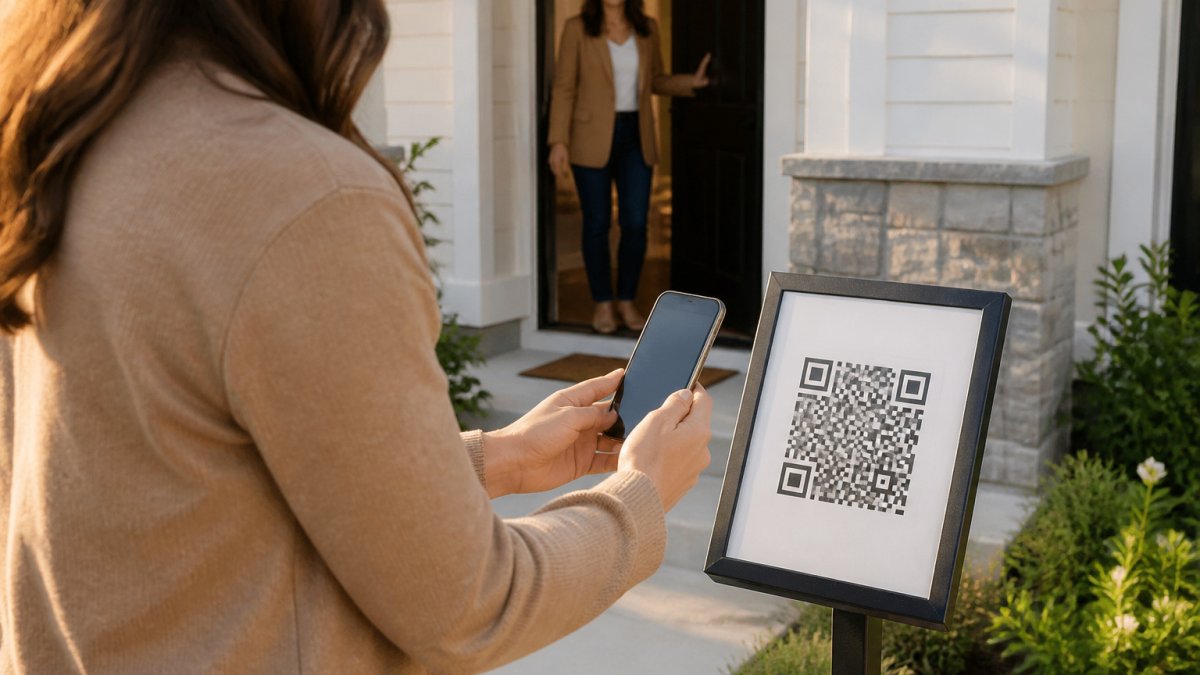
The verification step is what separates this from a sign-in sheet. The moment the visitor submits, two codewords arrive, one by text and one by email. Stopping fake or junk sign-ins at the door starts with this check.
Codewords are set per event by the agent. They do not expire on a timer. Visitors outside the US and Canada receive their codeword by WhatsApp.
Asking Open House Visitor Questions That Qualify Without Interrogating
The buying timeline field gives every visitor the same low-pressure question, so the agent doesn't have to start a conversation with "Are you looking to buy?"
Agents can add one custom question to the sign-in form. Use it for something that separates a serious buyer from a curious neighbor, such as whether the visitor needs to sell a home first.
At the door, the agent's job is to be warm and specific about the property.
Getting Leads Into Your CRM Without Manual Data Entry
ohACCESS delivers each sign-in to your CRM automatically through one of three paths:
- Formatted lead email: Every sign-in is sent to your CRM's lead-intake address in a format the CRM can read. This has been verified with Follow Up Boss, and you pick your CRM from a dropdown (Follow Up Boss, BoldTrail/kvCORE, Lofty, Sierra Interactive, Real Geeks, CINC, Top Producer, Wise Agent, LionDesk, or Other).
- Zapier webhook: Connect the sign-in to thousands of other apps through Zapier.
- Team CRM forwarding: A team lead can copy every member's leads into a shared team CRM.
Choose the path that matches your CRM setup, then test it with a single sign-in before the next open house. Step-by-step lead capture automation walks through the full setup. Once it works, the lead is delivered to your CRM as the visitor signs in, with no typing afterward.
Lead Email, Zapier Webhooks, and Team Forwarding
The lead email path needs the least setup and suits agents using a supported CRM directly. The Zapier path suits agents whose CRM is not on the lead-email route but who already use Zapier. Team forwarding suits brokerages and teams that want every member's leads in one place. Pick one path per workflow so that a single visitor does not end up duplicated across systems.
The Automation Recipe Most Guides Skip
Getting the lead into your CRM is only the first step. What happens next determines how quickly you follow up. A workable pattern looks like this:
- Trigger: a new lead arrives from the ohACCESS formatted lead email or the Zapier webhook.
- Filter: branch on the buying timeline the visitor selected at sign-in (0-3, 3-6, 6-12, or 12+ months).
- Action: drop the lead into the matching nurture sequence in your CRM, a fast-track sequence for 0-3 months, a longer check-in cadence for 12+ months.
- Action: create a task for the agent to send a personal text within 24 hours, so the automated sequence never replaces the human first touch.
Because the buying timeline is included in the lead, you can branch on it in your CRM or Zapier workflow. ohACCESS does not run drip campaigns, so build any multi-week sequence inside the CRM that receives your leads.
Watch out: if you route the same sign-in through both the lead email and a Zapier webhook, the visitor can appear twice in your CRM and receive duplicate messages, pick one path per workflow and disable the other.
Testing the Handoff Before Doors Open
Run one test sign-in from a colleague's phone and follow it all the way through: confirm the lead email arrives at the CRM intake address, confirm the CRM parsed the fields into the right contact record, and confirm the correct sequence enrolled the test lead, if you have one set up. Do this the day before the open house, not the morning of.
Open House Lead Tracking: Scoring Interest Without Guesswork
Lead tracking should rest on what visitors actually told you, not on a guess about how engaged they seemed. The buying timeline is a useful signal.
The verified visitor log helps here. Each entry shows the visitor's contact details and timeline, and you can add a private note after the conversation.
Be careful about overreading any single data point. A visitor who chose 12+ months may still become a client, and a 0-3 month answer may be a guess.
Open House Follow-Up Scripts for the First 24 Hours
Speed matters in the first day. A prompt, relevant message is more likely to be remembered. ohACCESS sends an automatic next-morning thank-you email to visitors, which handles the first touch. Your own follow-up should build on it.
A simple sequence works well. Send a personal text or call within 24 hours, referencing something specific from the visit. Keep the message short and ask one question.
Scripts by Buying Timeline
The timeline field is the best routing signal you have, so write one short script per bucket rather than one script for everyone:
- 0-3 months: lead with availability and next steps. "Are you free to see two similar homes this weekend? I can hold Saturday morning."
- 3-6 months: lead with preparation. "Would a quick call about financing and timing be useful before you start touring seriously?"
- 6-12 months: lead with information. "I put together a short list of comparable sales in the neighborhood, want me to send it over?"
Long-Term Nurturing and the Consent Rules Most Guides Ignore
The first 24 hours is the easy part. The harder question is what you are allowed to do with the contact details afterward. Open house visitors hand over a phone number and email to get into a home, and that is not the same as signing up for a marketing list. Two rules keep agents out of trouble:
- Honor opt-outs immediately. ohACCESS flags STOP opt-outs and honors them globally, so a visitor who texts STOP is suppressed across your account. Do not re-add that number to a manual list.
- Keep marketing consent separate from the visit. A personal, one-to-one follow-up about the home they toured is expected. Adding the visitor to a bulk drip campaign is a marketing use, and the rules that apply depend on where the visitor lives. Privacy rules vary by location, so check the requirements that apply to your marketing emails. When in doubt, ask for consent in your first message rather than assuming it.
For longer-term nurturing, your CRM does the work. ohACCESS does not run drip campaigns, so build any multi-week sequence inside the CRM that receives your leads, and keep the sequence cadence matched to the timeline bucket so a 12+ month visitor is not bombarded like a 0-3 month buyer.
Be careful about sharing a visitor's contact details in a shared spreadsheet or group text thread, since that can spread personal data beyond the consent the visitor gave.
Sharing Aggregate Results With Sellers Using a One-Tap Report
Sellers want proof of turnout and buyer interest, and the Seller Report gives them a one-tap summary of aggregate results.
The report contains no visitor names, phone numbers, emails, or arrival times. Use the aggregate figures to show activity and interest without exposing anyone's contact details. Sharing results with a seller without visitor data explains how to do this safely.
Setting Up Your Next Open House Lead Workflow Today
Start with a single open house and walk through the full process once. Print a QR sign and place it outside the home.
After the event, review the visitor log, add notes while the conversations are fresh, and send the Seller Report to your client.
The free trial covers the first 25 sign-ins with every feature included and no credit card required, so you can run a real open house on the workflow before you commit.
Start Free with ohACCESS and run your next open house on verified check-in.
Frequently Asked Questions
How do you manage leads from an open house?
Capture every visitor through one consistent check-in method, then send each sign-in to your CRM the same day. With ohACCESS, visitors scan a QR code, fill out a short form on their own phone, and receive two codewords by text and email. They tell a codeword to you at the door, and you get an instant text and email alert for each sign-in. Every lead then flows into your CRM as a formatted lead email or through a Zapier webhook, so you can review the list and start follow-up without retyping anything.
How soon should you follow up with open house leads?
Follow up within 24 hours while the visit is fresh. A short text or email that references the property and a question the visitor answered on the form works best. Use the buying timeline they selected (0-3, 3-6, 6-12, or 12+ months) to decide how urgent the next step is. Visitors who marked a 0-3 month timeline warrant a call or text the same day, while longer timelines can move to a nurture sequence in your CRM.
What should an open house sign-in sheet ask visitors?
Keep it short. A digital form that captures name, email, phone, and buying timeline covers what most agents need for follow-up. ohACCESS offers one custom question on the sign-in form, which works well for a single qualifier such as whether the visitor is working with an agent. Long forms reduce completion rates, and the goal is verified contact details you can actually use.
What should you say when following up with an open house visitor?
Open with a specific reference to the home and the visit, such as the kitchen or the backyard, then ask one question that moves the conversation forward. For example, ask whether their timeline on the form still holds and whether they want a comparable listing list. Avoid pressure. A short, relevant message sent promptly sounds more helpful than a long pitch, and it gives the visitor an easy reply.
How do you organize open house leads in a CRM?
Use one lead source tag per event, so you can see which open house produced each contact. Send all sign-ins to the same intake address or webhook so records arrive in a consistent format. ohACCESS delivers leads automatically into your CRM through a formatted lead email or a Zapier webhook. Note that it does not map fields or apply tags for you, so set up your CRM's intake rules once and review the incoming leads after each event.
How do you qualify open house visitors without making them uncomfortable?
Let the form do the qualifying. When visitors answer a buying timeline question on their own phone, the conversation at the door stays friendly and low-pressure. Ask open-ended questions about what they liked about the home rather than probing their finances. Visitors who choose a 0-3 month timeline can receive a follow-up that offers help, while those who choose 12+ months can be invited to a market update.
What is the best way to capture visitor information at an open house?
Use a digital check-in that requires a verified phone number and email. Paper sheets often collect fake names and invalid contact details, which wastes follow-up time. With ohACCESS, the codeword step confirms that the phone and email a visitor entered are theirs, because they must share a codeword with you to enter. Post a QR code outside the home so visitors can register before they walk in.

Frequently asked questions
How do you manage leads from an open house?
Capture every visitor through one consistent check-in method, then send each sign-in to your CRM the same day. With ohACCESS, visitors scan a QR code, fill out a short form on their own phone, and receive two codewords by text and email. They tell a codeword to you at the door, and you get an instant text and email alert for each sign-in. Every lead then flows into your CRM as a formatted lead email or through a Zapier webhook, so you can review the list and start follow-up without retyping anything.
How soon should you follow up with open house leads?
Follow up within 24 hours while the visit is fresh. A short text or email that references the property and a question the visitor answered on the form works best. Use the buying timeline they selected (0-3, 3-6, 6-12, or 12+ months) to decide how urgent the next step is. Visitors who marked a 0-3 month timeline warrant a call or text the same day, while longer timelines can move to a nurture sequence in your CRM.
What should an open house sign-in sheet ask visitors?
Keep it short. A digital form that captures name, email, phone, and buying timeline covers what most agents need for follow-up. ohACCESS offers one custom question on the sign-in form, which works well for a single qualifier such as whether the visitor is working with an agent. Long forms reduce completion rates, and the goal is verified contact details you can actually use.
What should you say when following up with an open house visitor?
Open with a specific reference to the home and the visit, such as the kitchen or the backyard, then ask one question that moves the conversation forward. For example, ask whether their timeline on the form still holds and whether they want a comparable listing list. Avoid pressure. A short, relevant message sent promptly sounds more helpful than a long pitch, and it gives the visitor an easy reply.
How do you organize open house leads in a CRM?
Use one lead source tag per event, so you can see which open house produced each contact. Send all sign-ins to the same intake address or webhook so records arrive in a consistent format. ohACCESS delivers leads automatically into your CRM through a formatted lead email or a Zapier webhook. Note that it does not map fields or apply tags for you, so set up your CRM's intake rules once and review the incoming leads after each event.
How do you qualify open house visitors without making them uncomfortable?
Let the form do the qualifying. When visitors answer a buying timeline question on their own phone, the conversation at the door stays friendly and low-pressure. Ask open-ended questions about what they liked about the home rather than probing their finances. Visitors who choose a 0-3 month timeline can receive a follow-up that offers help, while those who choose 12+ months can be invited to a market update.
What is the best way to capture visitor information at an open house?
Use a digital check-in that requires a verified phone number and email. Paper sheets often collect fake names and invalid contact details, which wastes follow-up time. With ohACCESS, the codeword step confirms that the phone and email a visitor entered are theirs, because they must share a codeword with you to enter. Post a QR code outside the home so visitors can register before they walk in.
Keep reading
Start free with 25 verified check-ins. No credit card required.
Start Free